2
Click [Settings/Registration] on the Portal page.
Remote UI Screen(P. 180)
3
Select [Network Settings] [IEEE 802.1X Settings].
4
Click [Edit].
5
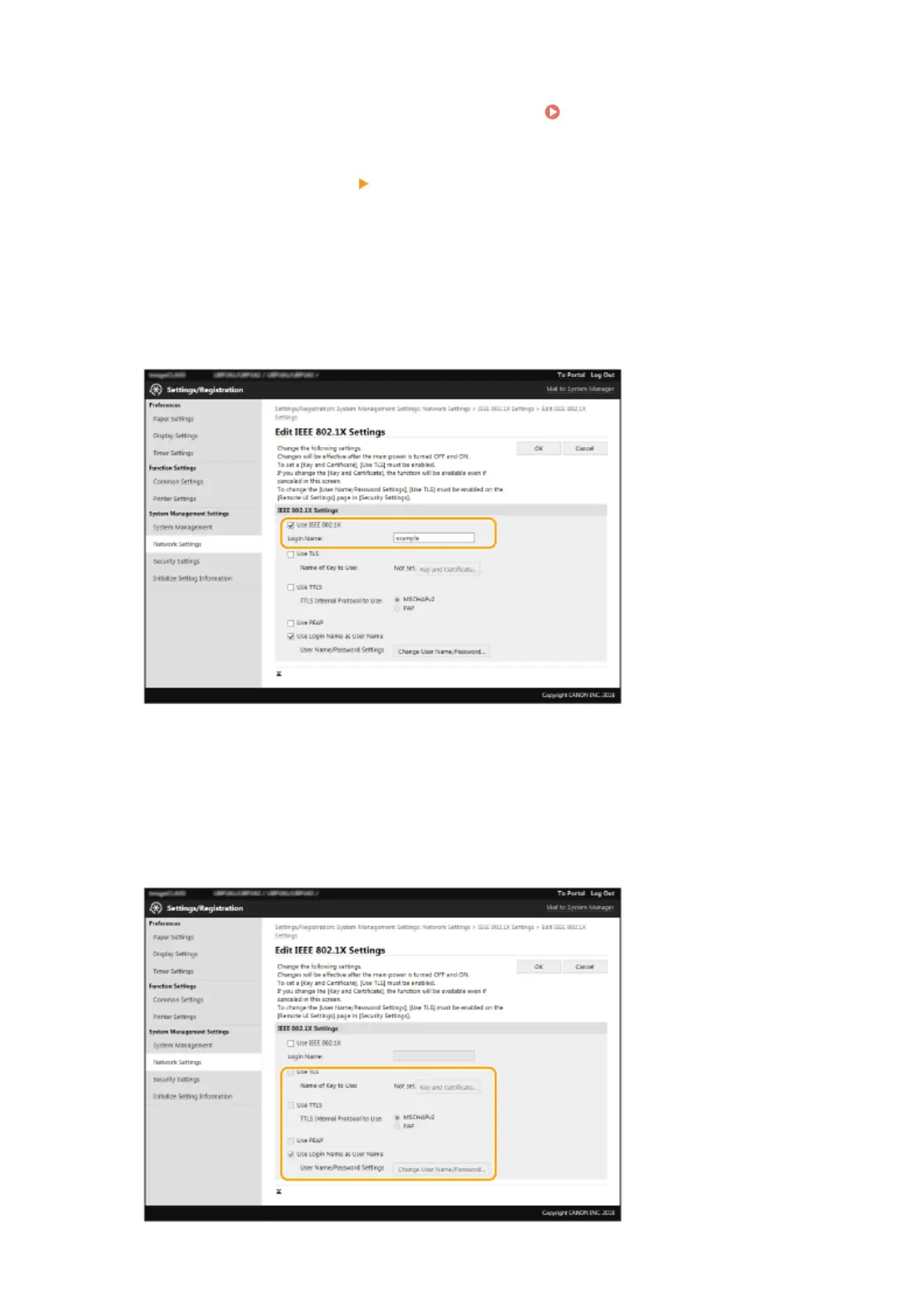
Select the [Use IEEE 802.1X] check box, and enter the login name in the [Login Name]
te
xt box.
[Use IEEE 802.1X]
Select the check bo
x to enable IEEE 802.1X authentication.
[Login Name]
Enter alphanumeric characters for a name (EAP identity) that is used for identifying the user.
6
Congure the r
equired settings according to the specied authentication method.
Managing the Machine
171














 To Next Page