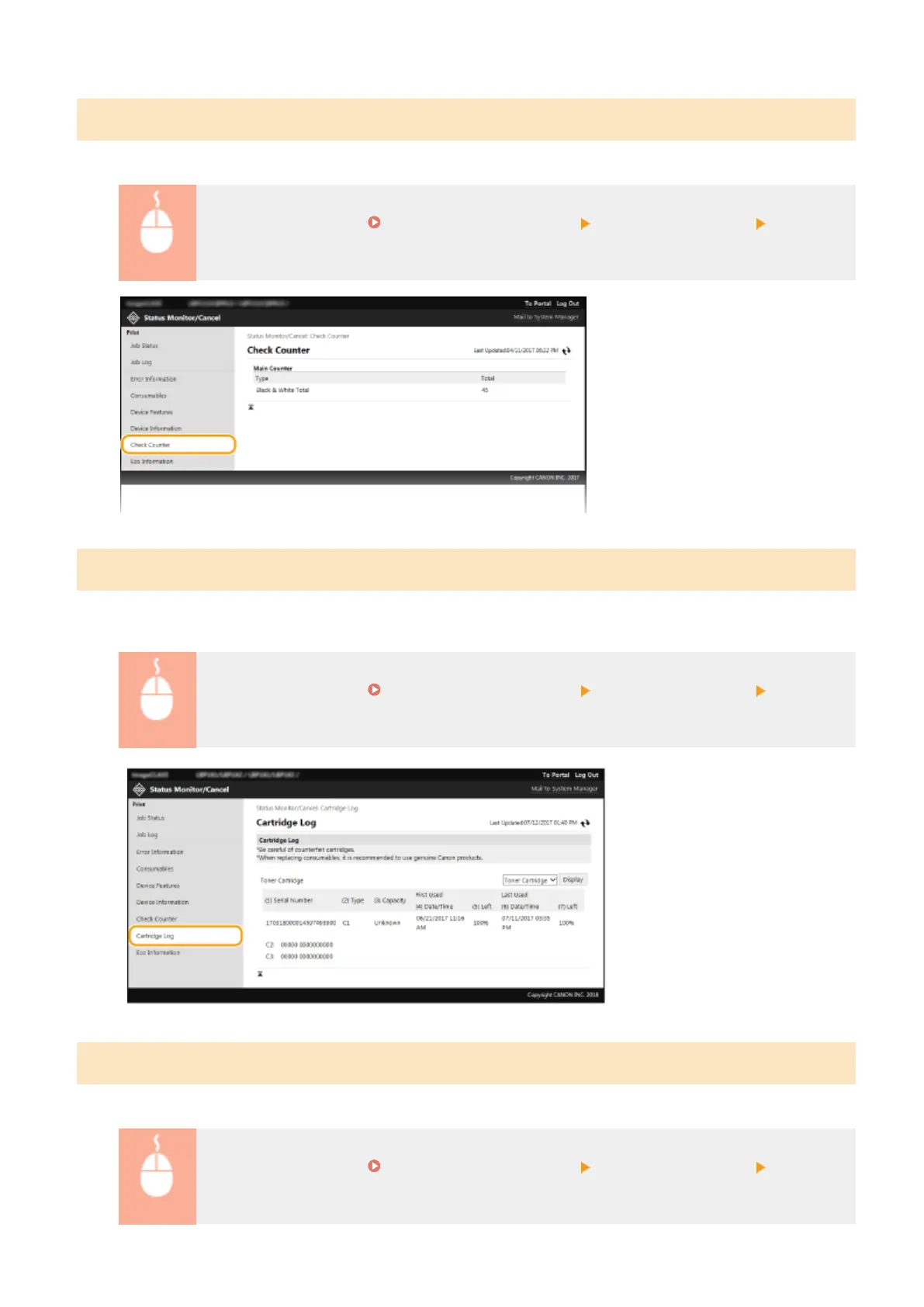
Checking Print Total Counter
The total number of pages that have been printed is displayed.
Log in to the Remote UI ( Starting Remote UI(P. 179) ) [Status Monitor/Cancel] [Check
Counter]
Checking History of Cartridge
Y
ou can check the usage logs of the toner cartridge or the drum cartridge. The display can be changed to either the
toner cartridge or the drum cartridge.
Log in to the Remote UI ( Starting Remote UI(P. 179) ) [Status Monitor/Cancel] [Cartridge
Log]
Checking Eco Information
Y
ou can check information such as the number of printouts per month and amount of consumed power.
Log in to the Remote UI ( Starting Remote UI(P. 179) ) [Status Monitor/Cancel] [Eco
Information]
Managing the Machine
185














 To Next Page