<On>
<T
oner Status Settings>
<Off>
<On>
<Displ. Purchase Button>
<Off>
<On>
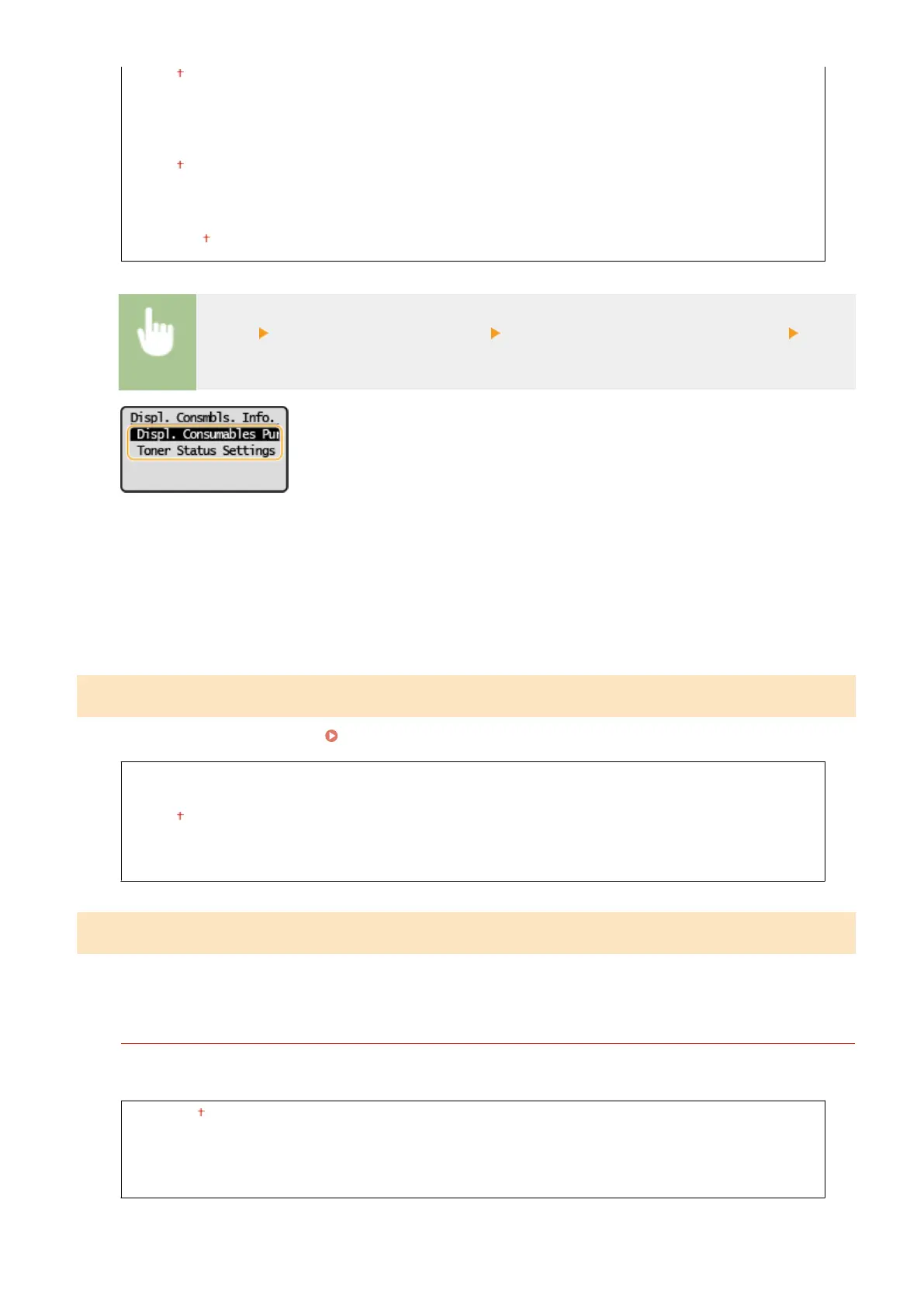
<Menu> <System Management Settings> <Displ. Consmbls. Info (RUI/Toner Status)> Specify
the settings
<Displ. Consumables Purchase Button (RUI)>
Select <Off> to prevent a button that accesses sites for purchasing toner cartridges, etc. from being displayed in
the Remote UI.
<Toner Status Settings>
If you do not want to use Toner Status, select <Off>. To prevent a button that accesses sites for purchasing
toner cartridges, etc. from being displayed in Toner Status, select <On> and then <Off>.
<Google Cloud Print Settings>
Enable or disable Google Cloud Print.
Registering the Machine with Google Cloud Print(P. 138)
<Enable Google Cloud Print>
<Off>
<On>
<Google Cloud Print Registr
ation Status>
<PDL Selection (Plug and Play)>
Select a page description language so that the machine is detected as a printer that is compatible with that language
when it is connected to a computer b
y using Plug and Play.
<Network>
Select a page description language so that the machine is detected as a printer that is compatible with that
language when it is detected o
ver the network.
<UFRII LT>
<UFRII LT (V4)>
<PCL6>
<PCL6 (V4)>
Setting Menu List
234














 To Next Page