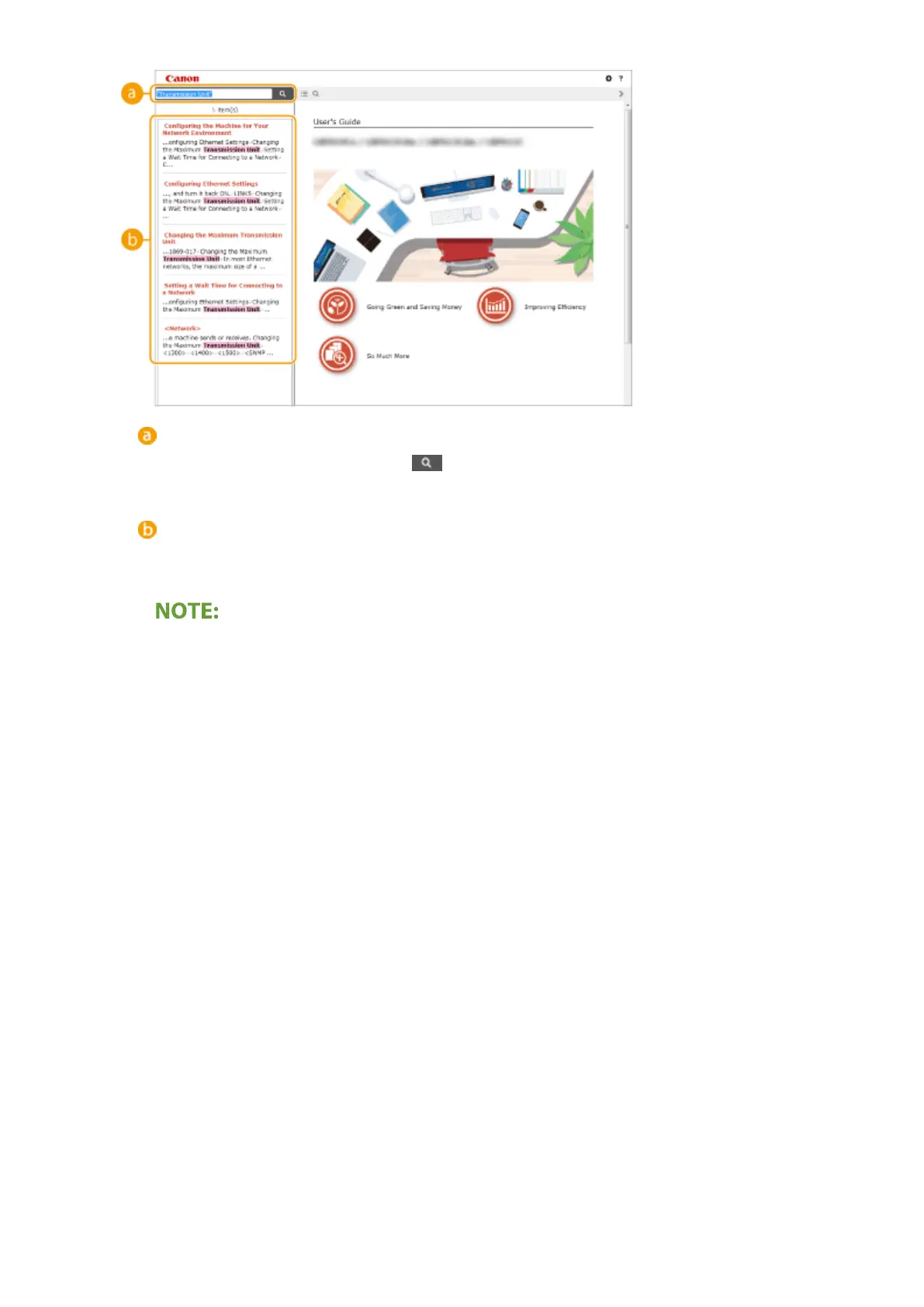
[Enter keyword(s) here]
Enter a keyword or keywords and click to display the search results. You can search for pages
containing all the k
eywords by separating the keywords by a space (blank). Also you can only search for
pages containing an exact phrase by enclosing the keywords in double quotation marks.
Sear
ch result
Displays the search results of the pages that contain the specied keywords. From the results, locate the
page you are looking for and click the topic title of the page.
● The specied k
eyword(s) are shown in bold in the search results.
Appendix
330














 To Next Page