Backup/Restoration Using Service Mode
Some of the functions in service mode can be used to backup and restore data.
The setting value information and service counter values of each controller can be backed up and restored.
● Combination of Information Exported/Imported by DCM, Means, and Storage Locations
A DCM file is exported and imported using the Control Panel, remote UI, or the iW EMC server, depending on the situation of the
site.
The information exported/imported differs depending on the means.
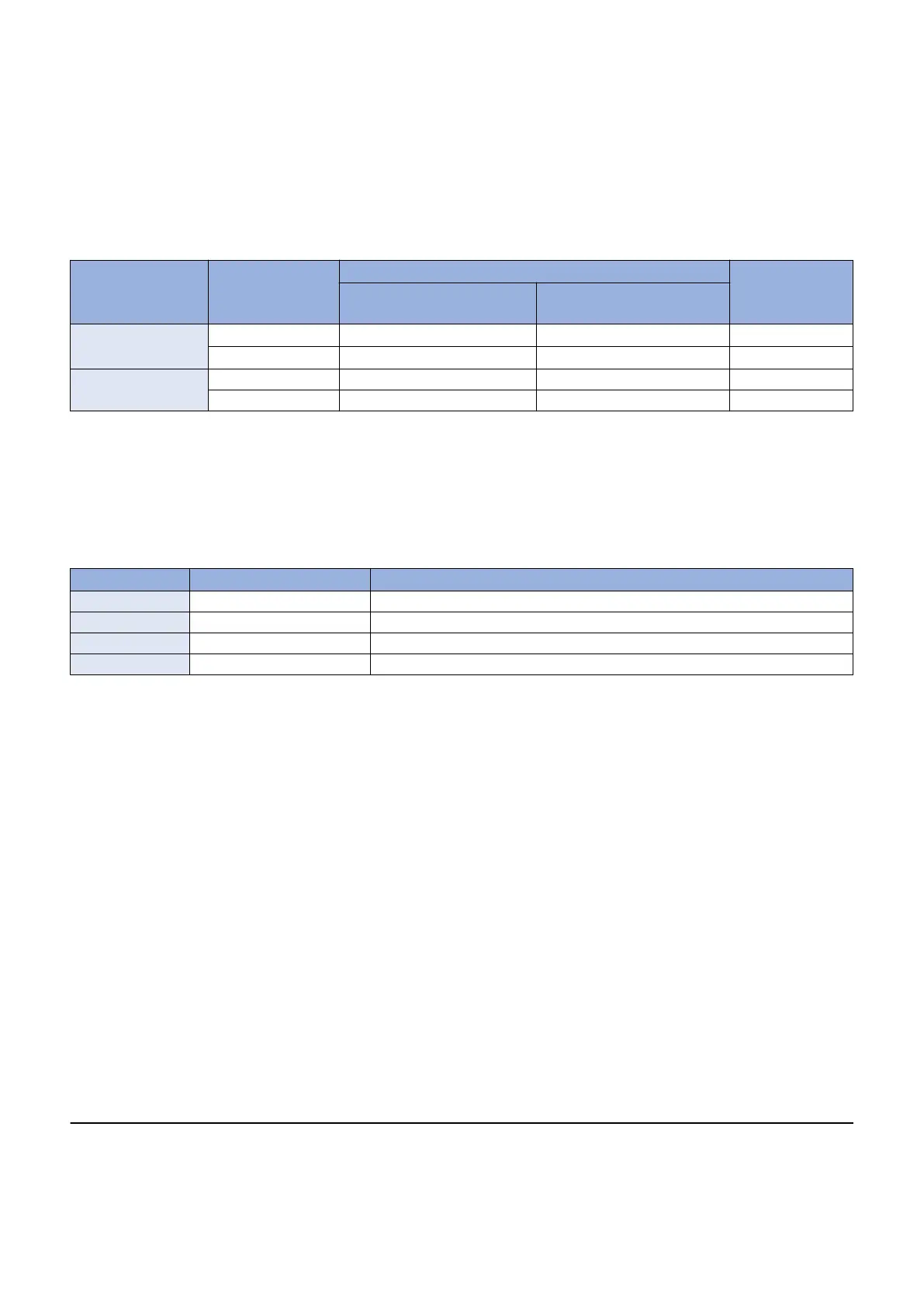
Combinations of them are shown in the following table.
Menu used Menu used Opera-
tion
Information exported Save destination
Setting values of menu op-
tions
Service mode setting values
[Settings/Registration]
menu
Control panel
Yes (fixed)*
*1
No USB flash drive
Remote UI Yes
With conditions*
*2
PC local disk
Service mode Control panel No Yes USB flash drive
Remote UI No Yes PC local disk
● Compatibility of Data
The following table shows compatibility of data in the case where the device from which the data is exported and the device to
which the data is imported differ in model and/or serial number.
For items that are imported in Cases A, B, and C, refer to List of "Service Mode Items Which Can Be Imported".
Compatibility of Data List
Model Serial number Import process
Same Same Items corresponding to Case A are imported. *1
Same Different Items corresponding to Case B are imported. *1
Different Different Items corresponding to Case C are imported. *2
Different Same The file is judged to be invalid, and the process ends with an error.
*1 If the firmware version at the time of import differs from that at the time of export, predetermined corrective processing may
be performed.
*2 Predetermined corrective processing may be performed.
● Limitations
Disk Size Constraints
There is no problem when exporting/importing setting information between devices of the same model, but when exchanging
information between devices of a different model, it is possible for the disk capacity to be insufficient. In particular, the disk
capacity may be insufficient when importing the export file from an advanced model with many setting values registered to
a model with fewer functions, because the data size that can be handled by the device is exceeded. The following behavior
occurs this case:
• If the disk capacity is insufficient when receiving a file to import, an error occurs before starting the import processing,
and the information is not imported.
• The import processing performed until the disk capacity became insufficient remain reflected and a rollback does not
occur.
• If the file to import remains in the temporary area of the controller, it is deleted.
• If the file to export remains in the temporary area of the controller, it is deleted.
*1. When the [Settings/ Registration] menu is used from the Control Panel, both the setting menu information and the address book
are imported/exported. It is not possible to export/import only either of them.
Information which is not included in the data to be imported is not imported.
*2. Service mode is added to the data to be exported only when service mode level 1 > COPIER > OPTION > USER > SMD-EXPT is
set.
For information on items that are imported, refer to "List of Items Which Can Be Imported".
3. Technical Explanation (System)
80














 To Next Page