4
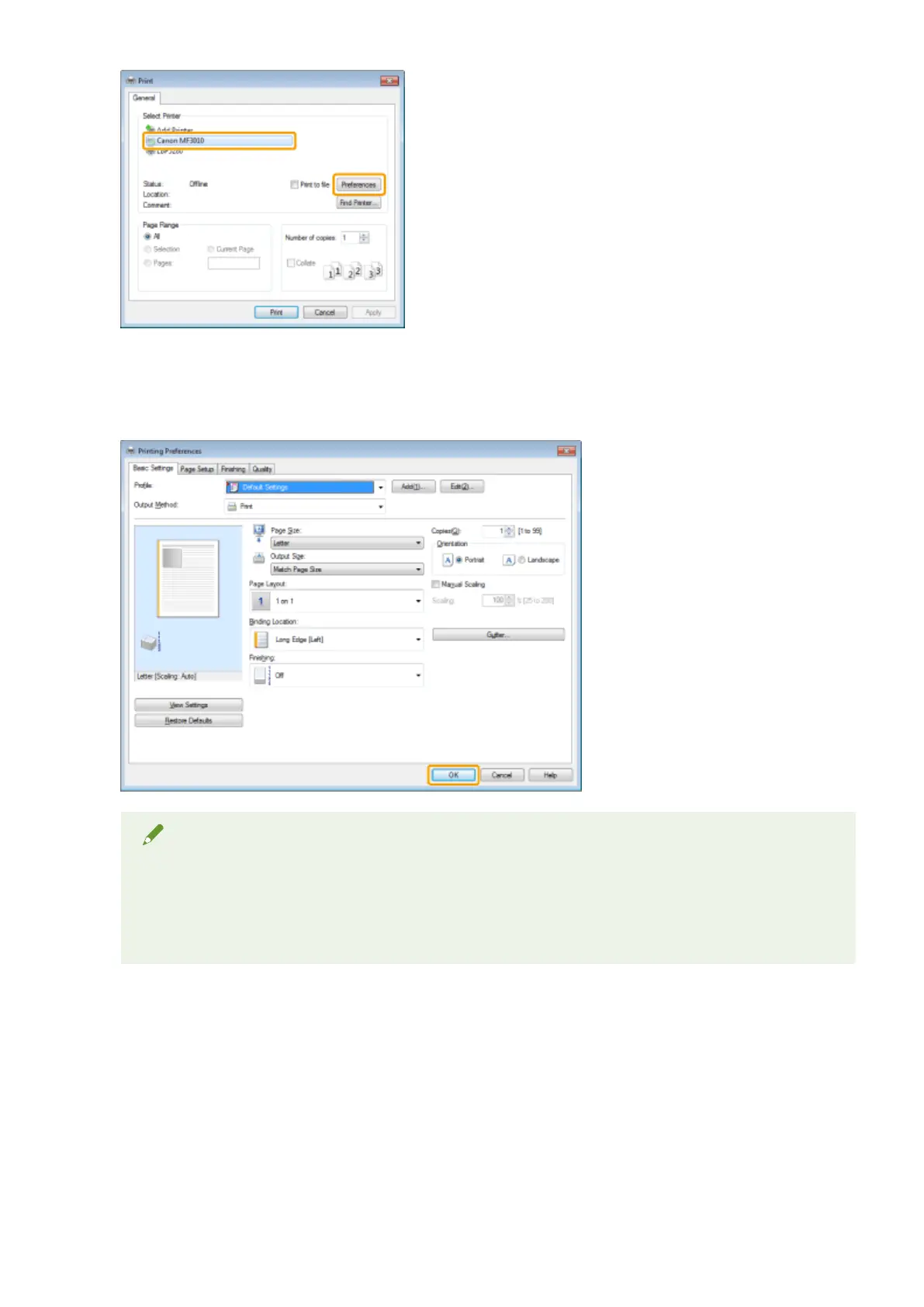
Specify the desired settings in the printer driver screen -> click [OK].
Click each tab and specify the desired items.
NOTE
● The [Basic Settings] tab comprises a fe
w of the basic settings of the driver. The settings that you can
congure in the [Basic Settings] tab can also be congured in other tabs.
● For information on available printing functions, view the online help to nd what you can congure in
each sheet. (See " Viewing the Online Help(P. 103) .")
5
Click [Print] (or [OK]).
Print
99












 To Next Page