Selecting and Canceling Jobs
85RS-02U
1
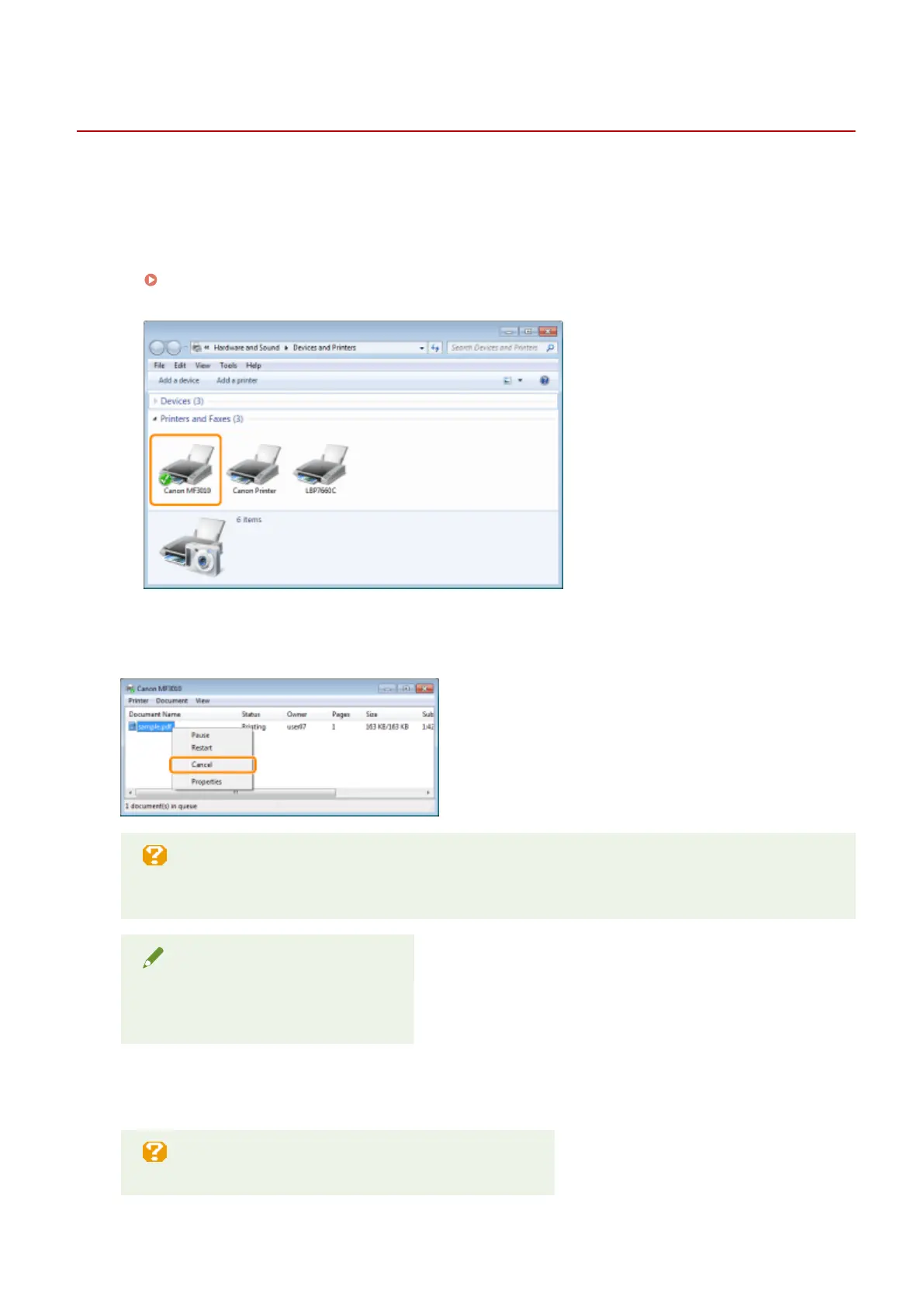
Display the print queue.
1. Display the printer folder.
" Basic Windo
ws Operations(P. 224) "
2. Double-click the icon for this printer.
2
Right-click the job you want to cancel, and select [Cancel] from the popup menu.
If the job is not displayed
Other user
's jobs are not displayed. (In a print server environment, all jobs are displayed on the print
server.)
NOTE
For details on the print queue
See Windo
ws Help.
3
Clicking [Yes] cancels the print job.
If you cannot cancel printing
Y
ou cannot cancel pages that have already started printing.
Print
108












 To Next Page