Registering a Custom Paper Size
85RS-02R
Combinations of printer driver settings corr
esponding to a variety of printing purposes are provided with the
printer driver as "proles". This enables you to print documents according to a desired objective by simply
selecting a prole from the [Prole] list.
1
Display the printer folder.
" Basic Windo
ws Operations(P. 224) "
2
Right-click the icon for this printer, and select [Printing Preferences] from the popup
menu.
3
Display the [Custom Paper Size Settings] dialog box.
(1) Display the [Page Setup] tab.
(2) Click [Custom Paper Size].
4
Set a custom paper size.
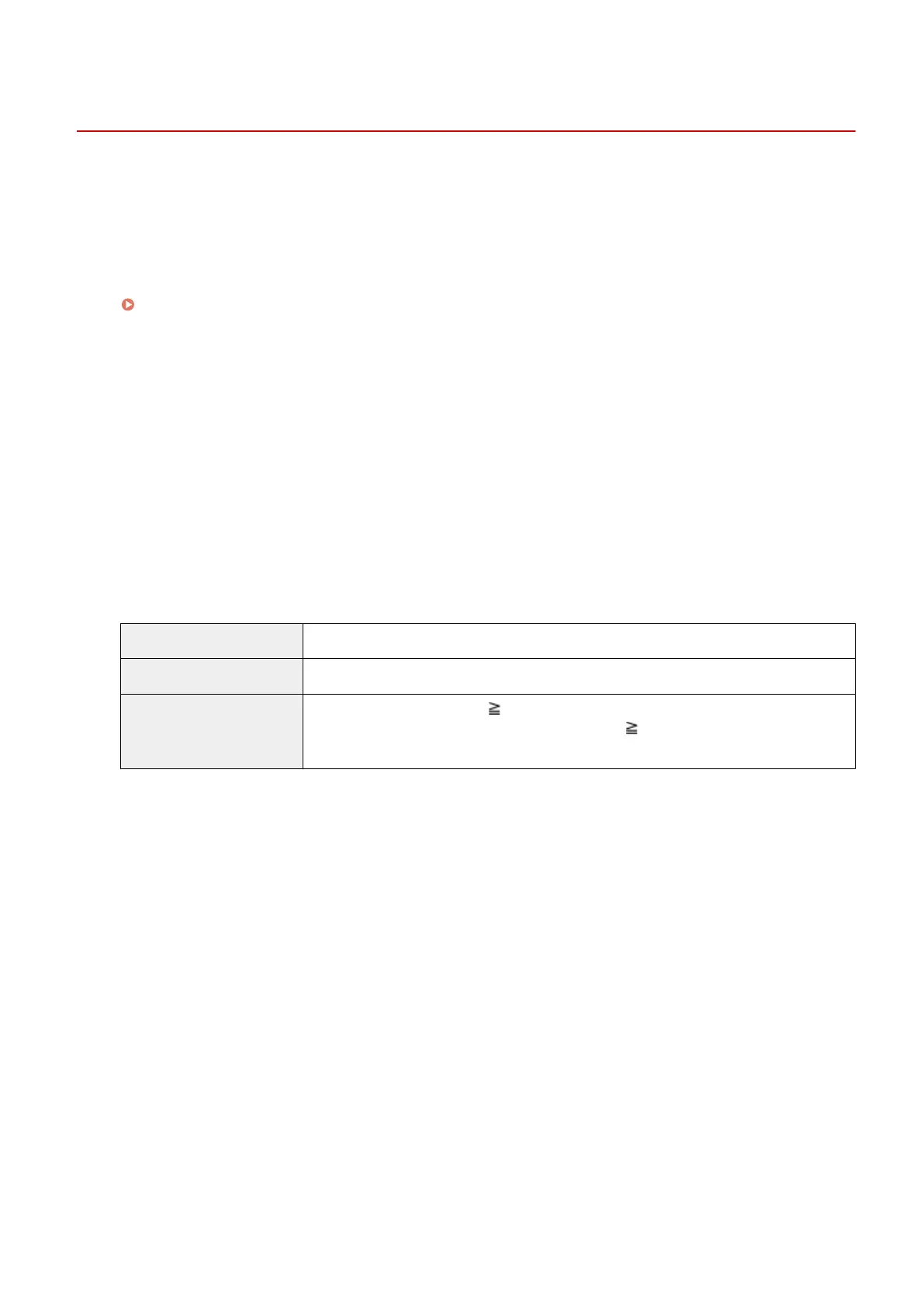
[Name of Custom Paper Size] Enter the register name of the custom paper size. You can enter up to thirty one characters.
[Unit] Select the units to use when setting the custom paper size.
[Paper Size]
Set height and width ([Height] [Width]) of custom paper.
Specify the paper size in portr
ait orientation ([Height]
[Width]) and within the range that
can be dened.
5
Register the custom paper size.
(1) Click [Register].
The number of custom paper sizes that can be r
egistered differs according to your system environment.
(2) Check [Paper List] to make sure that the custom paper size you registered has been added.
(3) Click [OK].
See " Printing(P. 98) " for basic printing procedures.
Print
106












 To Next Page