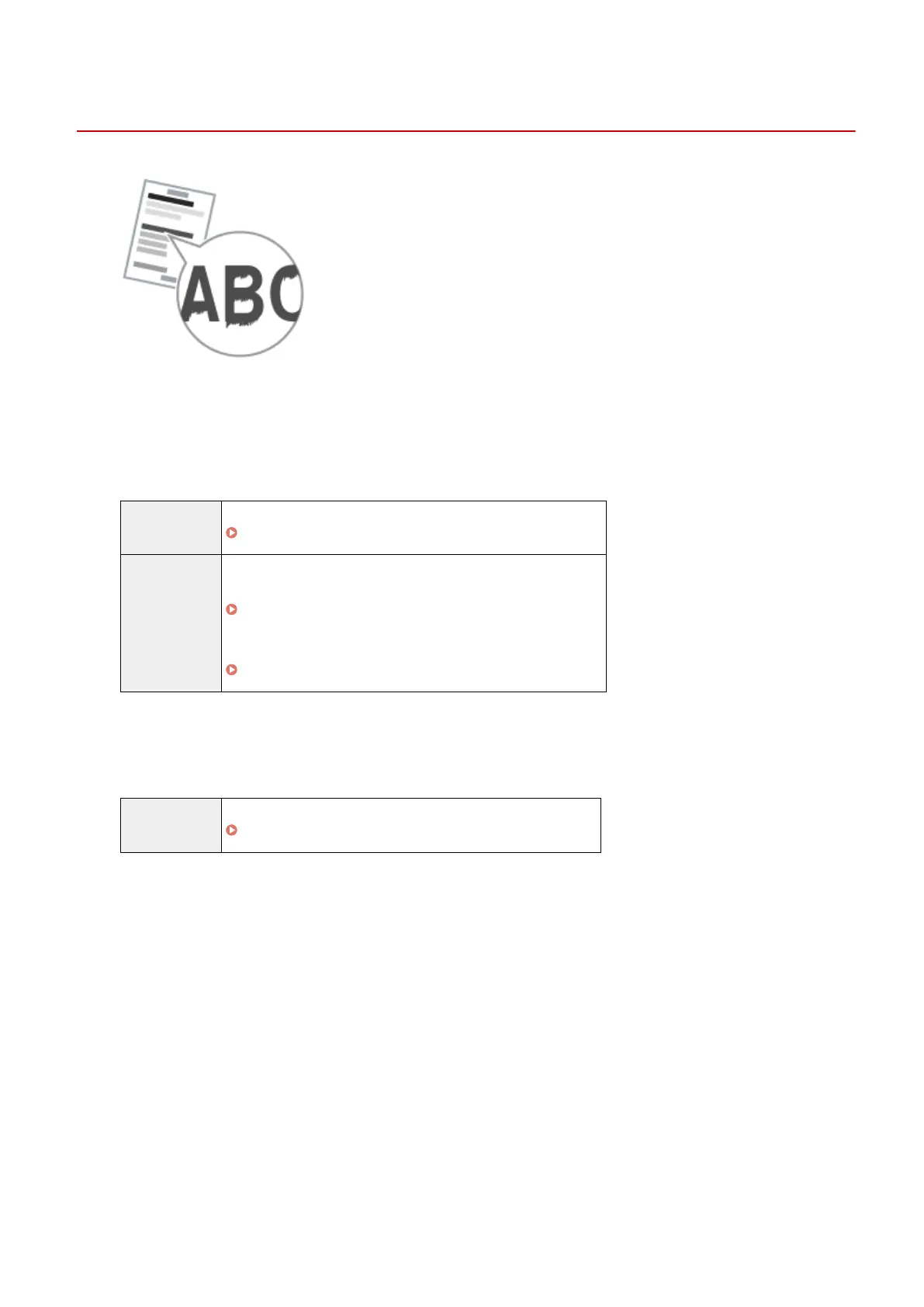
Vertical Streaks Appear on the Output
85RS-049
Try one of the following to solve the problem.
<Cause 1> Due to the paper type or usage conditions, vertical str
eaks appear on the
output.
Solution 1 Replace the paper stack with new unopened one.
" Supported Paper T
ypes(P. 70) "
Solution 2
To copy or print
Change the <Special Mode b> setting fr
om the operation panel.
" Special Mode
(P. 213) "
To print from a computer
Change the [Special Print Adjustment] setting in the print driver.
" Special Mode
(P. 213) "
<Cause 2> The toner cartridge was replaced recently, or the machine has not printed
anything for an e
xtended period of time.
Solution Change the <Special Mode c> setting from the operation panel.
" Special Mode
(P. 213) "
Troubleshooting
180












 To Next Page