Cleaning the Exterior
85RS-04S
See " Attention (Cleaning the Machine)
(P. 200) " in advance.
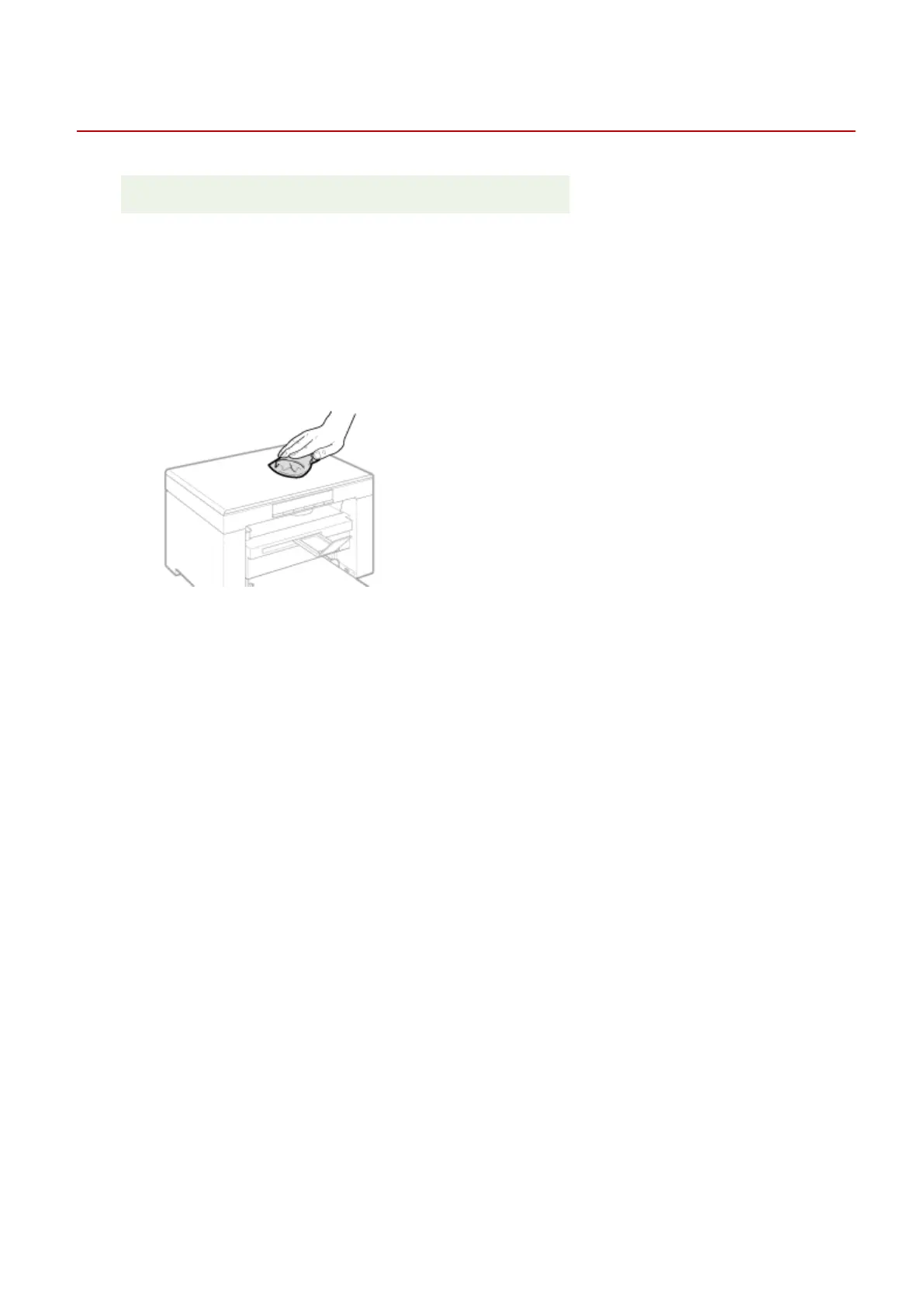
Clean the exterior of the machine and ventilation slots.
1
Turn OFF the power switch and disconnect the power cord.
2
Clean the exterior of the machine with a soft, well wrung out cloth dampened with
water or a mild deter
gent diluted with water.
3
Wait for the machine to dry completely before reconnecting the power cord and turn
ON the po
wer.
Maintenance
194












 To Next Page