Canceling Print
85RS-02S
Y
ou can cancel the job that is currently printing.
If multiple jobs are printing, see the following to select and cancel the jobs using the print queue (Windows
function).
" Selecting and Canceling Jobs(P
. 108) "
NOTE
Displaying Job Processing
Operating results Operating procedures
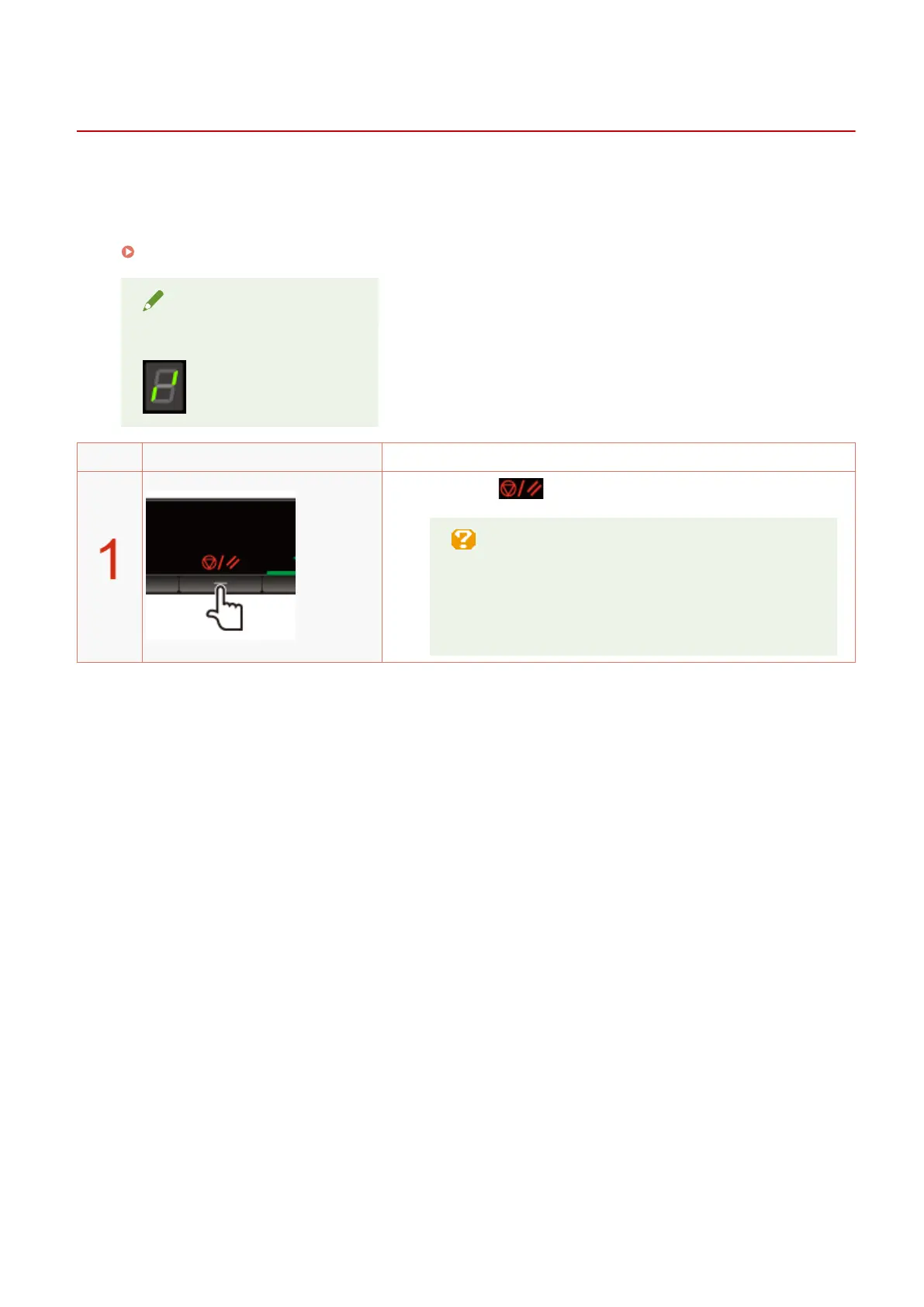
Press [ ] (Job cancel key) to cancel the job.
If you cannot cancel the job
Y
ou cannot cancel pages that have already started
printing.
Jobs cannot be canceled if they are switched (the job when
you press the key differs from the job when you release
the key) while you are pressing the job cancel key.
Print
107












 To Next Page