Conguring the Default Print Settings
85RS-02J
This section describes ho
w to access the printer setup screen from [Control Panel] and how to specify printing
functions beforehand.
The printer whose settings you have specied will print with the same settings every time.
When printing, you can change the settings specied beforehand whenever required.To change the settings,
congure them in the [Print] dialog box from the application (see " Printing(P. 98) ").
IMPORTANT
To change the default print settings, you must log on to your computer as a member of the
Administr
ators or Power Users group.
NOTE
The display may differ according to the operating system, as well as the type and version of the printer
driver.
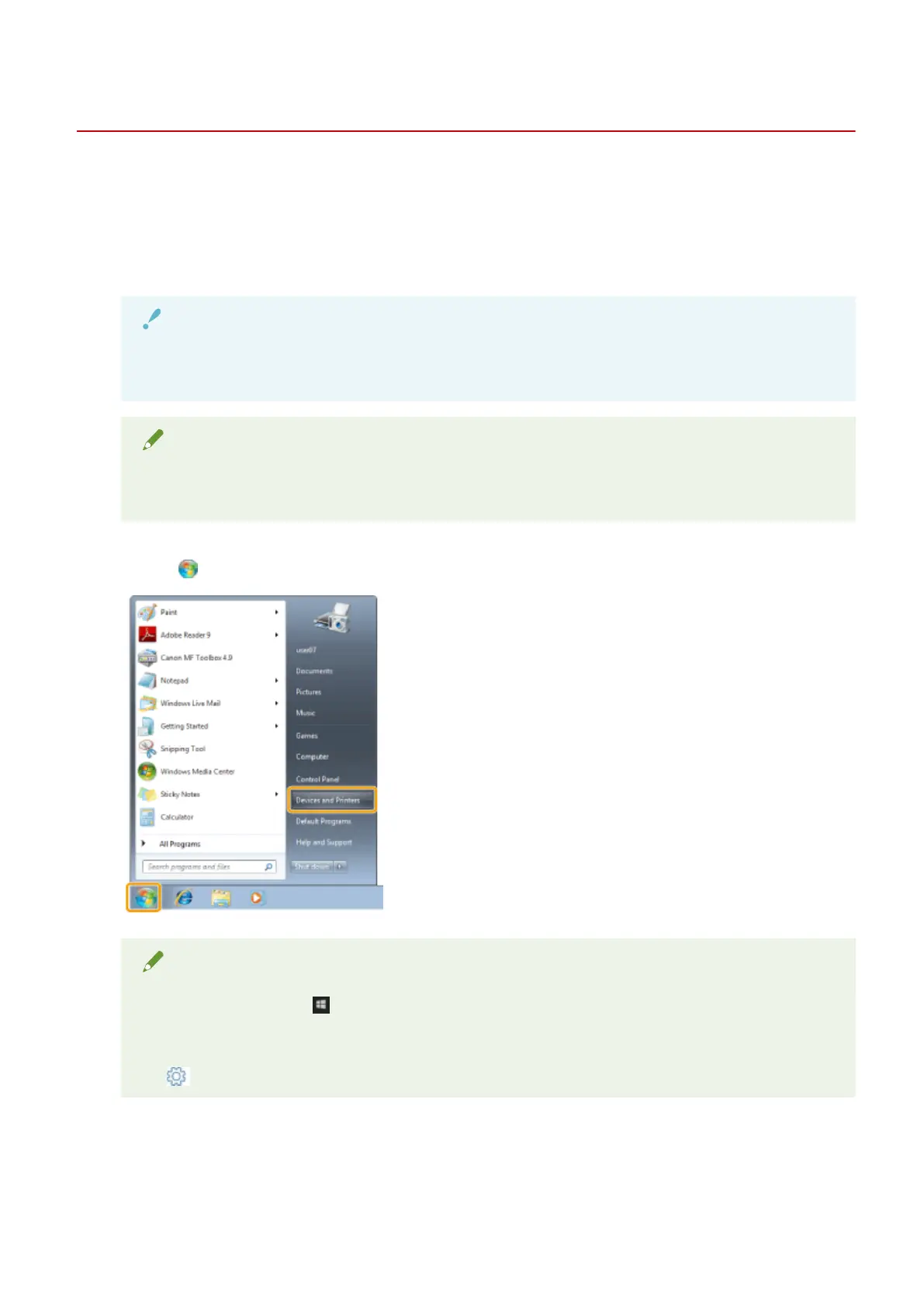
1
Click [
] (Start) -> [Devices and Printers].
NOTE
● For Windo
ws 10: Click [
] (Start) -> select [Windows System] -> [Control Panel] -> [Hardware and
Sound] -> [De
vices and Printers].
● For Windows 8: From the desktop, display the charm bar to the right of the screen, and click or tap
[
] (Settings) -> [Control Panel] -> [Devices and printers].
2
Right-click the icon of the printer whose settings you want to specify -> click [Printing
pr
eferences].
Print
101












 To Next Page