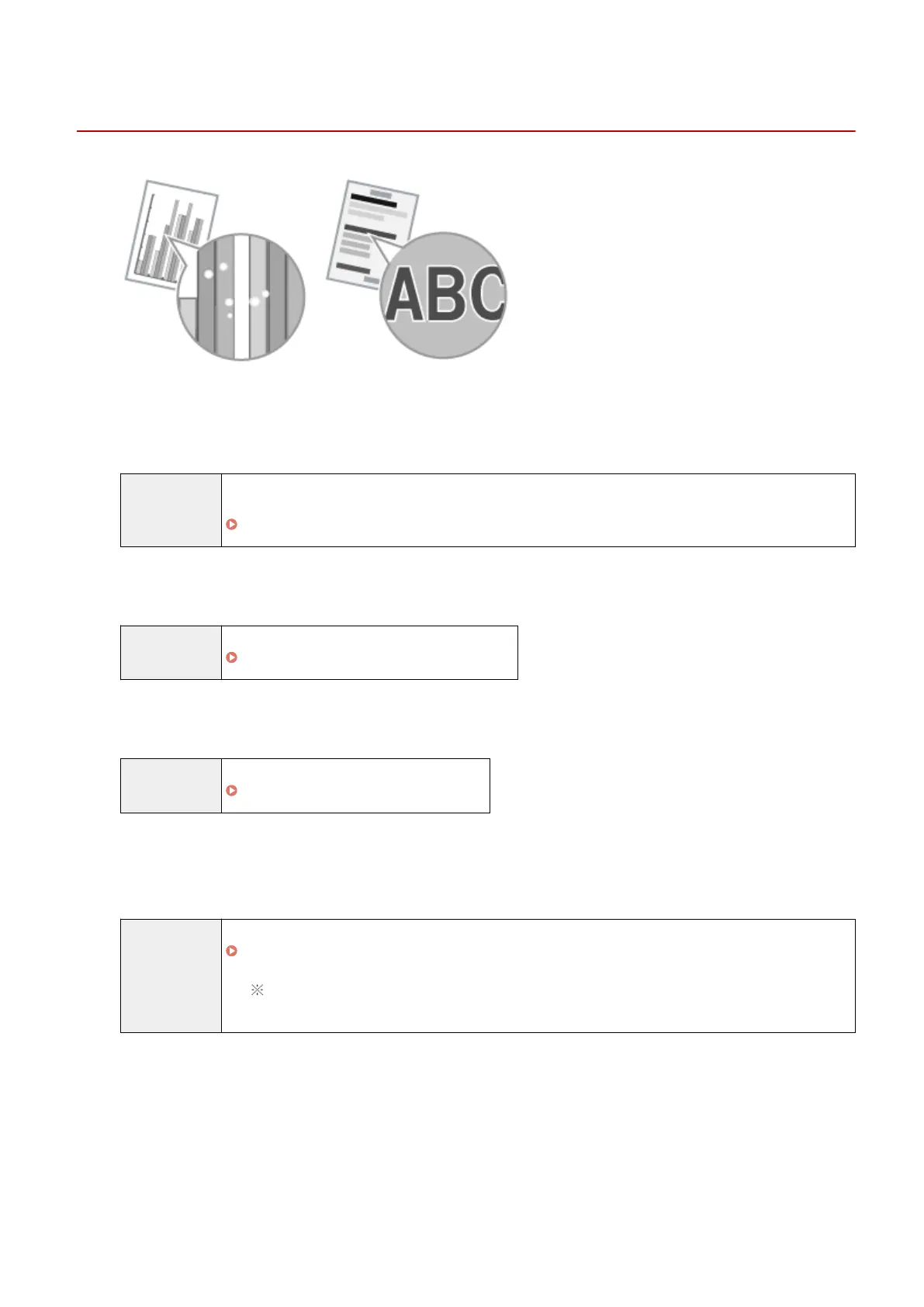
White Specks or Spots Appear on the Printout
85RS-047
Try one of the following to solve the problem.
<Cause 1> The paper type loaded is not appr
opriate.
Solution Make sure that the number of sheets or the paper type loaded in the paper cassette meets the paper
specications.
" Supported Paper T
ypes(P. 70) "
<Cause 2> Damp paper is used.
Solution Replace the paper stack with new unopened one.
" Supported Paper T
ypes(P. 70) "
<Cause 3> The drum in the toner cartridge is deteriorated.
Solution Replace the toner cartridge with new one.
" Replacing the T
oner Cartridge(P. 206) "
<Cause 4> White specks or spots appear around text and images when a high-
contr
ast document is printed.
Solution Change the [Special Print Mode] setting to [Special Settings 2] in the printer driver.
" Special Mode(P. 213) "
The density becomes lower with [Special Settings 2] than with [Off] or [Special Settings 1].
Additionally, text and lines may be reproduced less clearly.
Troubleshooting
178












 To Next Page