Copying Both Sides of Cards onto One Side (ID Card
Cop
y)
85RS-026
Y
ou can copy both sides of cards onto one side.
<Before copying>
If the [ ] indicator is on or other than [1] is displayed, the previous copy settings are
r
emained.In this case, press [
] to reset the copy settings.
If a key is not pressed for 2 minutes, the copy settings will be automatically reset.
NOTE
You can copy with combined the functions.
" Registering the Quantity that Y
ou Frequently Copy (Up to Twenty-nine Copies)(P. 78) "
" Adjusting the Density
(P. 79) "
" Selecting Cop
y Type (Speed Priority/Resolution Priorlty)(P. 88) "
" Emphasizing the Outline of an Image (Sharpness)(P
. 90) "
Changing the copy ratio
The output size is the same as the documents (100%).
Paper size requirements
A size larger than A4 or Letter.
Operating results Operating procedures
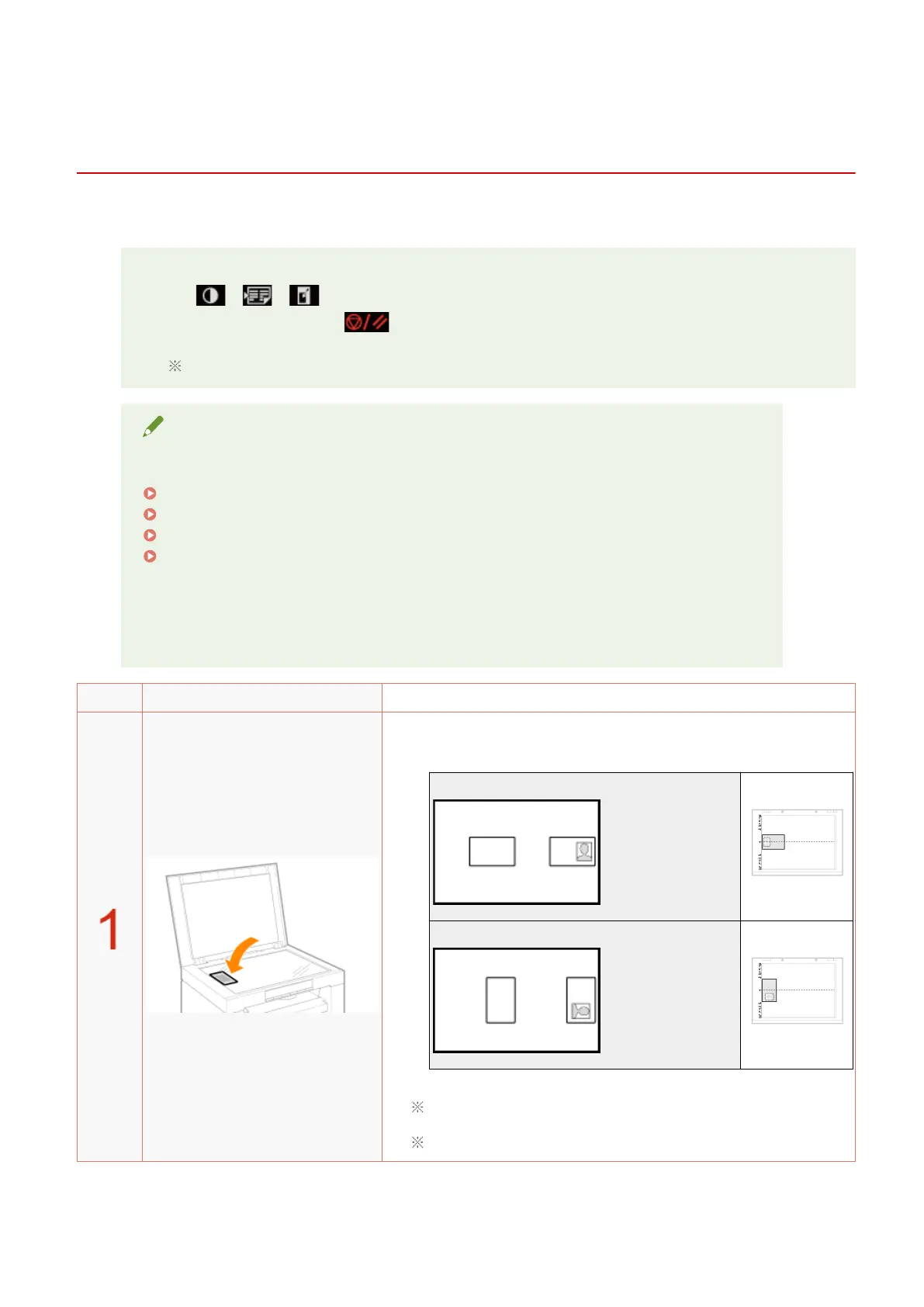
Place the card on the platen glass, and then close it.
Place the car
d to align the center of the card with the arrow mark.
If you want to arrange the cards horizontally
If you want to arrange the cards vertically
Place the card with a 5 mm space created from the left edge of the
platen glass.
Place the card to t in the left half of the platen glass.
Copy
83












 To Next Page