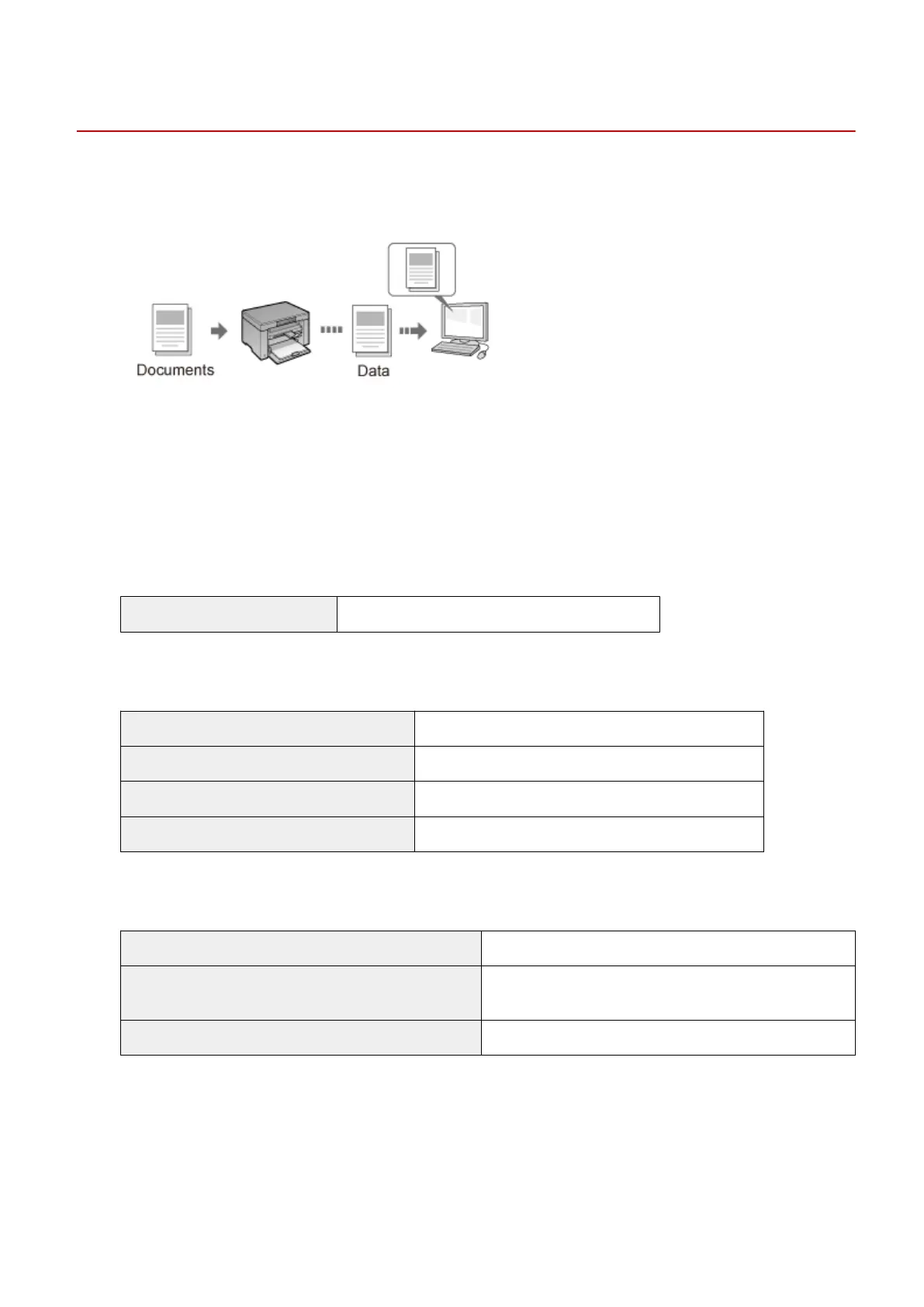
Scan
85RS-02W
This chapter describes ho
w to save scanned data to your computer.
You can easily save the documents that were scanned by computer operation.
The machine provides a wide variety of scan settings for you to choose from. You can save a scanned document
in the "Sear
chable PDF" le format, which converts scanned images to searchable text data, without having to
specify advanced scan settings.
Plus, you can scan documents using the MF Toolbox available for the machine, or the WIA driver. There are
many ways to convert your paper documents into electronic les. All you need to do is to select one based on
your scan needs.
Preparing to scan your document
Preparing to use the scan functions See " Pr
eparing to Use the Scan Functions(P. 111) ."
Performing a scan
Learn about ways to perform a scan See " Basic Scan Flow(P. 113) ."
Scanning using the machine's scanning software See " Scanning Using the MF Toolbox(P. 114) ."
Scanning using an application See " Scanning an Image Using an Application(P. 116) ."
Scanning using the WIA driver See " Scanning Using the WIA Driver(P. 117) ."
Making best use of the scan functions
Learn how to use the MF Toolbox See " Using the MF Toolbox(P. 124) ."
Learn how to combine multiple documents into one PDF le
See " Combining Multiple Documents into One PDF
File(P. 130) ."
Learn how to use the ScanGear MF See " Using the ScanGear MF(P. 132) ."
Scan
110












 To Next Page