Cleaning the Platen Glass
85RS-04X
See " Attention (Cleaning the Machine)
(P. 200) " in advance.
Follow the steps in the procedure below to clean the platen glass and the under surface of the platen glass
co
ver.
1
Turn OFF the power switch and disconnect the power cord.
2
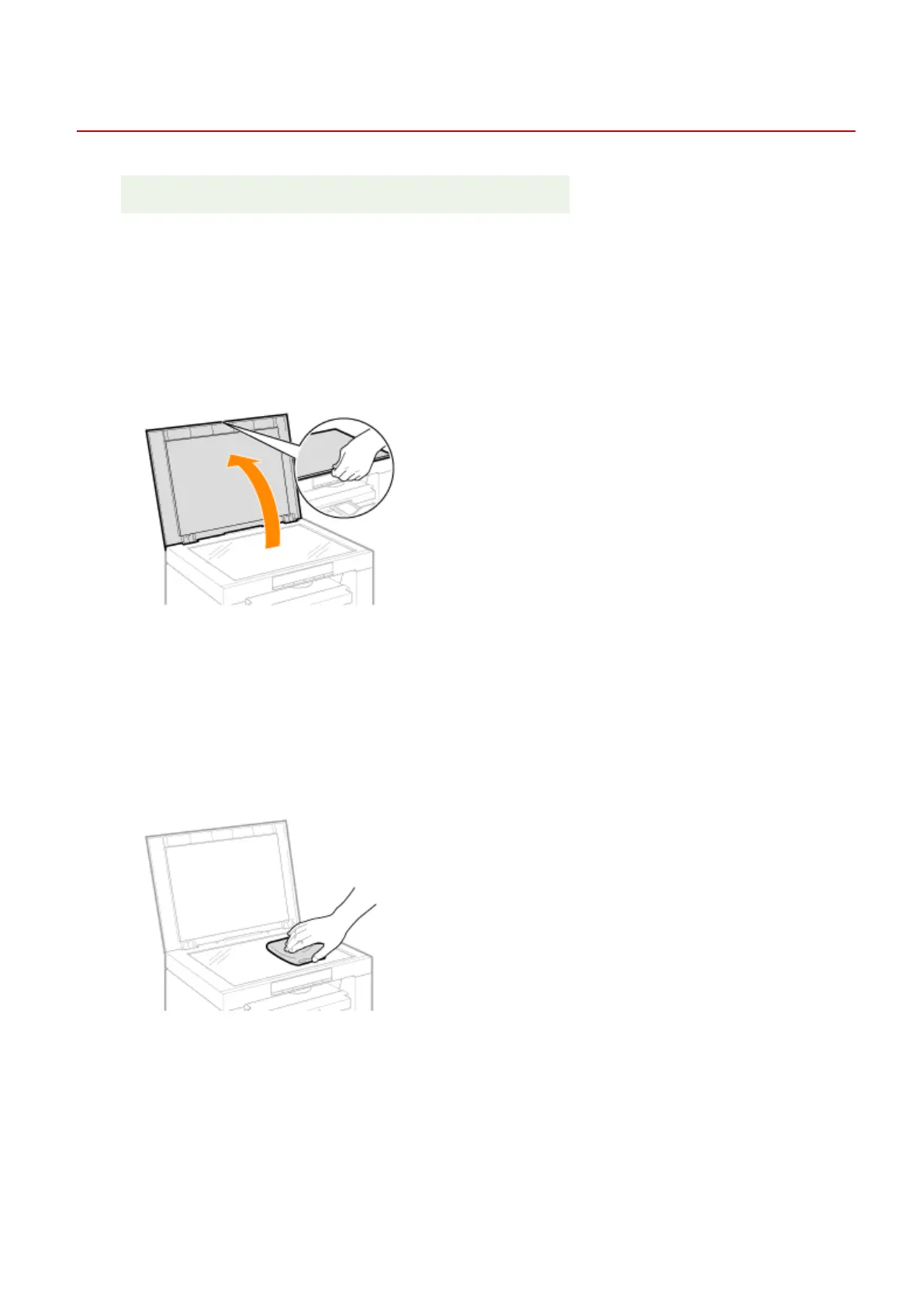
Open the platen glass.
3
Clean the platen glass and the under surface of the platen glass cover.
(1) Clean the areas with a cloth dampened with water.
(2) Wipe the areas with a soft, dry cloth.
4
Close the platen glass.
5
Connect the power cord and turn ON the power switch.
Maintenance
199












 To Next Page