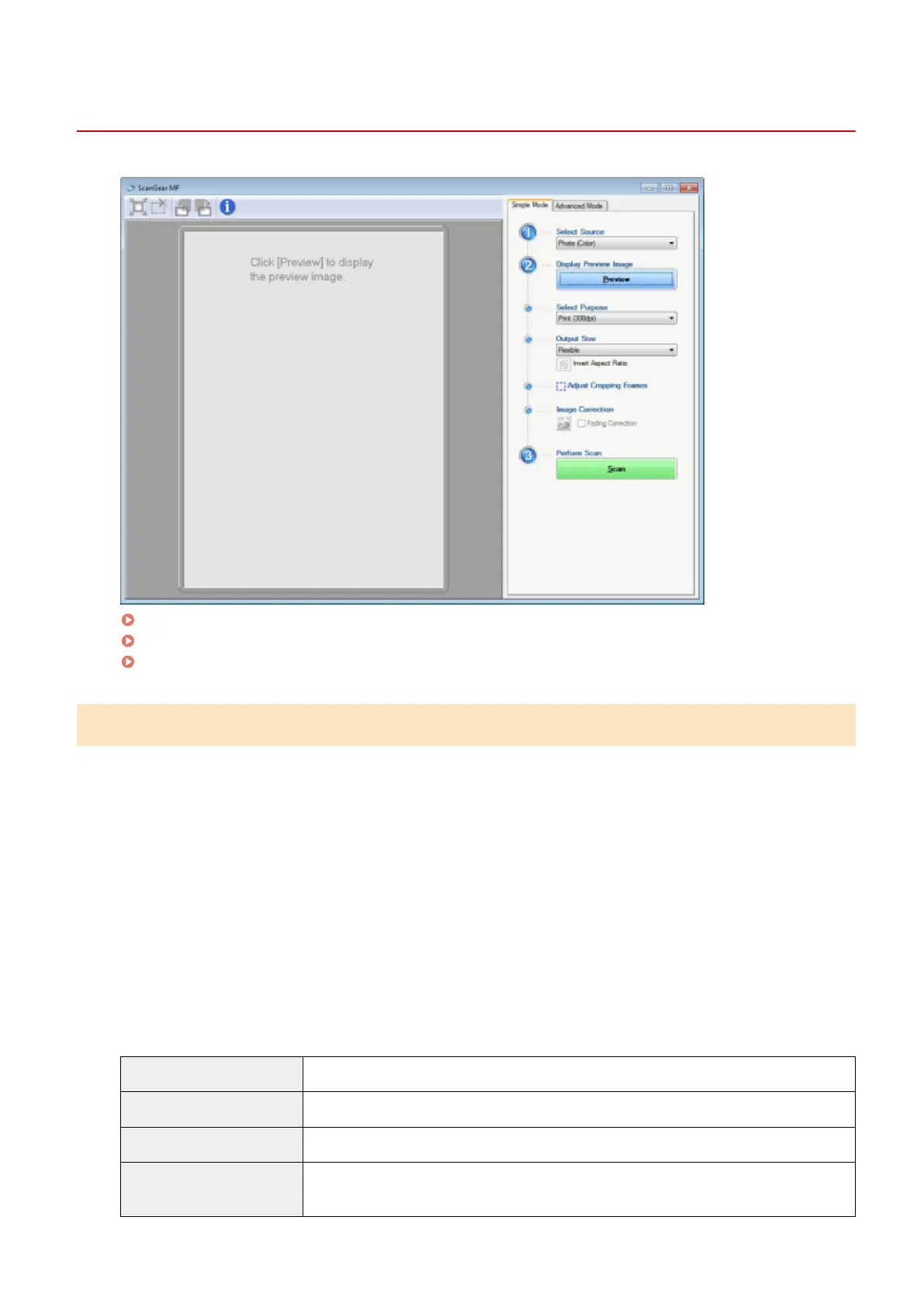
Using Simple Mode
85RS-039
Scanning in simple mode(P
. 133)
Simple mode toolbar(P
. 134)
Adding/Deleting the output size(P
. 135)
Scanning in simple mode
1
Display the ScanGear MF.
Start the ScanGear MF using either of the following methods.
● Selecting [Display the Scanner Driver] in the MF T
oolbox
● Starting from an application
2
Select a document type for [Select Source].
When selecting a document type other than [Newspaper (B&W)], the automatic color adjustment function is
activated.
See "
Using Advanced Mode(P. 136) " for the instructions on how to cancel this function.
[Photo (Color)] Select when scanning color photos.
[Magazine (Color)] Select when scanning color magazines (the Descreening function supported).
[Newspaper (B&W)] Select when scanning text and line drawings.
[Document (Grayscale)]
Select when scanning color photos or documents in monochrome. This option is best suited
for scanning high-r
esolution monochrome images.
Scan
133












 To Next Page