Adding/Deleting the output size
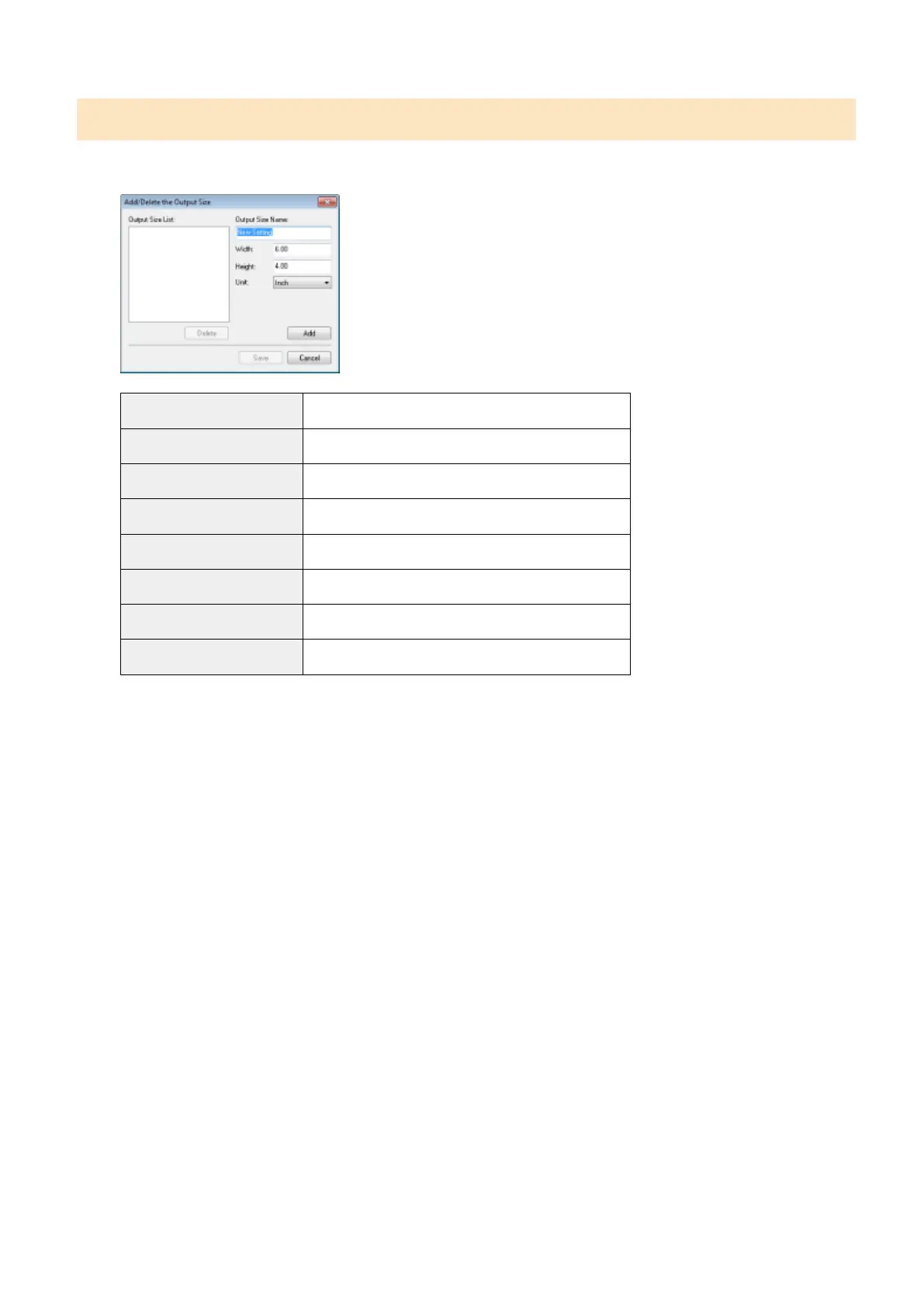
The [Add/Delete the Output Size] dialog box appears when [Add/Delete] for [Output Size] is selected. You can
add or delete output sizes within this dialog box.
[Output Size List] Display the registered output size name.
[Output Size Name] Enter the output size name you want to register.
[Width] Specify the width of the output size.
[Height] Specify the height of the output size.
[Unit] Select the unit of measurement for the output size.
[Add] Add the specied output size to [Output Size List].
[Delete] Delete the selected output size from [Output Size List].
[Save] Save the settings specied within the dialog bo
x.
Scan
135












 To Next Page