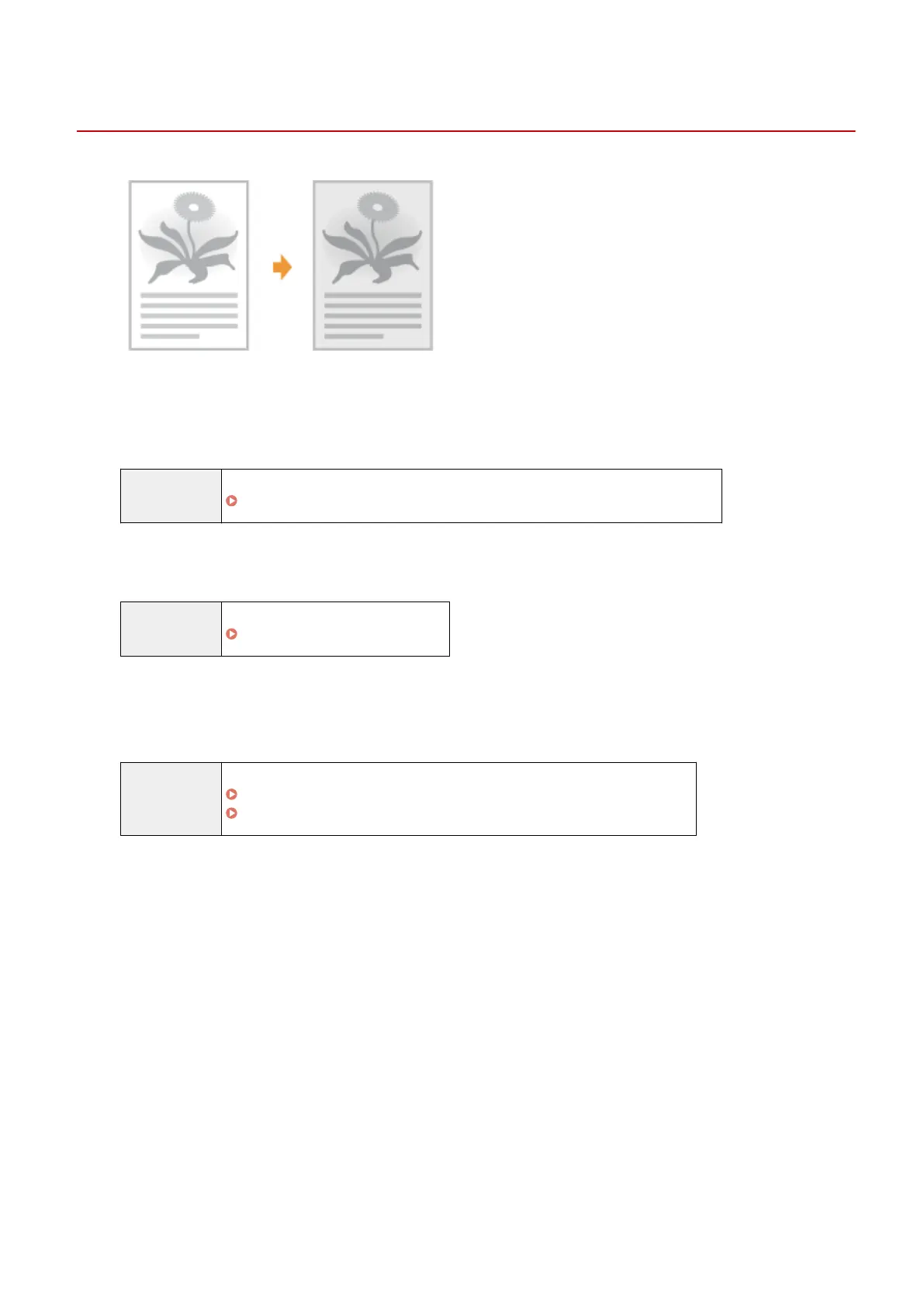
The Printout is Too Dark
85RS-04C
Try one of the following to solve the problem.
<Cause 1> The cop
y density setting specied is not appropriate.
Solution Adjust the <Density> or <Correct Density> to a lower level from the operation panel.
" Adjusting the Density
(P. 79) "
<Cause 2> The machine is exposed to direct sunlight or strong light
Solution Relocate the machine.
" Relocating the Machine
(P. 216) "
<Cause 3> The size of the paper loaded in the paper cassette does not match the
documents.
Solution Perform cleaning the xing unit in <Special Mode C> using the oper
ation panel.
" Special Mode
(P. 213) "
" Cleaning the Fixing Unit
(P. 198) "
Troubleshooting
182












 To Next Page