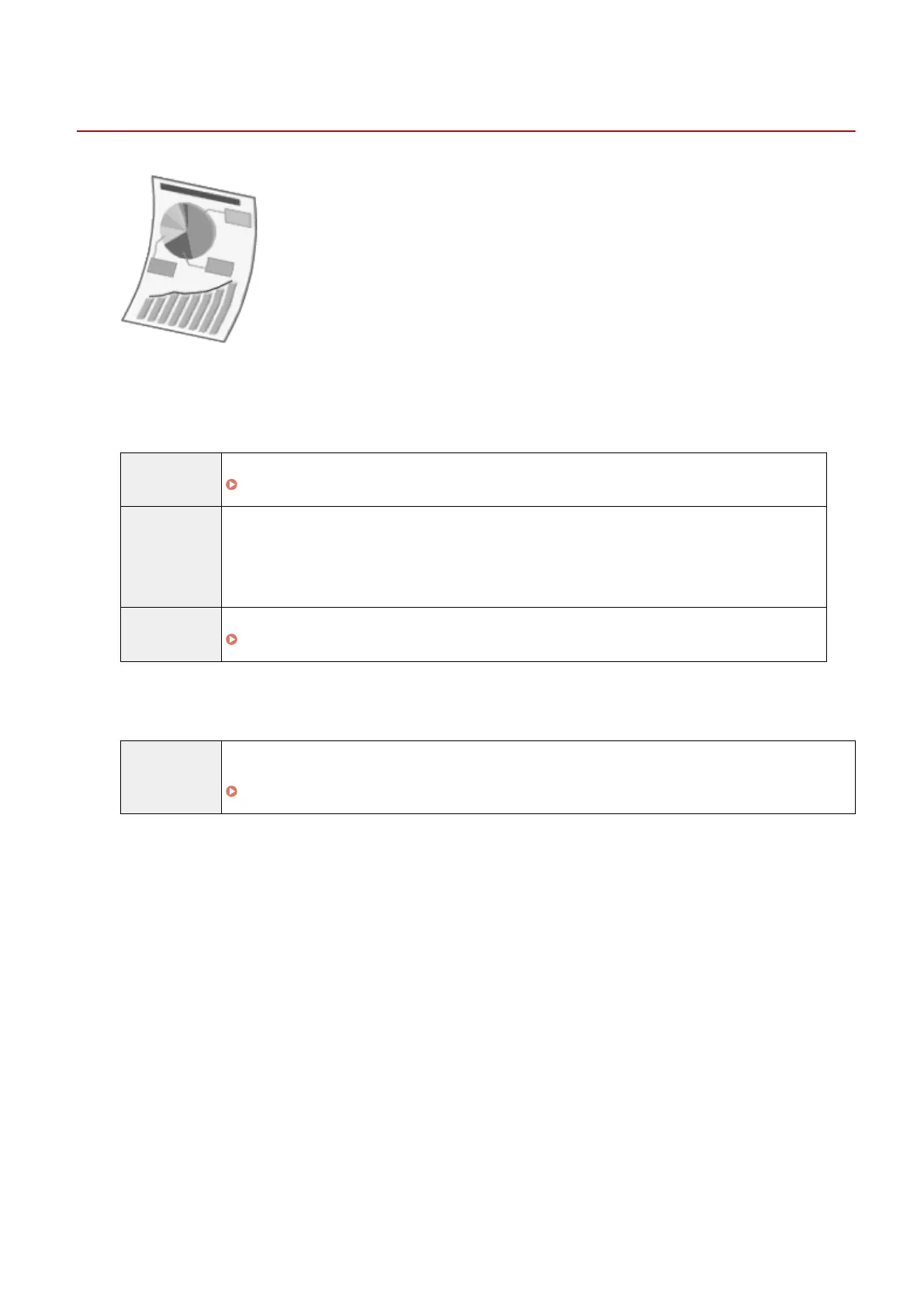
Paper Curls
85RS-044
Try one of the following to solve the problem.
<Cause 1> Damp paper is used.
Solution 1 Replace the paper stack with new unopened one.
" Supported Paper T
ypes(P. 70) "
Solution 2 Follow the steps in the procedure below when plain paper (60 to 90 g/m² (16 to 24 lb Bond)) is loaded.
1. Access the [Page Setup] tab.
2. Set [Paper Type] to [Plain Paper L].
Solution 3 Change the <Special Mode d> setting from the operation panel.
" Special Mode
(P. 213) "
<Cause 2> The paper type loaded is not appropriate.
Solution Make sure that the number of sheets or the paper type loaded in the paper cassette meets the paper
specications.
" Supported Paper T
ypes(P. 70) "
Troubleshooting
175












 To Next Page