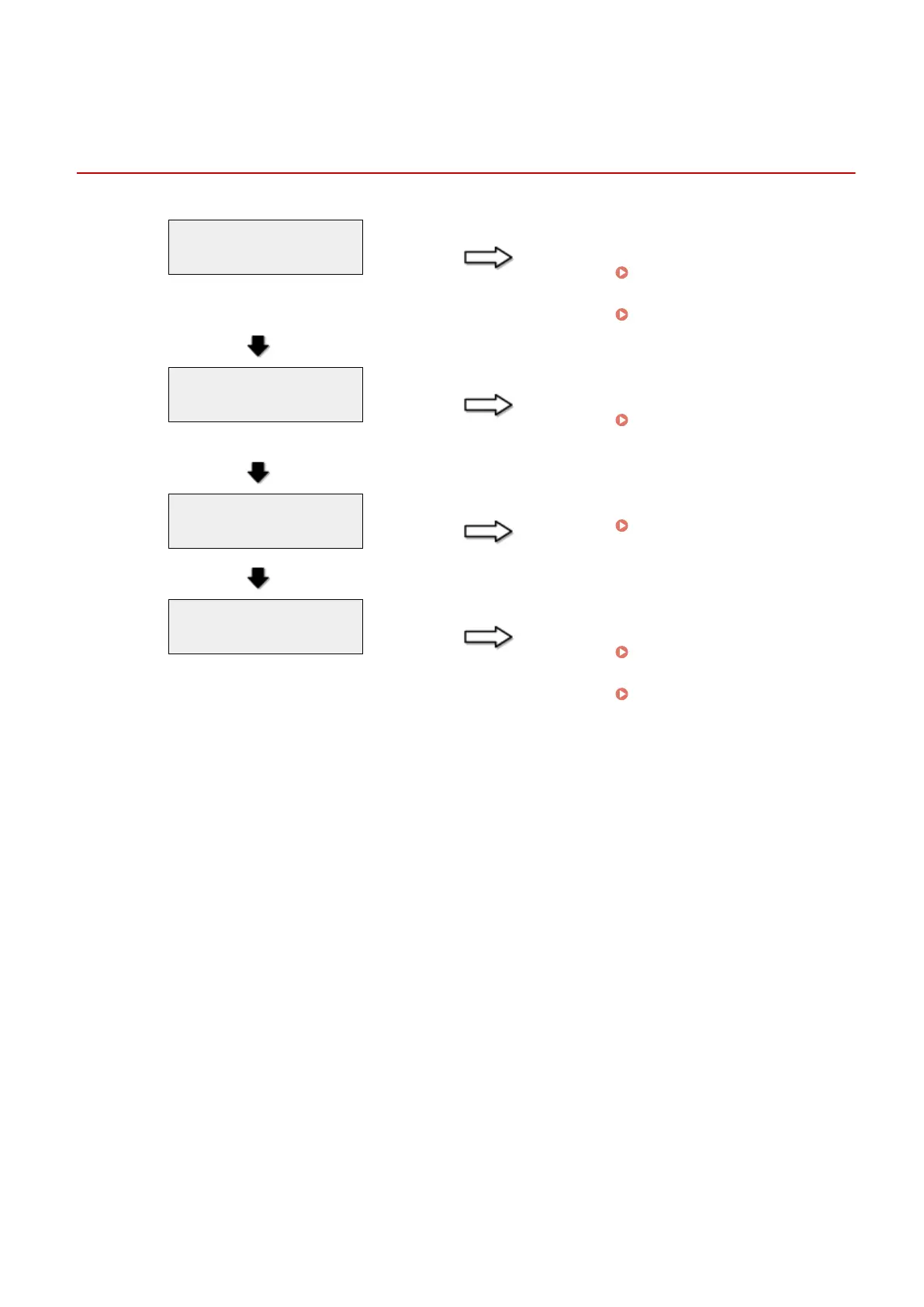
Cannot Print, or the Images on Printouts are Spotted or
Distorted
85RS-03R
Is the appropriate paper type
loaded in the machine?
NO Load the type of paper that meets
the paper specications.
" Supported Paper T
ypes(P. 70) "
Change the settings for paper type.
" Setting a Paper T
ype(P. 54) "
YES
Have you removed the sealing
tape fr
om the toner cartridge?
NO Remove the sealing tape from the
toner cartridge.
" Attention (Replacing the
T
oner Cartridge)(P. 210) "
YES
Is the toner cartridge installed
pr
operly?
NO Install the toner cartridge properly.
" Replacing the T
oner
Cartridge(P. 206) "
YES
Is there sucient toner in the
toner cartridge?
NO To view the onscreen instructions,
see the follo
wing.
" Replacing T
oner
Cartridges(P. 202) "
See the MF Driver Installation
Guide in " Manuals and Their
Contents
(P. 223) ".
Troubleshooting
163












 To Next Page