Uninstalling the Software
85RS-04H
Follo
w the steps in the procedure below to uninstall the printer driver, scanner driver, MF Toolbox , or Product
Extended Survey Program if you do not need them installed on your computer.
IMPORTANT
Be aware of the following before uninstalling the software.
● Log on to your computer with administr
ator privileges.
● Have the installation software ready in case you want to re-install the drivers).
● Quit all running applications on your computer.
To uninstall the printer/scanner driver
1
Open [Programs and Features].
For Windows 7
1. From the [Start] menu, select [Control Panel].
2. Click [Uninstall a Program] or double-click [Programs and Features].
For Windows 8
Right-click the lo
wer-left corner of the screen and select [Programs and Features].
For Windows 10
1. From the [Start] menu, select [Windows System], and click [Control Panel].
2. Click [Programs] and click [Programs and Features].
2
Select [Canon MF3010], and then click [Uninstall/Change].
3
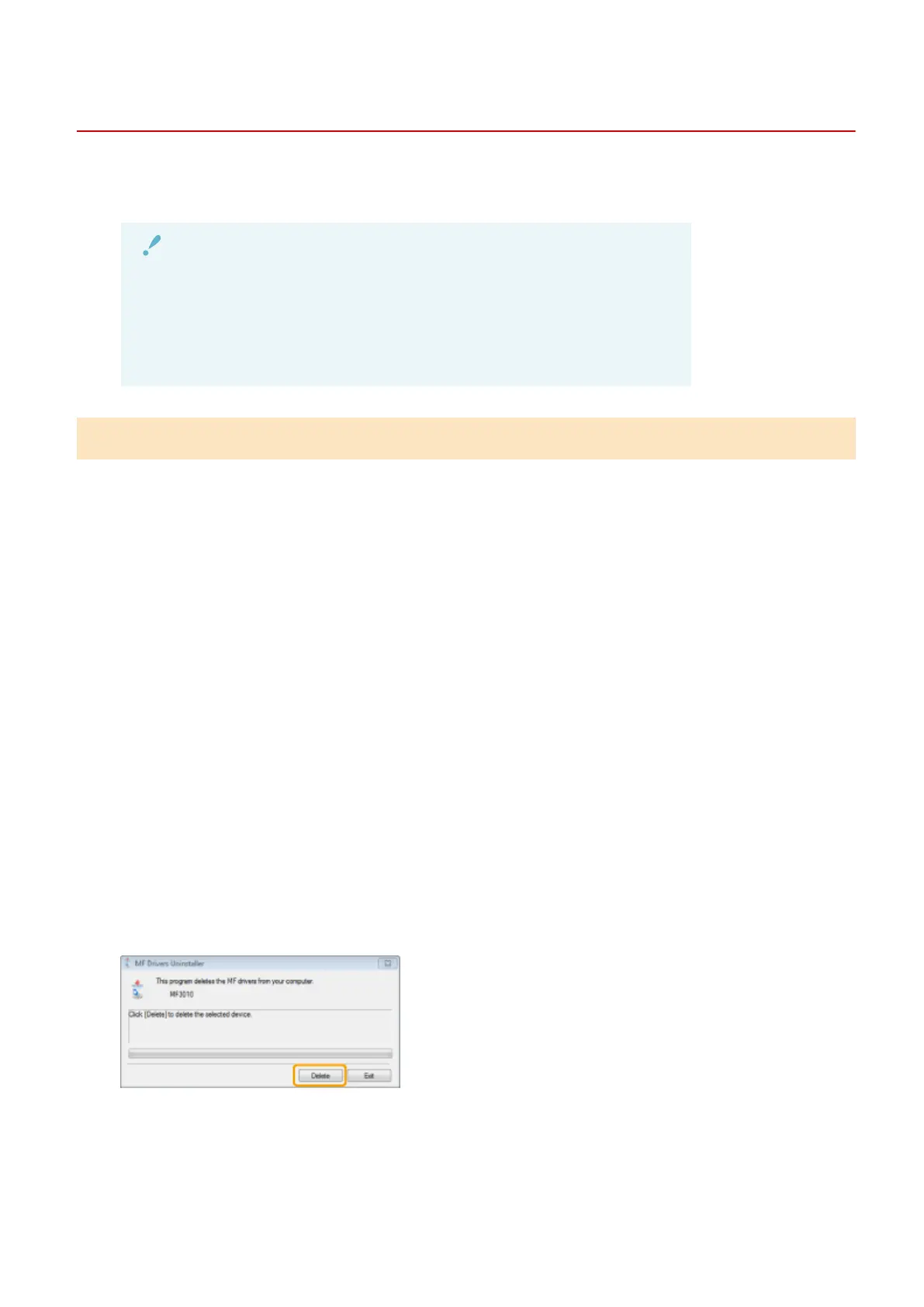
Click [Delete].
4
Click [Yes] to conrm the uninstallation.
Troubleshooting
185












 To Next Page