5
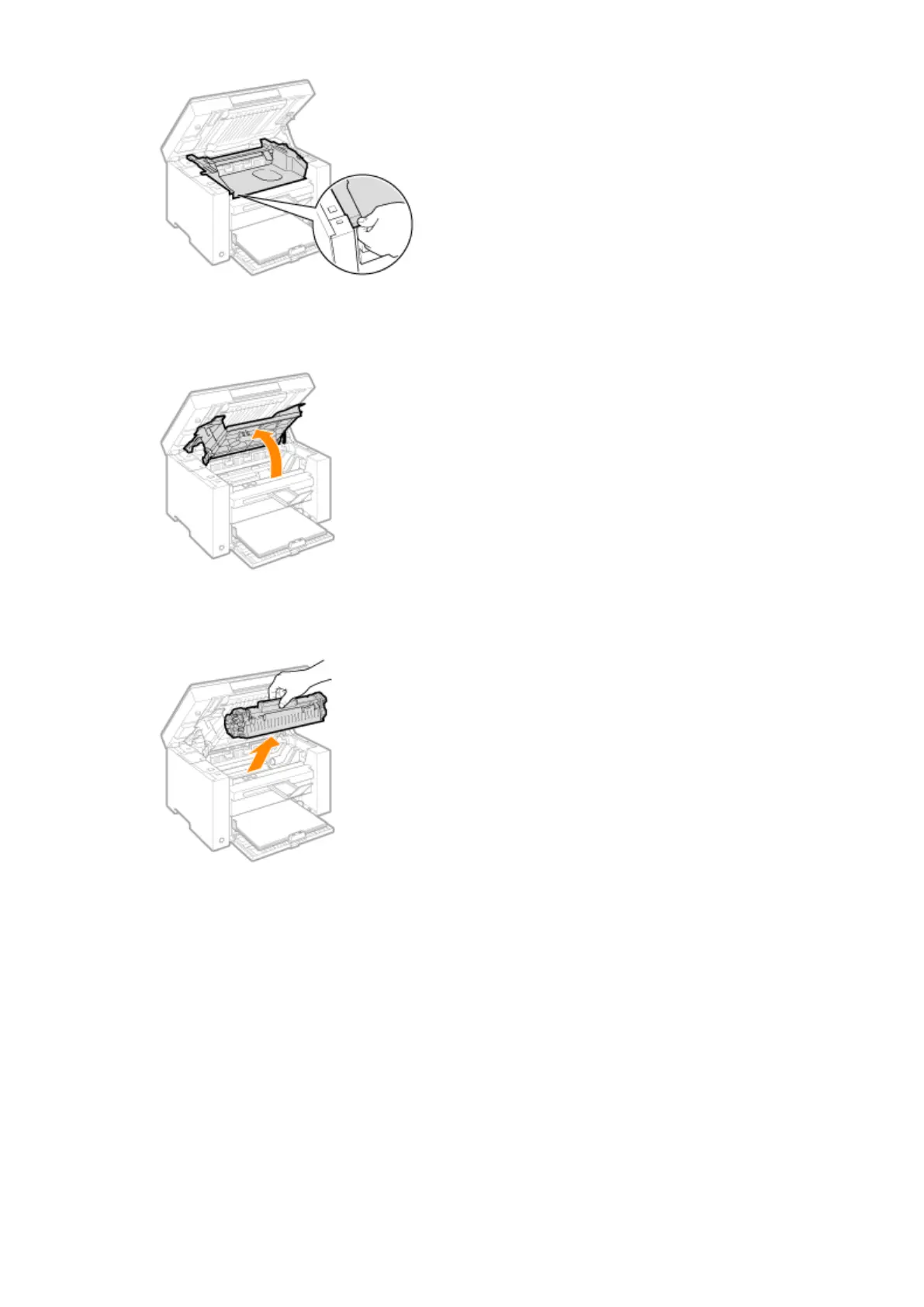
Open the toner cover.
6
Remove the toner cartridge.
7
Remove toner powder, as well as paper dust and other debris from the inside of the
machine, using a clean, soft, dry
, and lint-free cloth.
8
Insert the toner cartridge.
Fit the protrusions (A) on both sides of the toner cartridge into the guides located on both sides of the machine
and slide the toner cartridge into the machine until the toner cartridge comes to r
est and is held against the
back of the machine.
Maintenance
196












 To Next Page