Special mode
Setting
options
Details
The density becomes lower with [Special Settings 2] than with [Off] or
[Special Settings 1]. Additionally
, text and lines may be reproduced less
clearly.
Specifying Special Mode Settings In the Printer Driver
1
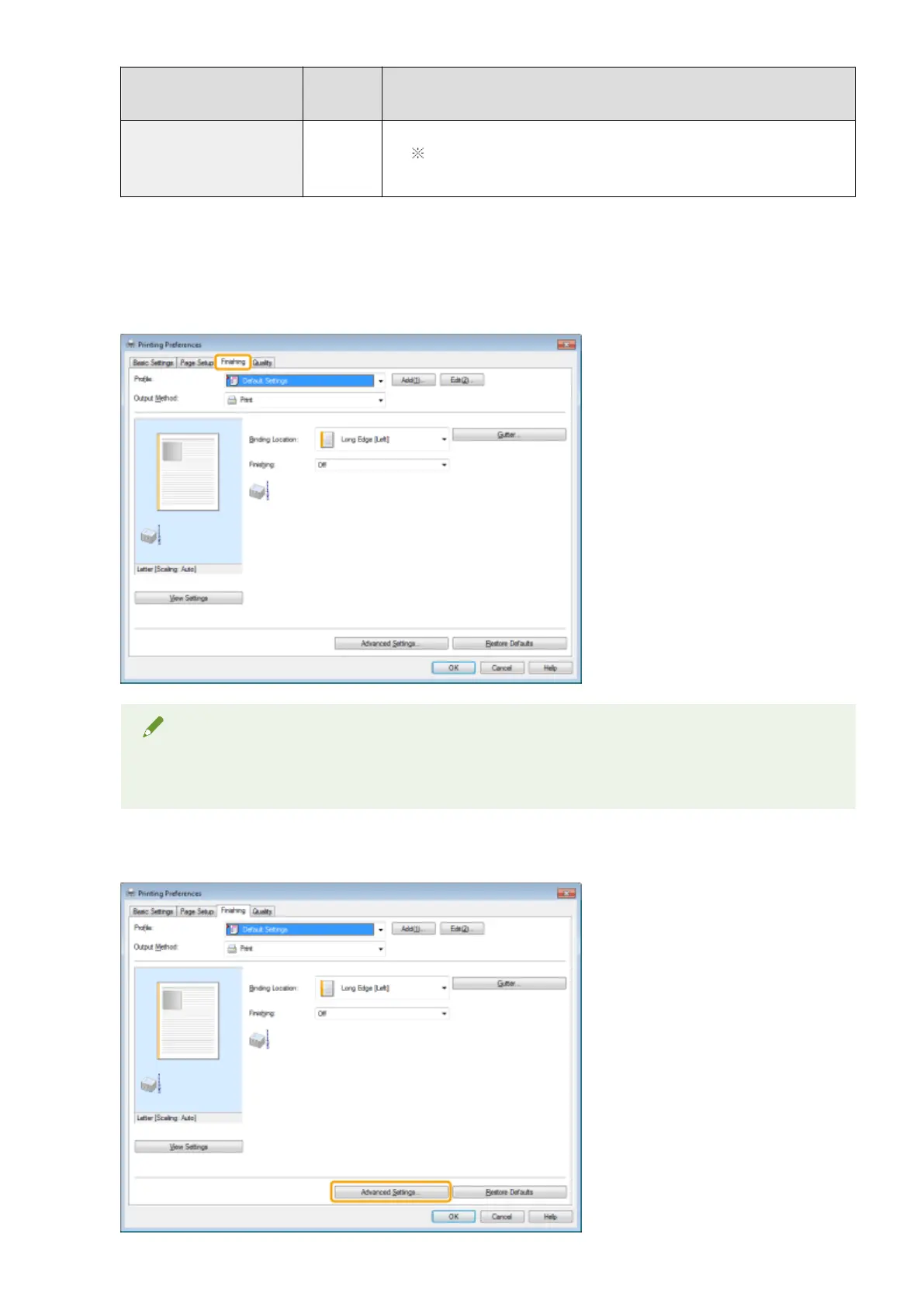
Click the [Finishing] tab.
NOTE
For the instructions on how to access the printer driver screen, see " Printing
(P. 98) " and " Conguring
the Default Print Settings(P. 101) ."
2
Click [Advanced Settings].
Maintenance
215












 To Next Page