NOTE
When paper is left in the output tray
Remo
ve the paper from the output tray.
4
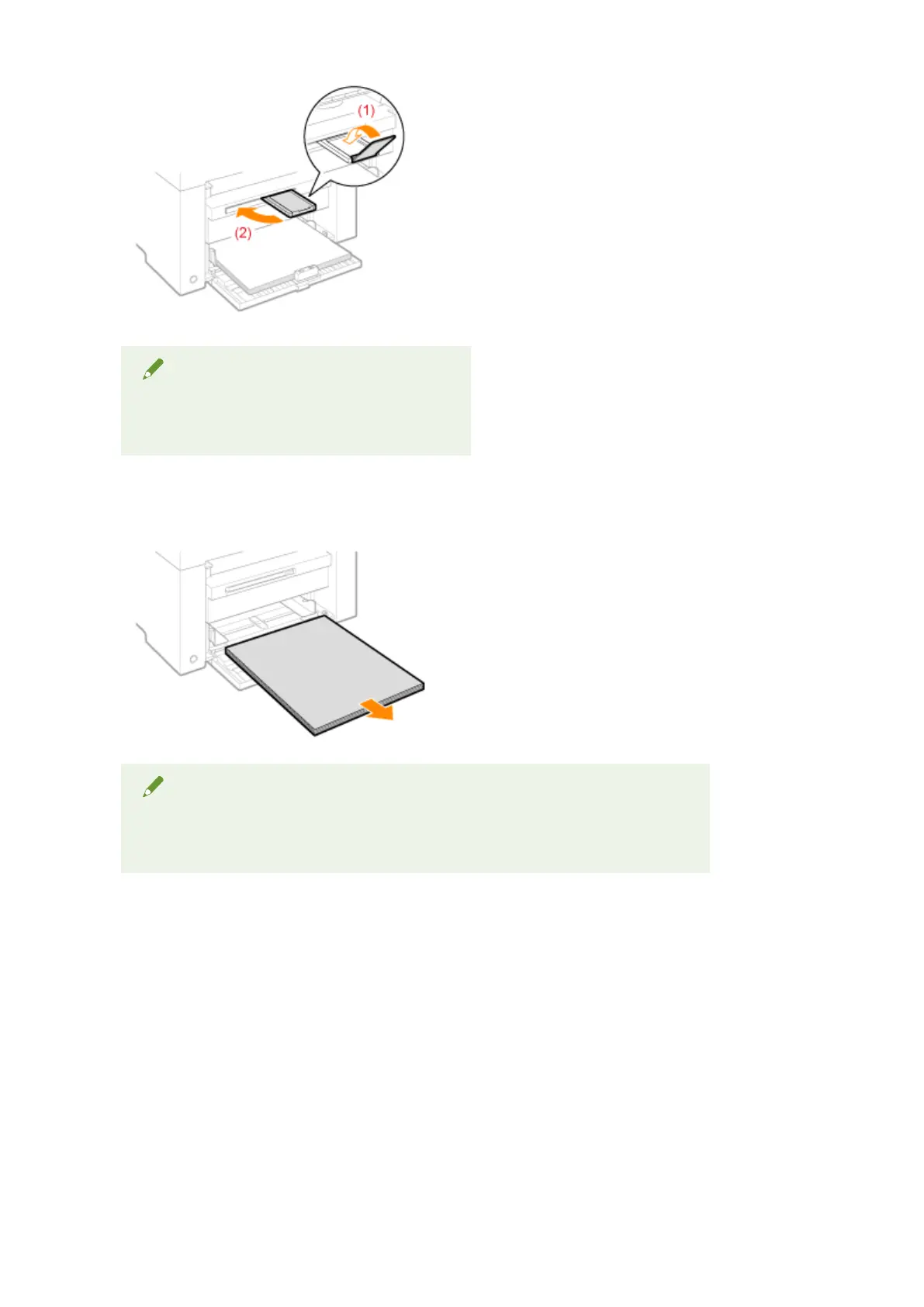
Remove the paper stack from the paper cassette.
NOTE
When the front paper guide is pulled out from the paper cassette
Push the guide into the paper cassette.
5
Lower the dust cover.
6
Close the paper cassette.
Maintenance
217












 To Next Page