Windows 7
Select [Contr
ol Panel] from [Start] menu.
Windows 8
Right-click the lower-left corner of the screen and select [Control Panel].
Windows 10
Proceed to step 2.
2
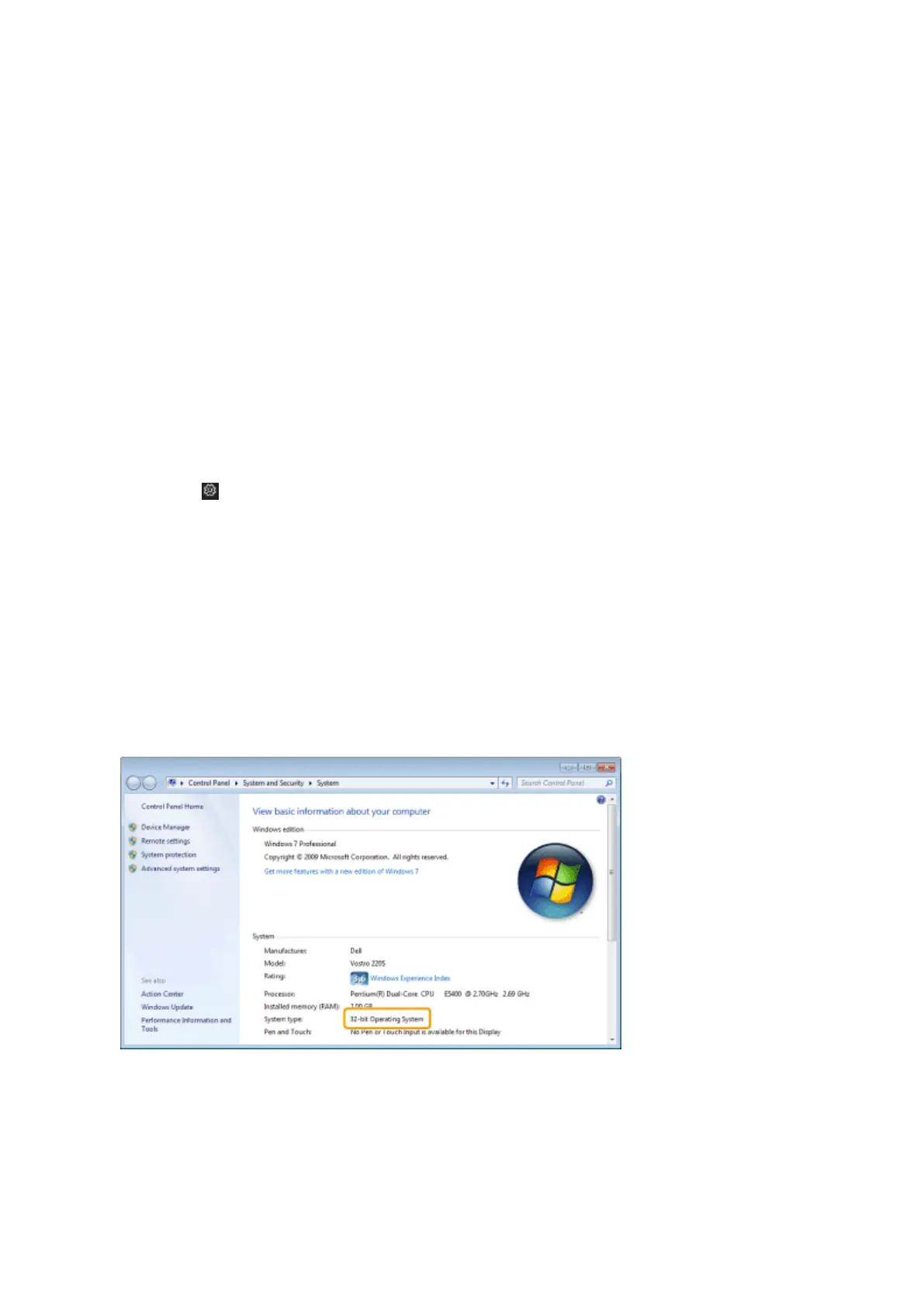
Display [System].
Windows 7, 8
Click [System and Maintenance] or [System and Security] -> [System].
Windo
ws 10
1. Select [
] (Settings) from the [Start] menu.
2. Click [System] and select [About].
3
Check the process version.
For 32-bit versions
[32-bit Oper
ating System] is displayed.
For 64-bit versions
[64-bit Operating System] is displayed.
Appendix
226












 To Next Page