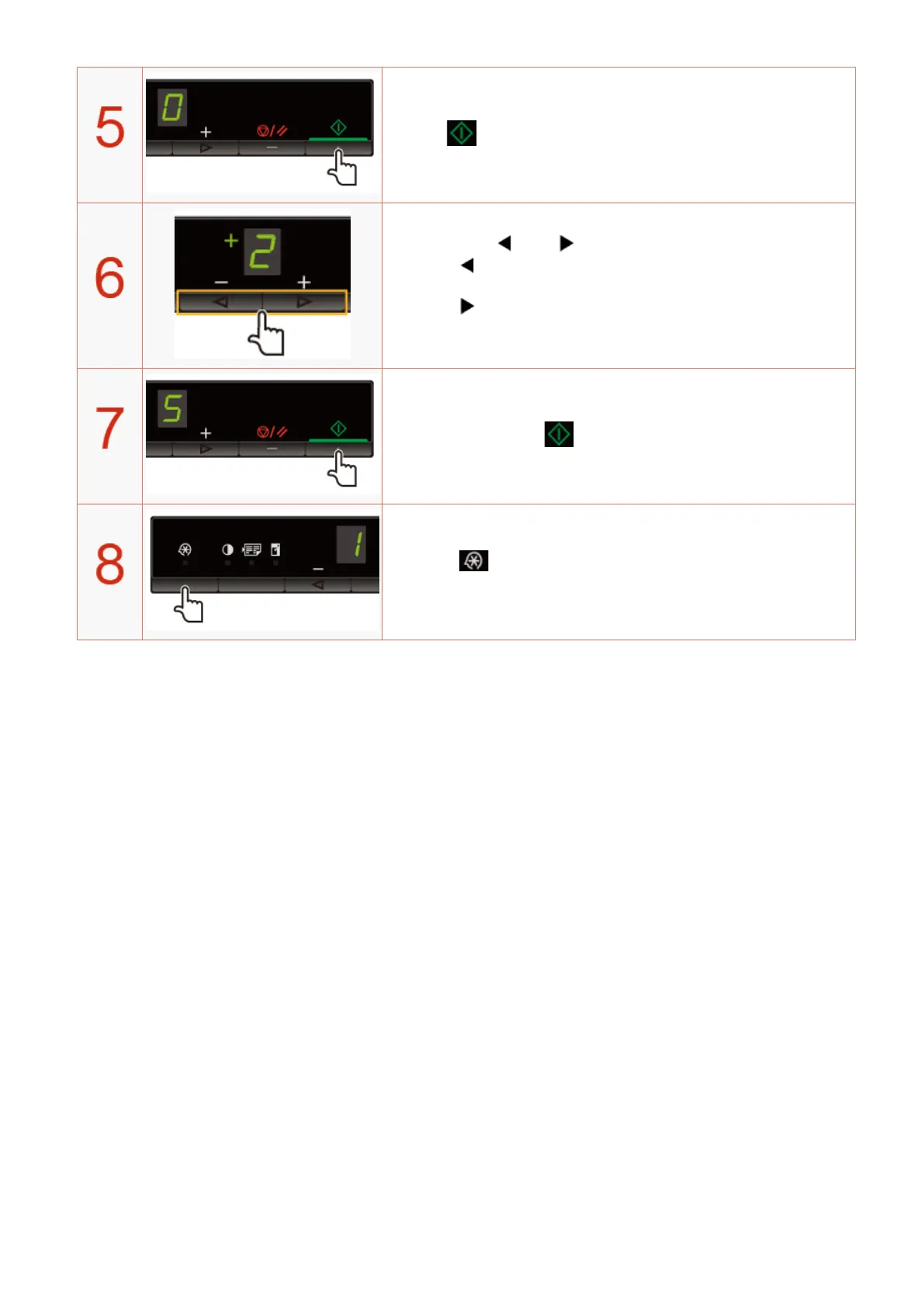
Press [ ] to set the menu to be able to change the settings.
Press [ ] or [ ] to change the setting values.
<Pr
essing [
] to decrease the values>
It is appr
opriate when you want to copy documents clearly such as photos.
<Pressing [
] to increase the values>
It is appr
opriate when you want to copy text and lines clearly.
Press [ ] to conrm the setting.
Press [ ] (Menu setting key) to exit the menu operation.
The menu indicator turns off.
Copy
91












 To Next Page