Flow of Mail Box Operations
2-22
2
Introduction to the Mail Box Functions
7
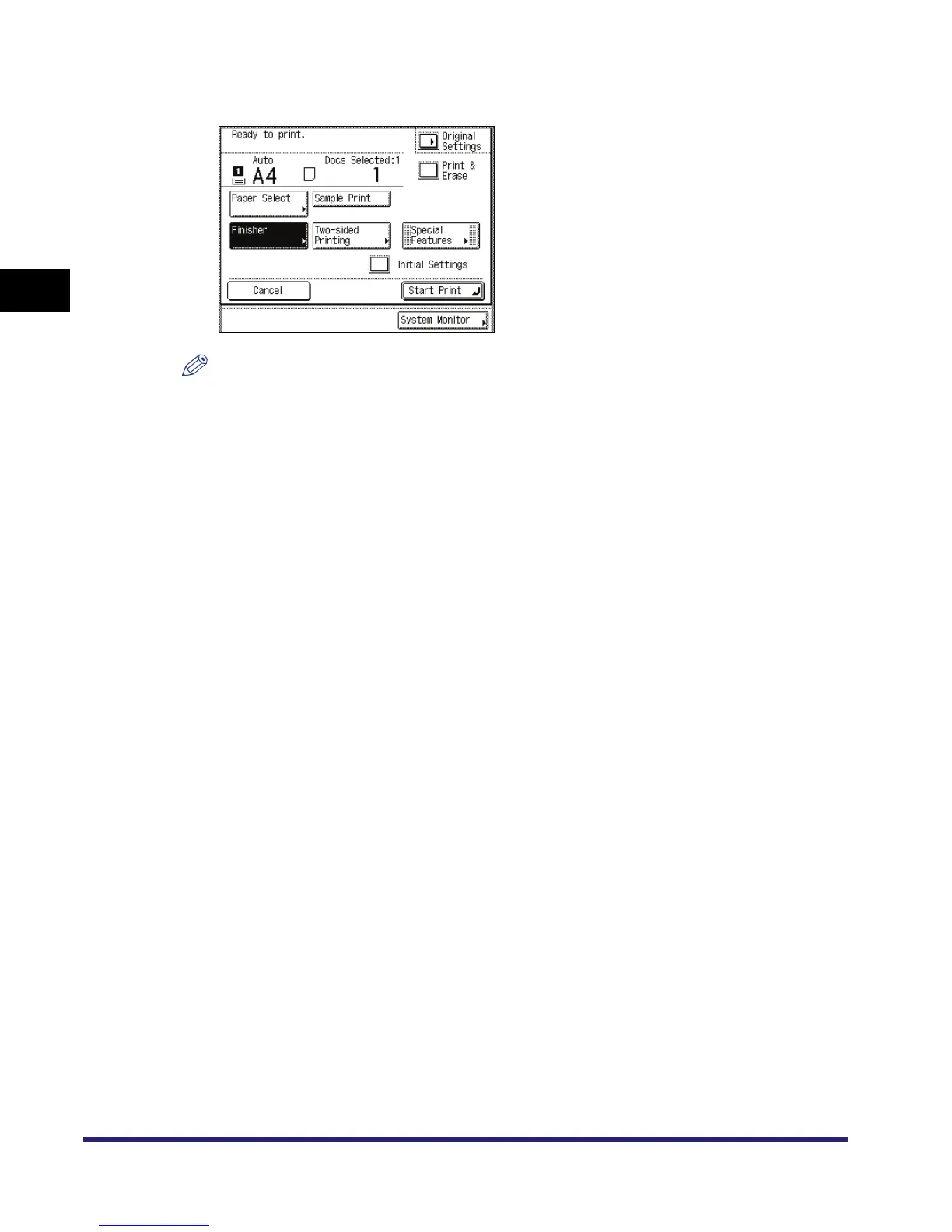
Specify the print settings on the Change Print Settings screen.
NOTE
•
If you press [Original Settings], the settings for documents received from a computer are
returned to the settings specified at the computer, and the settings for documents scanned and
recorded at the machine are returned to Standard Local Print Settings. (See Chapter 4,
"Customizing Settings," in the Reference Guide.)
•
You can set the paper selection, two-sided printing, finisher, and special features on the Change
Print Settings screen.


 To Next Page