EasyManua.ls Logo

Canon MV430 - Page 12

Canon MV430
152 pages
Print Icon
To Next Page IconTo Next Page
To Previous Page IconTo Previous Page
Loading...
Mastering
the
Basics
5.
When
charging
is
complete,
disconnect
the
power
adapter
from
the
camcorder.
Unplug
the
power
cable
from
the
mains
outlet,
then
disconnect
it
from
the
adapter.
6.
Remove
the
battery
pack
after
use.
*
Rotate
the
viewfinder
upwards.
Press
and
hold
the
BATT.
RELEASE
button
while
you
slide
the
battery
up.
SI
Notes:
Never
connect
an
unspecified
product
to
the
camcorder’s
DC
terminal.
Likewise,
do
not
connect
the
power
adapter
to
an
unspecified
product.
You
can
find
detailed
notes
for
using
the
batteries
in
the
“Notes
on
Using
the
Batteries”
((X)
121).
These
notes
include
charging
and
recording
times
and
how
to
install
the
backup
battery.
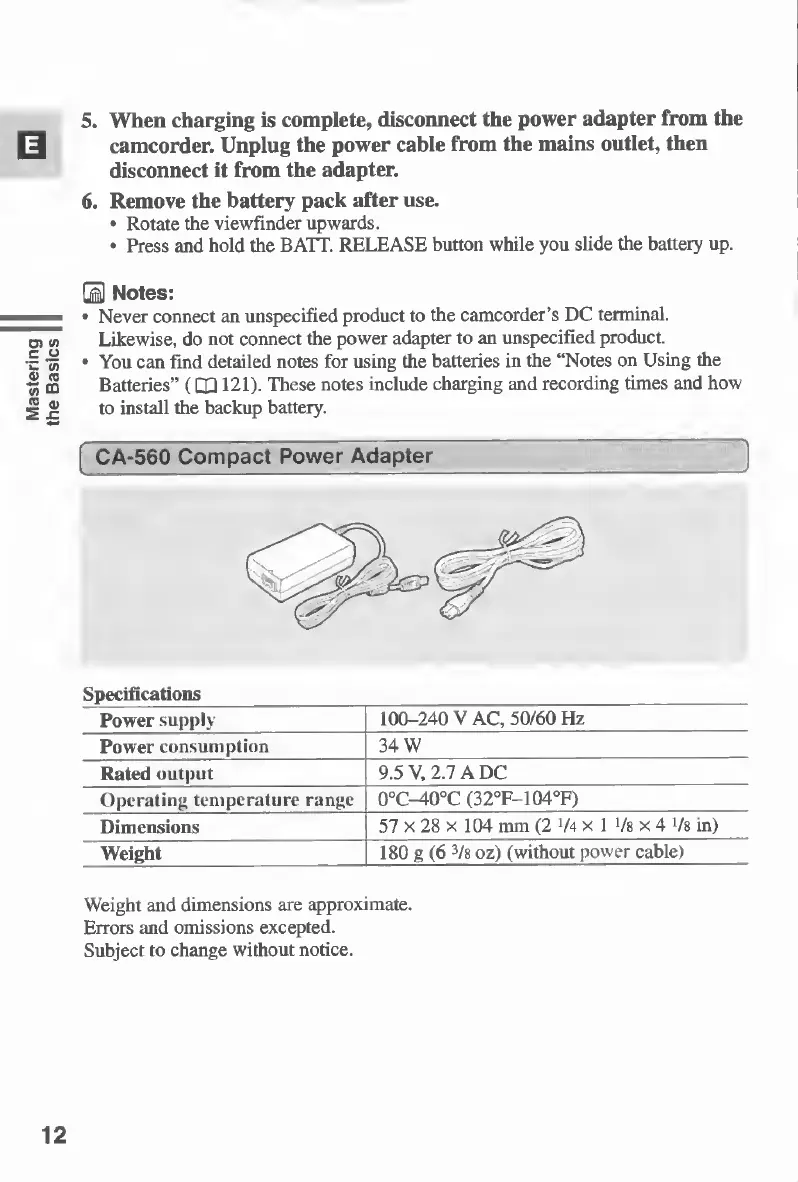
CA-560
Compact
Power
Adapter
Specifications
Power
supply
100-240
VAC,
50/60Hz
Power
consumption
34
W
Rated
output
9.5
V,
2.7
A
DC
Operating
temperature
range
0°C-^0°C
(32°F-104°F)
Dimensions
57
x
28
x
104
mm
(2
V4
x
1
Vs
x
4
Vs
in)
Weight
180
g
(6
3
/8
oz)
(without
power
cable)
Weight
and
dimensions
are
approximate.
Errors
and
omissions
excepted.
Subject
to
change
without
notice.
12

Table of Contents

Other manuals for Canon MV430

Related product manuals