EasyManua.ls Logo

Canon MV430 - Page 129

Canon MV430
152 pages
Print Icon
To Next Page IconTo Next Page
To Previous Page IconTo Previous Page
Loading...
S
Note:
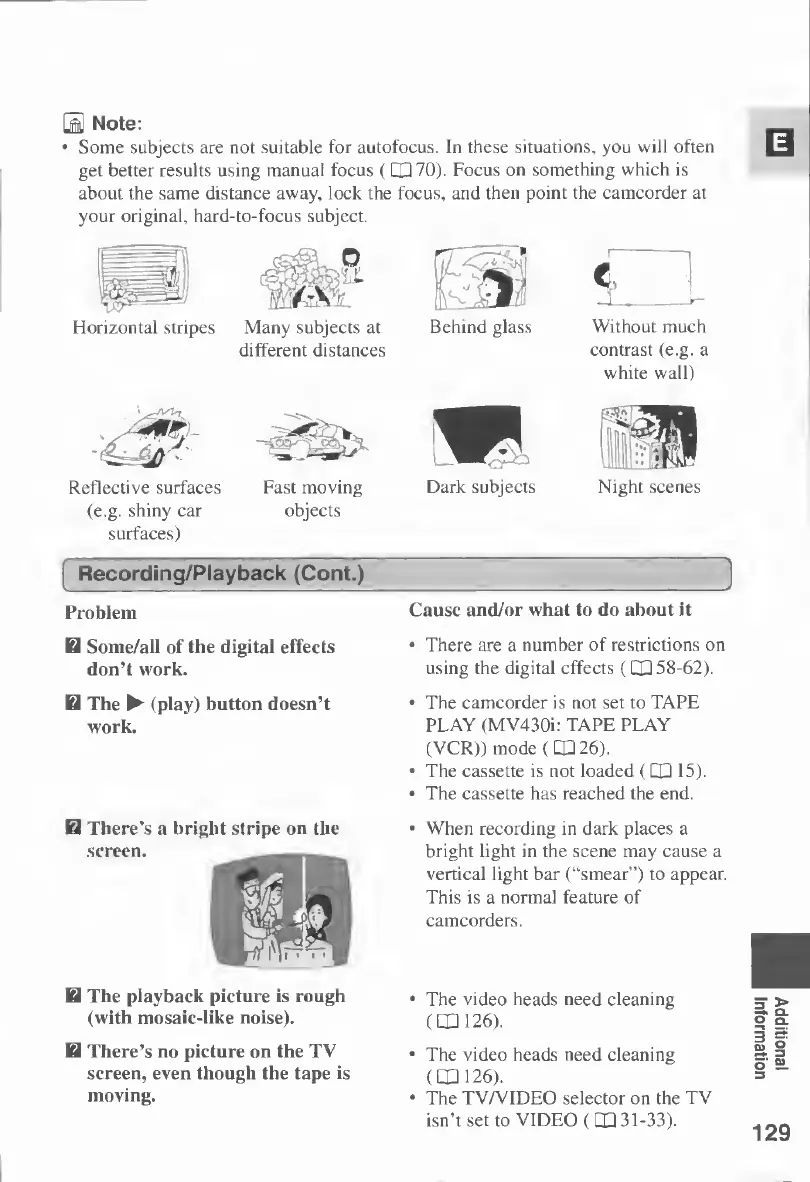
Some
subjects
are
not
suitable
for
autofocus.
In
these
situations,
you
will
often
get
better
results
using
manual
focus
(CP
70).
Focus
on
something
which
is
about
the
same
distance
away,
lock
the
focus,
and
then
point
the
camcorder
at
your
original,
hard-to-focus
subject.
Horizontal
stripes
Many
subjects
at
different
distances
Behind
glass
4z=4&'-
Reflective
surfaces
(e.g.
shiny
car
surfaces)
Fast
moving
objects
Dark
subjects
i
L
Without
much
contrast
(e.g.
a
white
wall)
Night
scenes
I
Recording/Playback
(Cont.)
Problem
Cause
and/or
what
to
do
about
it
H
Some/all
of
the
digital
effects
don’t
work.
H
The
(play)
button
doesn’t
work.
There's
a
bright
stripe
on
the
screen.
H
The
playback
picture
is
rough
(with
mosaic-like
noise).
H
There’s
no
picture
on
the
TV
screen,
even
though
the
tape
is
moving.
There
are
a
number
of
restrictions
on
using
the
digital
effects
(CXI
58-62).
The
camcorder
is
not
set
to
TAPE
PLAY
(MV430i:
TAPE
PLAY
(VCR))
mode
(CX
26).
The
cassette
is
not
loaded
(CX
15).
The
cassette
has
reached
the
end.
When
recording
in
dark
places
a
bright
light
in
the
scene
may
cause
a
vertical
light
bar
(“smear”)
to
appear.
This
is
a
normal
feature
of
camcorders.
The
video
heads
need
cleaning
(1X126).
The
video
heads
need
cleaning
(CX
126).
The
TV/VIDEO
selector
on
the
TV
isn’t
set
to
VIDEO
(CX
31-33).
129
Additional
Information

Table of Contents

Other manuals for Canon MV430

Related product manuals