EasyManua.ls Logo

Canon MV430 - Page 19

Canon MV430
152 pages
Print Icon
To Next Page IconTo Next Page
To Previous Page IconTo Previous Page
Loading...
B
You
can’t
add
sound
(audio
dubbing)
or
images
(AV
insert:
MV430i
only)
to
a
tape
that
has
been
recorded
in
LP
mode.
If
you
plan
to
use
either
of
these
functions
later,
record
in
SP
mode.
(
Changing
the
recording
mode
(SP/LP)
You
can
record
and
play
back
a
tape
in
SP
(standard
play)
and
LP
(long
play)
modes.
LP
extends
tape
usage
by
1.5
times.
+
MV430i
+(GSME))
MENU
V
CR
SET
UP
(CQ37)
I_
|^>j
REC
MODE-SP
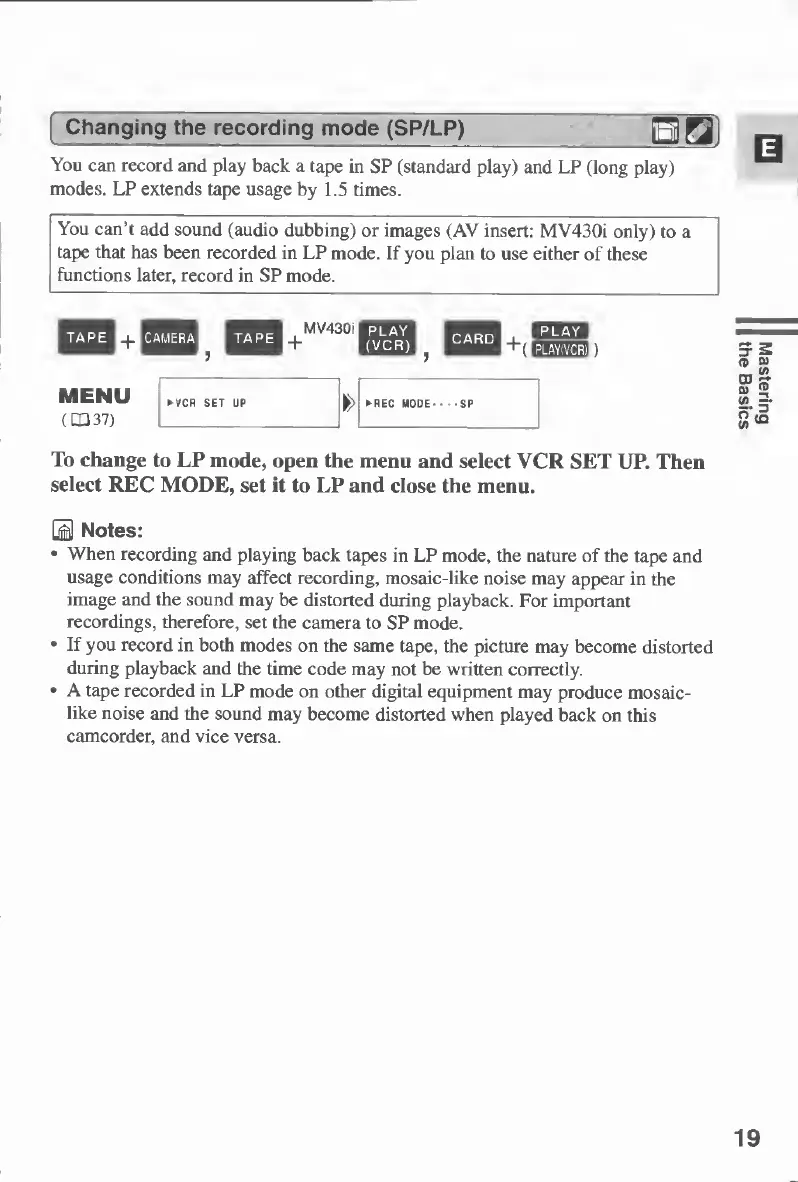
To
change
to
LP
mode,
open
the
menu
and
select
VCR
SET
UP.
Then
select
REC
MODE,
set
it
to
LP
and
close
the
menu.
B
Notes:
When
recording
and
playing
back
tapes
in
LP
mode,
the
nature
of
the
tape
and
usage
conditions
may
affect
recording,
mosaic-like
noise
may
appear
in
the
image
and
the
sound
may
be
distorted
during
playback.
For
important
recordings,
therefore,
set
the
camera
to
SP
mode.
If
you
record
in
both
modes
on
the
same
tape,
the
picture
may
become
distorted
during
playback
and
the
time
code
may
not
be
written
correctly.
A
tape
recorded
in
LP
mode
on
other
digital
equipment
may
produce
mosaic¬
like
noise
and
the
sound
may
become
distorted
when
played
back
on
this
camcorder,
and
vice
versa.
19
Mastering
the
Basics

Table of Contents

Other manuals for Canon MV430

Related product manuals