EasyManua.ls Logo

Canon MV430 - Page 57

Canon MV430
152 pages
Print Icon
To Next Page IconTo Next Page
To Previous Page IconTo Previous Page
Loading...
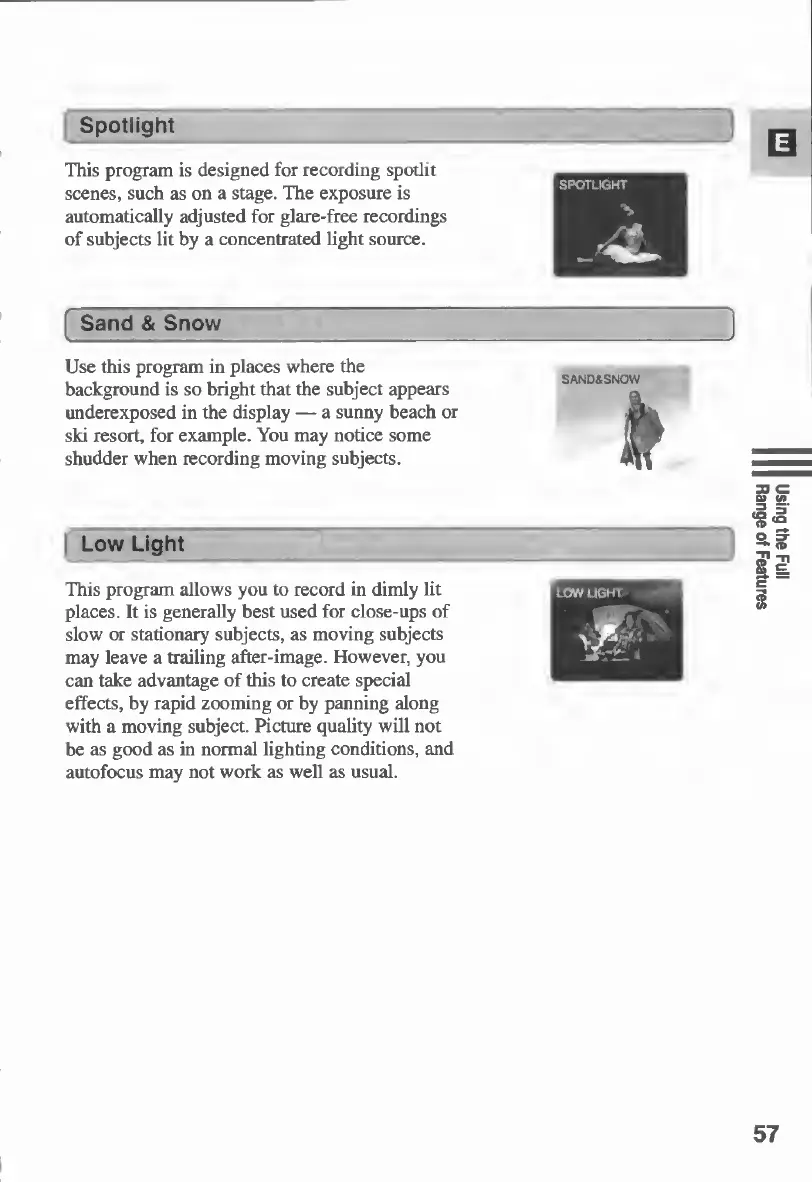
Spotlight
This
program
is
designed
for
recording
spotlit
scenes,
such
as
on
a
stage.
The
exposure
is
automatically
adjusted
for
glare-free
recordings
of
subjects
lit
by
a
concentrated
light
source.
Sand
&
Snow
Use
this
program
in
places
where
the
background
is
so
bright
that
the
subject
appears
underexposed
in
the
display
—
a
sunny
beach
or
ski
resort,
for
example.
You
may
notice
some
shudder
when
recording
moving
subjects.
Low
Light
This
program
allows
you
to
record
in
dimly
lit
places.
It
is
generally
best
used
for
close-ups
of
slow
or
stationary
subjects,
as
moving
subjects
may
leave
a
trailing
after-image.
However,
you
can
take
advantage
of
this
to
create
special
effects,
by
rapid
zooming
or
by
panning
along
with
a
moving
subject.
Picture
quality
will
not
be
as
good
as
in
normal
lighting
conditions,
and
autofocus
may
not
work
as
well
as
usual.
57
Using
the
Full
Range
of
Features

Table of Contents

Other manuals for Canon MV430

Related product manuals