EasyManua.ls Logo

Canon MV430 - Page 56

Canon MV430
152 pages
Print Icon
To Next Page IconTo Next Page
To Previous Page IconTo Previous Page
Loading...
Using
the
Full
Range
of
Features
_
1
Easy
Recording
_X
u
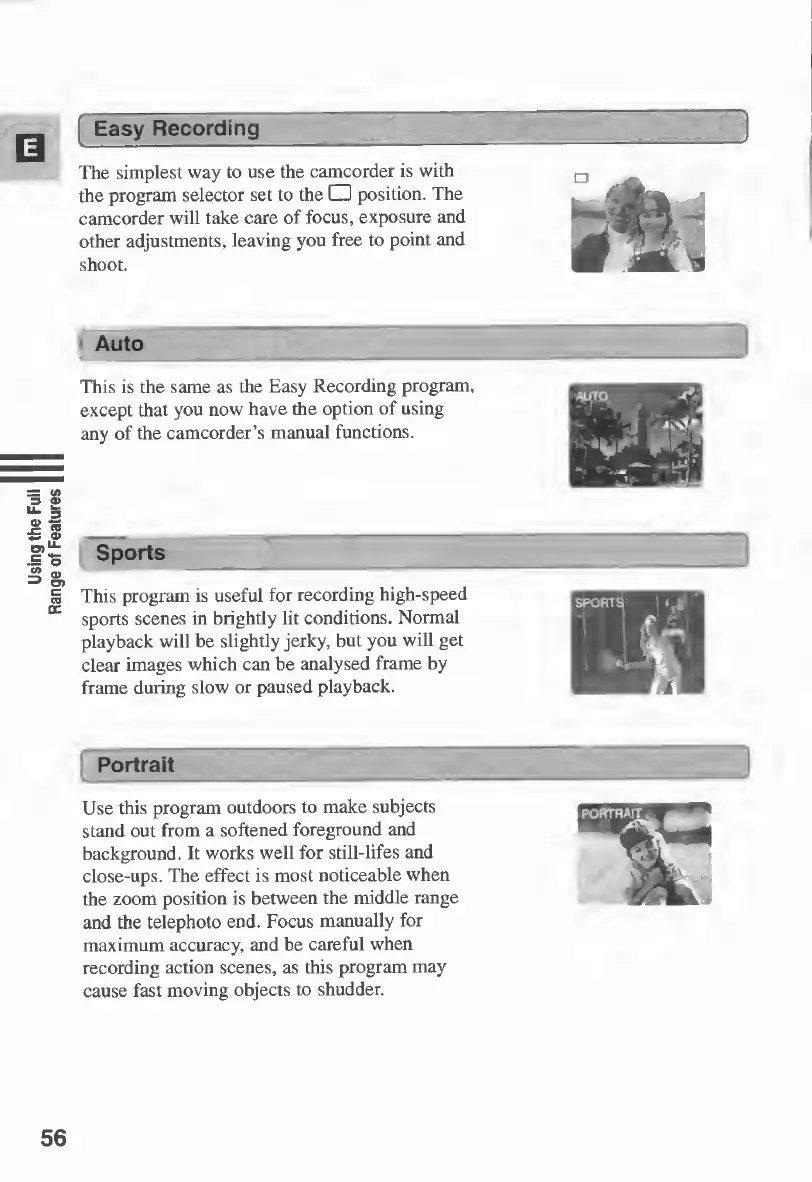
The
simplest
way
to
use
the
camcorder
is
with
the
program
selector
set
to
the
â–¡
position.
The
:
*
camcorder
will
take
care
of
focus,
exposure
and
—
1
*
other
adjustments,
leaving
you
free
to
point
and
shoot.
4l
Auto
v_—
This
is
the
same
as
the
Easy
Recording
program,
except
that
you
now
have
the
option
of
using
any
of
the
camcorder’s
manual
functions.
Sports
This
program
is
useful
for
recording
high-speed
sports
scenes
in
brightly
lit
conditions.
Normal
playback
will
be
slightly
jerky,
but
you
will
get
clear
images
which
can
be
analysed
frame
by
frame
during
slow
or
paused
playback.
Portrait
Use
this
program
outdoors
to
make
subjects
stand
out
from
a
softened
foreground
and
background.
It
works
well
for
still-lifes
and
close-ups.
The
effect
is
most
noticeable
when
the
zoom
position
is
between
the
middle
range
and
the
telephoto
end.
Focus
manually
for
maximum
accuracy,
and
be
careful
when
recording
action
scenes,
as
this
program
may
cause
fast
moving
objects
to
shudder.
56

Table of Contents

Other manuals for Canon MV430

Related product manuals