EasyManua.ls Logo

Canon MV430 - Page 64

Canon MV430
152 pages
Print Icon
To Next Page IconTo Next Page
To Previous Page IconTo Previous Page
Loading...
Using
the
Full
Range
of
Features
Notes:
When
using
an
external
microphone,
use
a
microphone
cable
not
longer
than
3
meters
to
avoid
electromagnetic
inerference.
Be
careful
when
using
long
microphones
as
they
may
extend
into
the
frame.
You
can
monitor
the
sound
while
recording
by
setting
the
AV/headphone
terminal
to
headphones
(QQ
30)
and
attaching
stereo
headphones
to
the
0
terminal.
|
Wind
screen
p]
Q
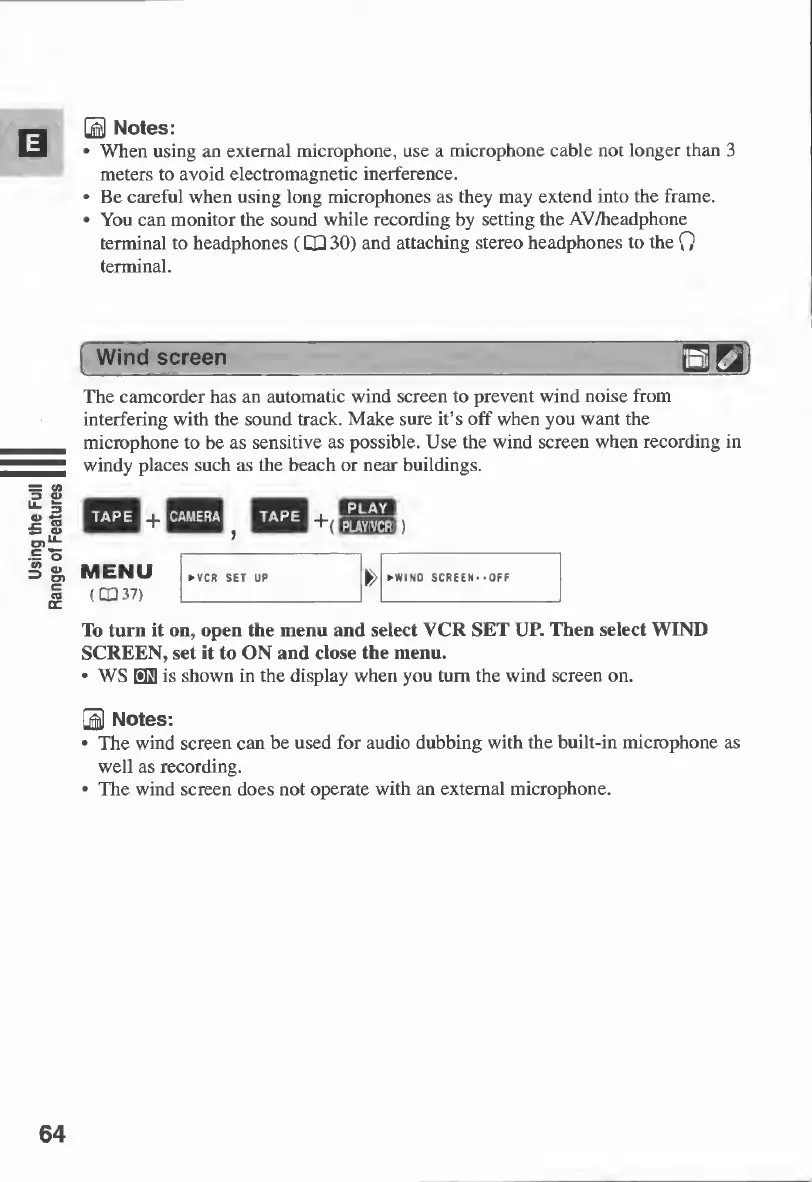
The
camcorder
has
an
automatic
wind
screen
to
prevent
wind
noise
from
interfering
with
the
sound
track.
Make
sure
it’s
off
when
you
want
the
microphone
to
be
as
sensitive
as
possible.
Use
the
wind
screen
when
recording
in
windy
places
such
as
the
beach
or
near
buildings.
To
turn
it
on,
open
the
menu
and
select
VCR
SET
UP.
Then
select
WIND
SCREEN,
set
it
to
ON
and
close
the
menu.
WS
03
is
shown
in
the
display
when
you
turn
the
wind
screen
on.
0
Notes:
The
wind
screen
can
be
used
for
audio
dubbing
with
the
built-in
microphone
as
well
as
recording.
The
wind
screen
does
not
operate
with
an
external
microphone.
64

Table of Contents

Other manuals for Canon MV430

Related product manuals