CHAPTER 4 IMAGE FORMATION SYSTEM
COPYRIGHT
©
1999 CANON INC. CANON PC800s/900s REV.0 AUG. 1999 PRINTED IN JAPAN (IMPRIME AU JAPON)
4-19
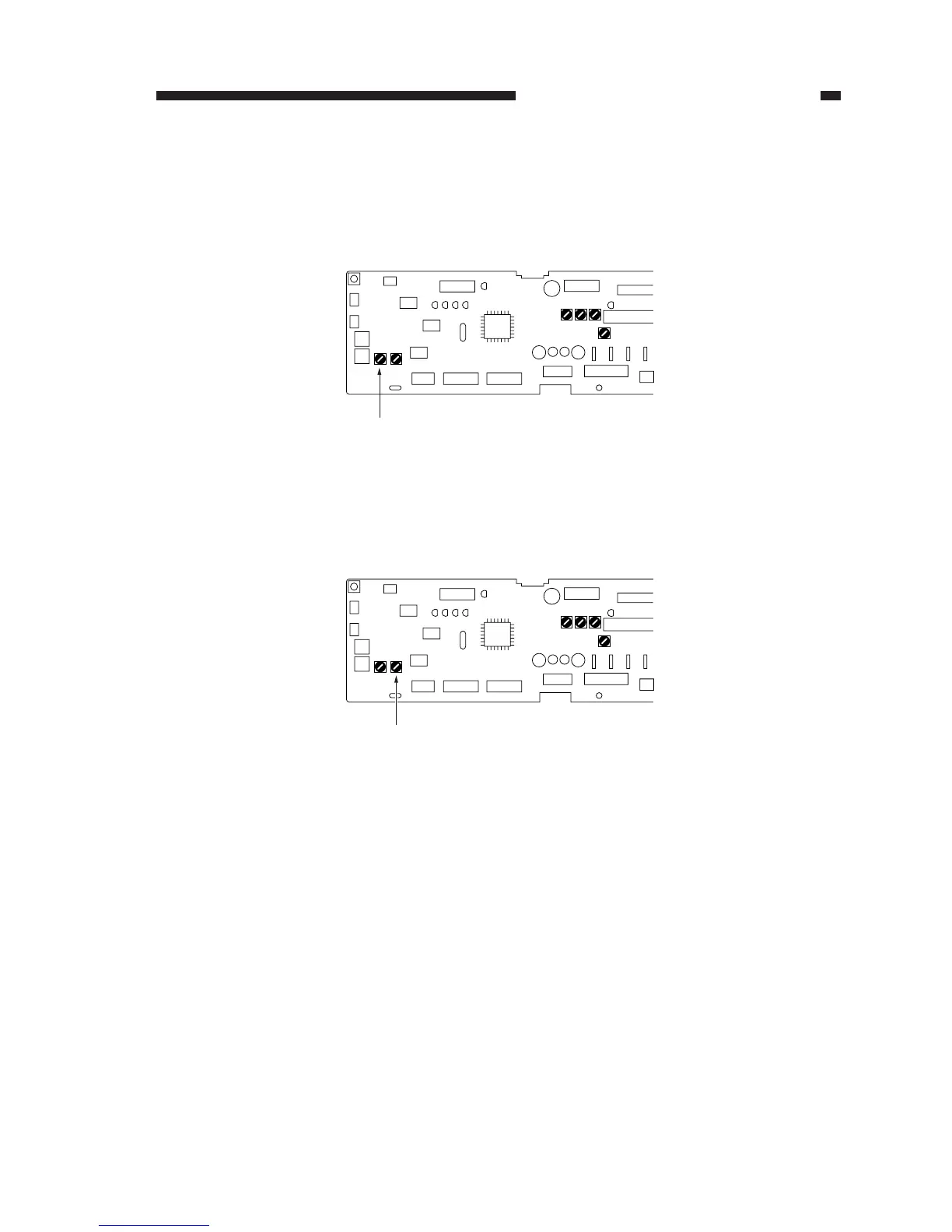
Figure 4-117
5) Place a newspaper on the copyboard, and close the copyboard cover.
6) Turn VR102 so that the reading in the indicator is from ‘A3’ to ‘Ad’.
Figure 4-118
VR103
VR102
2) While keeping the condition in step 1), turn on the power switch.
• The scanning lamp will turn on, an the main motor (M1) will rotate.
3) Stop shorting JP103 and JP104.
4) Turn VR103 on the DC controller PCB fully clockwise.



 To Next Page