83
6-2 Matrix Cell Operations
Use the following procedure to prepare a matrix for cell operations.
1. While the MATRIX list is on the display, use f and c to highlight the name
of the matrix you want to use.
2. Press w and the function menu with the following items appears.
• {R·OP} ... {row calculation menu}
• {ROW}/{COL} ... {row}/{column} operation menu
All of the following examples use Matrix A recalled by the above operation.
kk
kk
k Row Calculations
The following menu appears whenever you press 1 (R·OP) while a recalled
matrix is on the display.
• {Swap} ... {row swap}
• {×Rw} ... {product of specified row and scalar}
• {×Rw+} ... {addition of one row and the product of a specified row with a scalar}
• {Rw+} ... {addition of specified row to another row}
uu
uu
uTo swap two rows
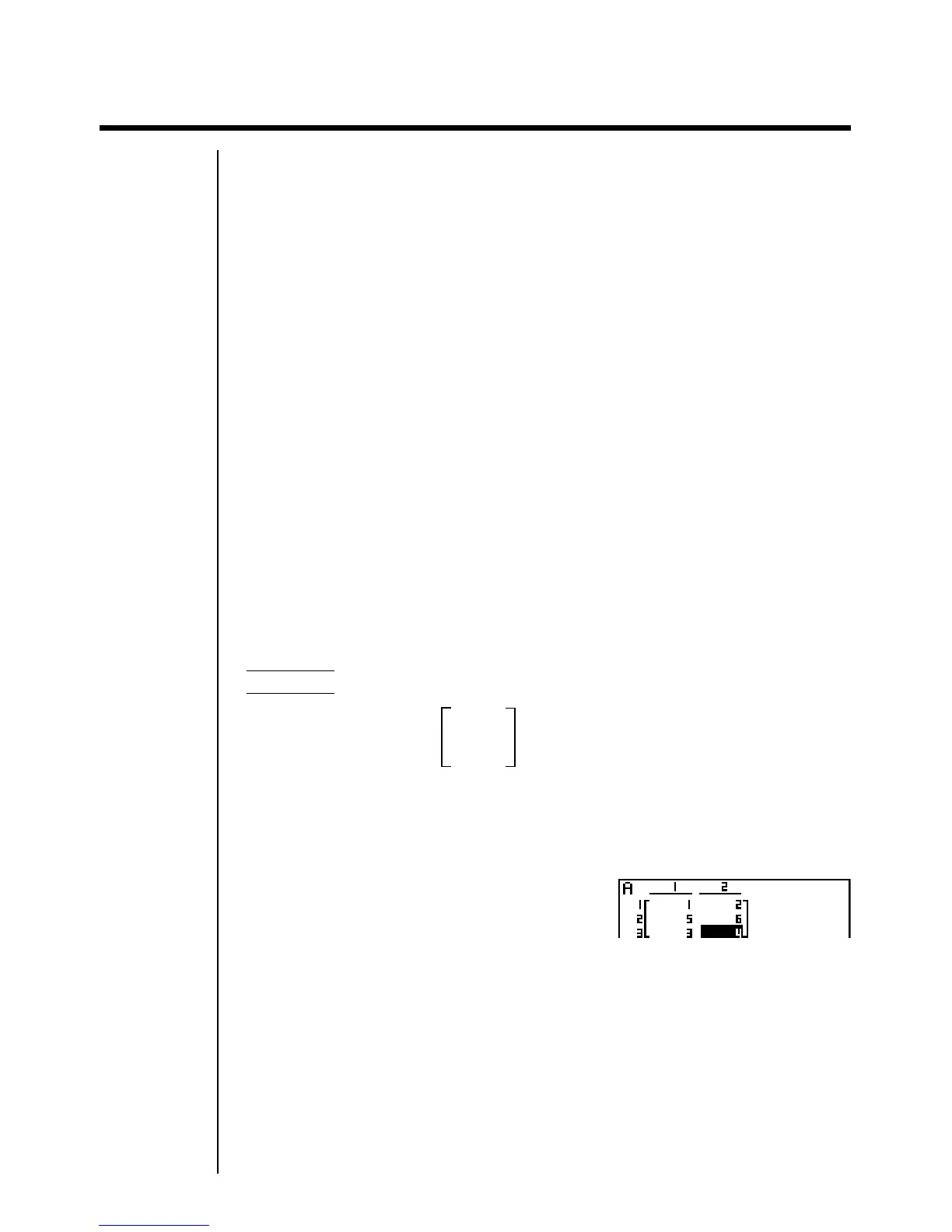
Example To swap rows 2 and 3 of the following matrix :
12
Matrix A = 34
56
1(R·OP)1(Swap)
Input the number of the rows you want to swap.
cwdw



 To Next Page