26
1 - 2 Memory
kk
kk
k Clearing Memory Contents
Use the following procedure to clear data stored in memory.
1. In the memory status screen, use f and c to move the highlighting to the
data type you want to clear.
If the data type you select in step 1 allows deletion of specific data
2. Press 1 (DEL).
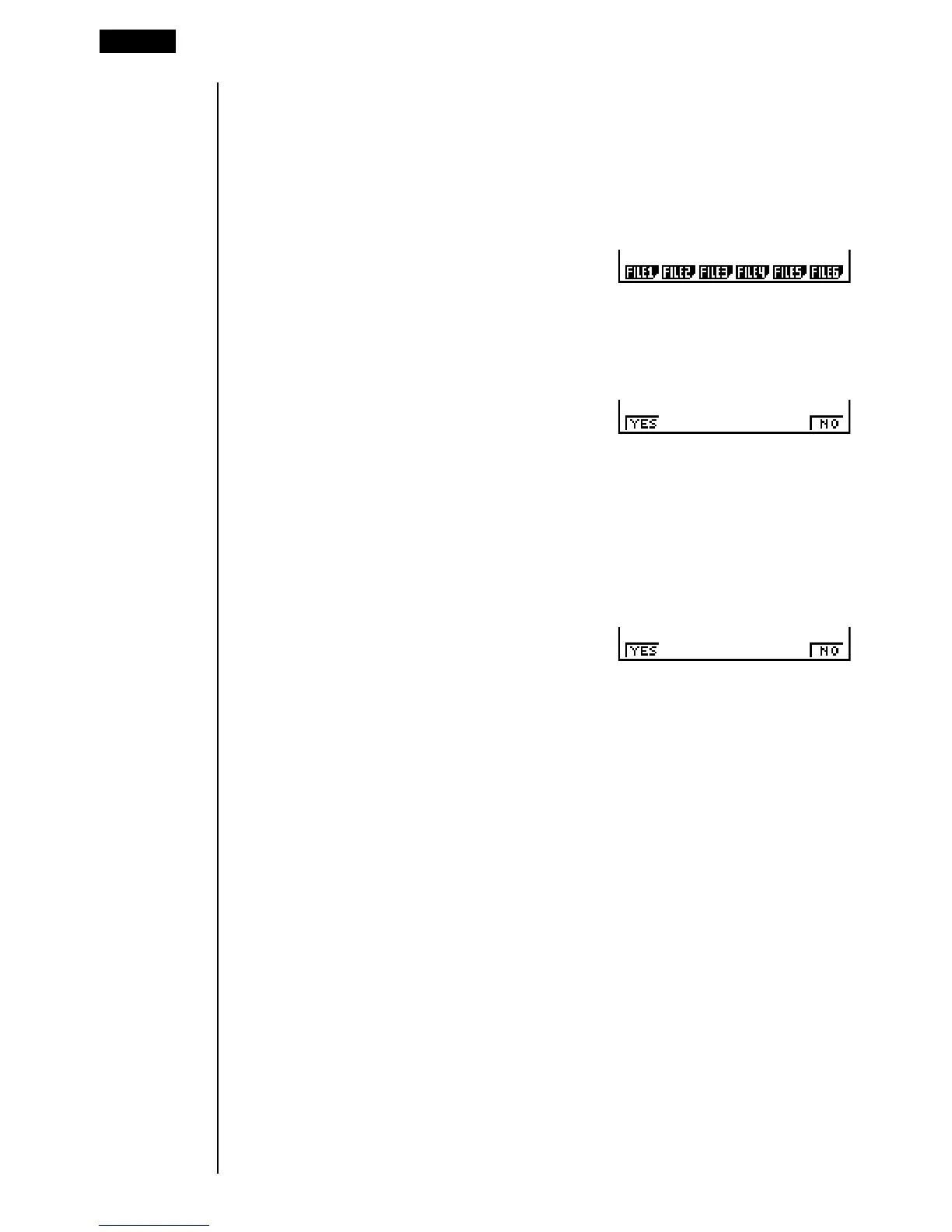
3. Press the function key that corresponds to the data you want to delete.
• The above example shows the function menu that appears when you highlight
{List File} in step 1.
4. Press 1 (YES).
If the data type you select in step 1 allows deletion of all data only
2. Press 1 (DEL).
3. Press 1 (YES) to delete all of the data.
123456
1 23456
* This menu appears when you
select List File.
1 23456


 To Next Page