65/89
5�4 Adjustment of welding parameters (sector R)
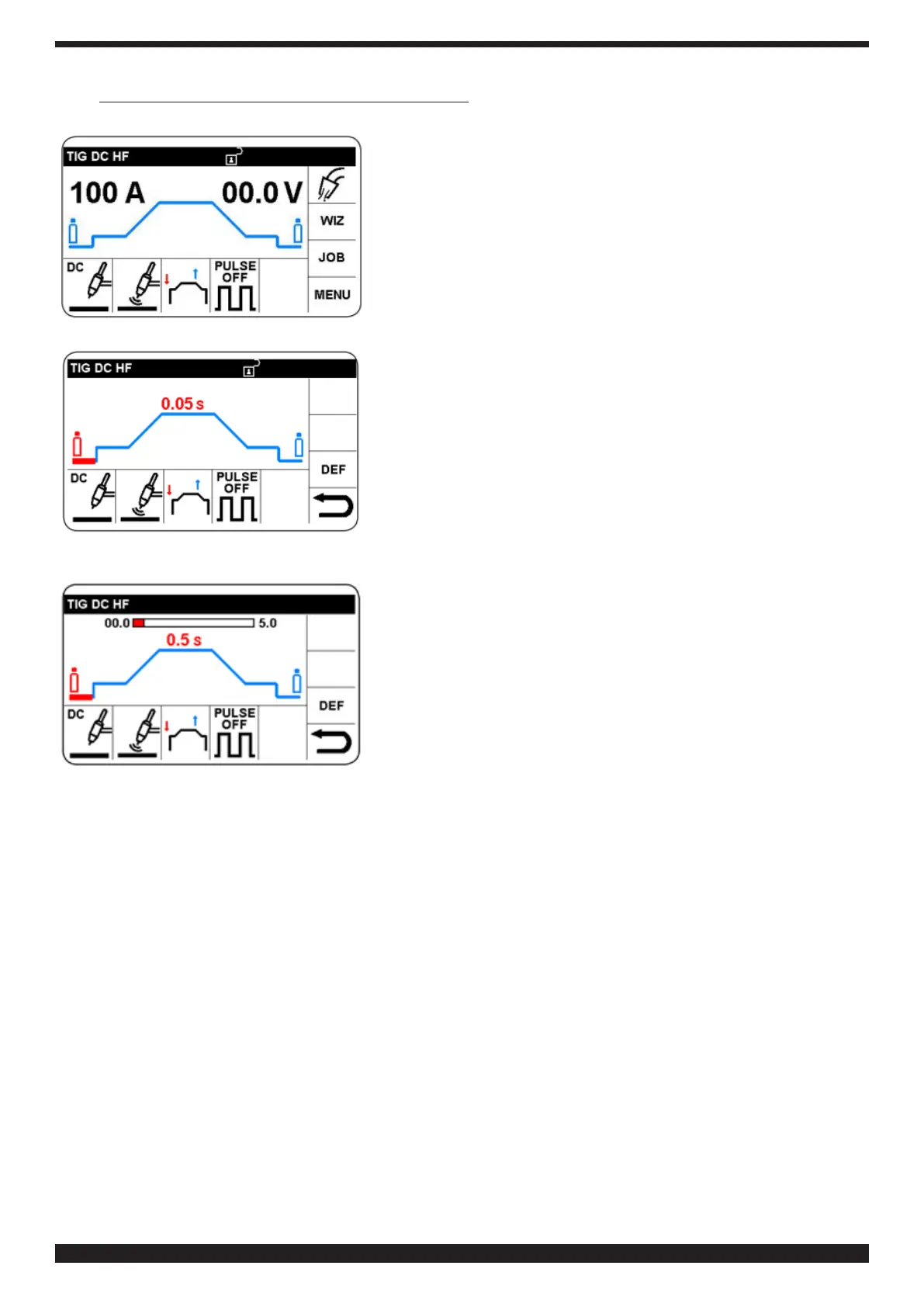
Startingoutfromthemainscreen,selectandconrmRsectorto
access adjustment of the welding parameters as in table 2.
By way of example, the procedure for adjusting Pre-ow time is
described.
Select the required parameter.
Conrmandsettheselectedparameter.Thenpresstoconrmthe
setting and automatically move on to the next parameter, or turn
knob B to select the desired parameter.


 To Next Page
 Loading...