67/89
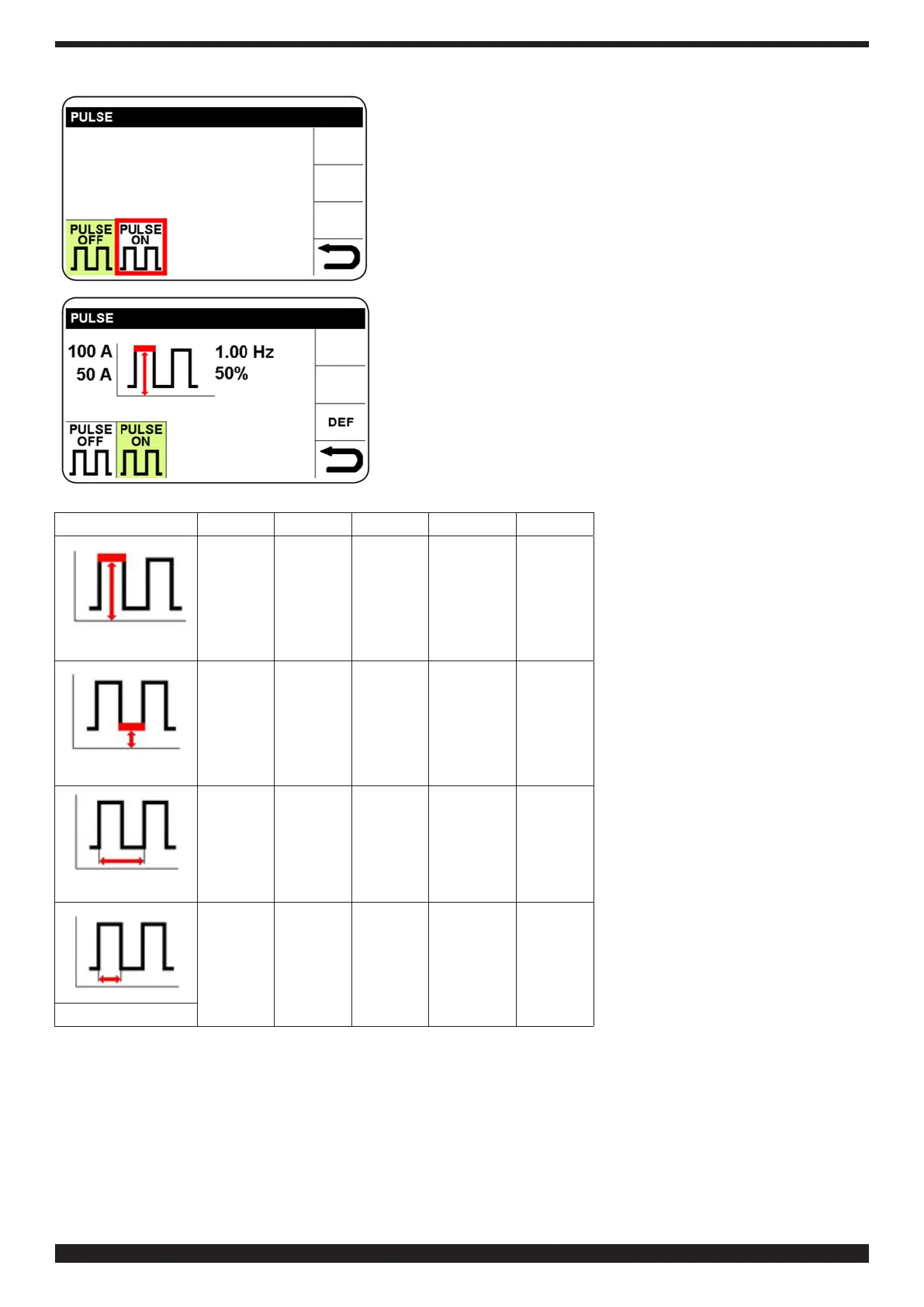
Select and conrm PULSE ON to access pulse parameters setting.
The parameter activates in red.
Conrm and set the selected parameter. Conrm the setting to
move on to the next parameter, or turn knob B to select the desired
parameter.
By means of the same method, it is possible to select: base current,
pulse frequency and percentage of peak current vs base current
(Duty Cycle).
To return to the main screen, press knob B (do not release
immediately) (> 0.7 sec).
Parameter Min Def Max UM Sol�
0 100 250 A 1
Peak current
5 50 Iset A 1
Base current
0.16 0.16 2.5 kHz 1
Frequency
10 50 90 % 1
Duty Cycle


 To Next Page
 Loading...