1 Operational Manual
3.39 “056 The Mold Screw Has Stopped”
When press decompression key, and decompression has reached the setting
position, this message will come out. Remedy: release decompression key.
3.40 “057 Check the Limit Switch for Nozzle Advance”
(A) Unusual Conditions:
a) The carriage did not reach its proximity switch (Input 03 did not ON) position
within menu 15 setting time ff.ff at auto mode.
b) After carriage backward, the carriage proximity switch (Input 03) is still ON the
alarm will show.
(B) Remedy:
a) Check the function and position of proximity switch.
b) Check the direction control valve for carriage.
c) Check and modify carriage forward check time
“
ff.ff
“
in menu 15.
d) Modify the carriage backward speed and pressure setting “gg” “hh” backward time
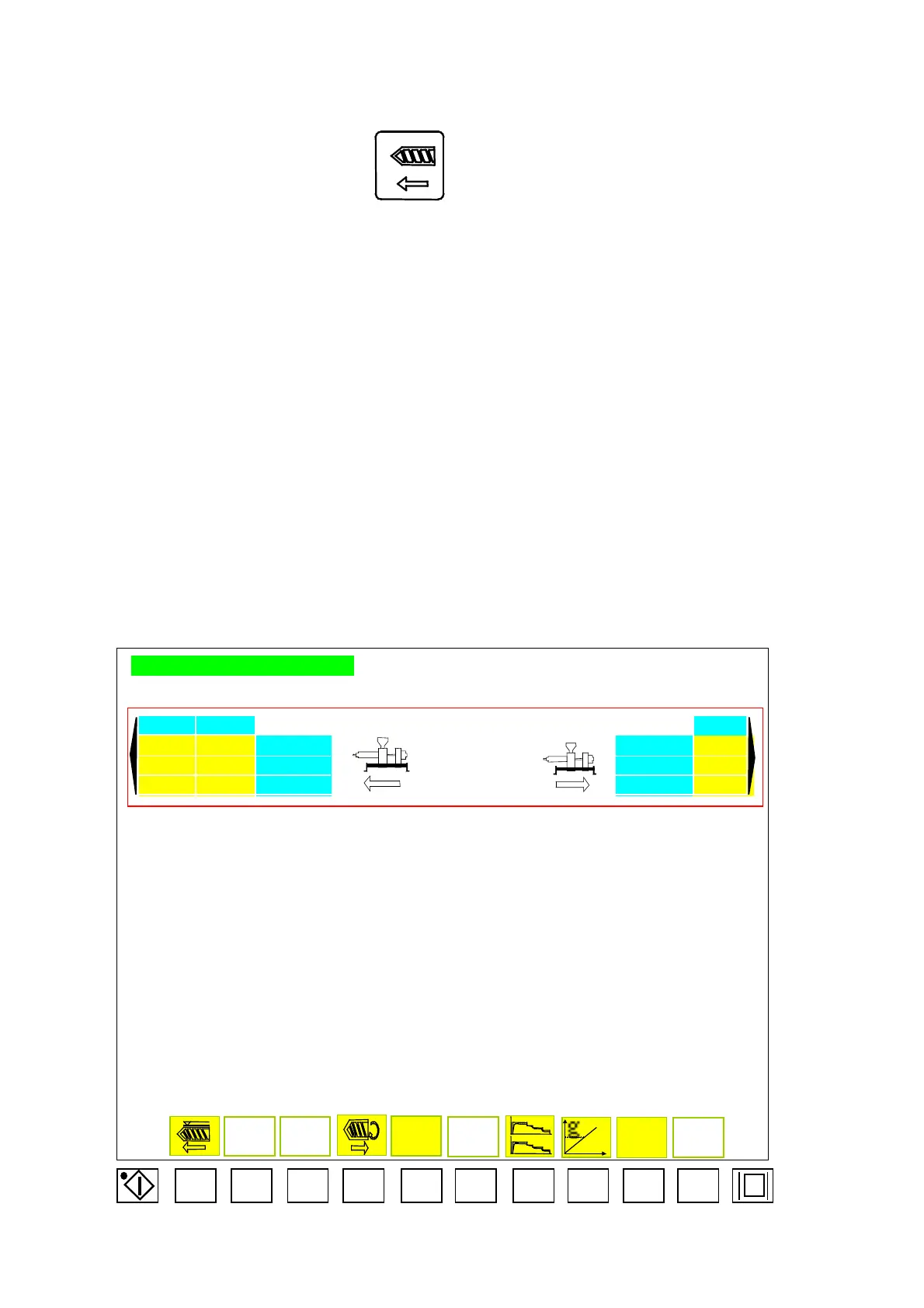
INJECTION CARRIAGE SETTING
2 1 1
dd aa SPEED % SPEED % gg
bb PRESSURE % PRESSURE % hh
ff.ff cc.cc TIME SEC TIME SEC ii.ii
SET
Menu15
F1 F2 F3
F4 F5
F6
F7
F8
F9 F10
ee
04/08/13
177



 To Next Page