1 Operational Manual
2.32 Spare Counter Setup
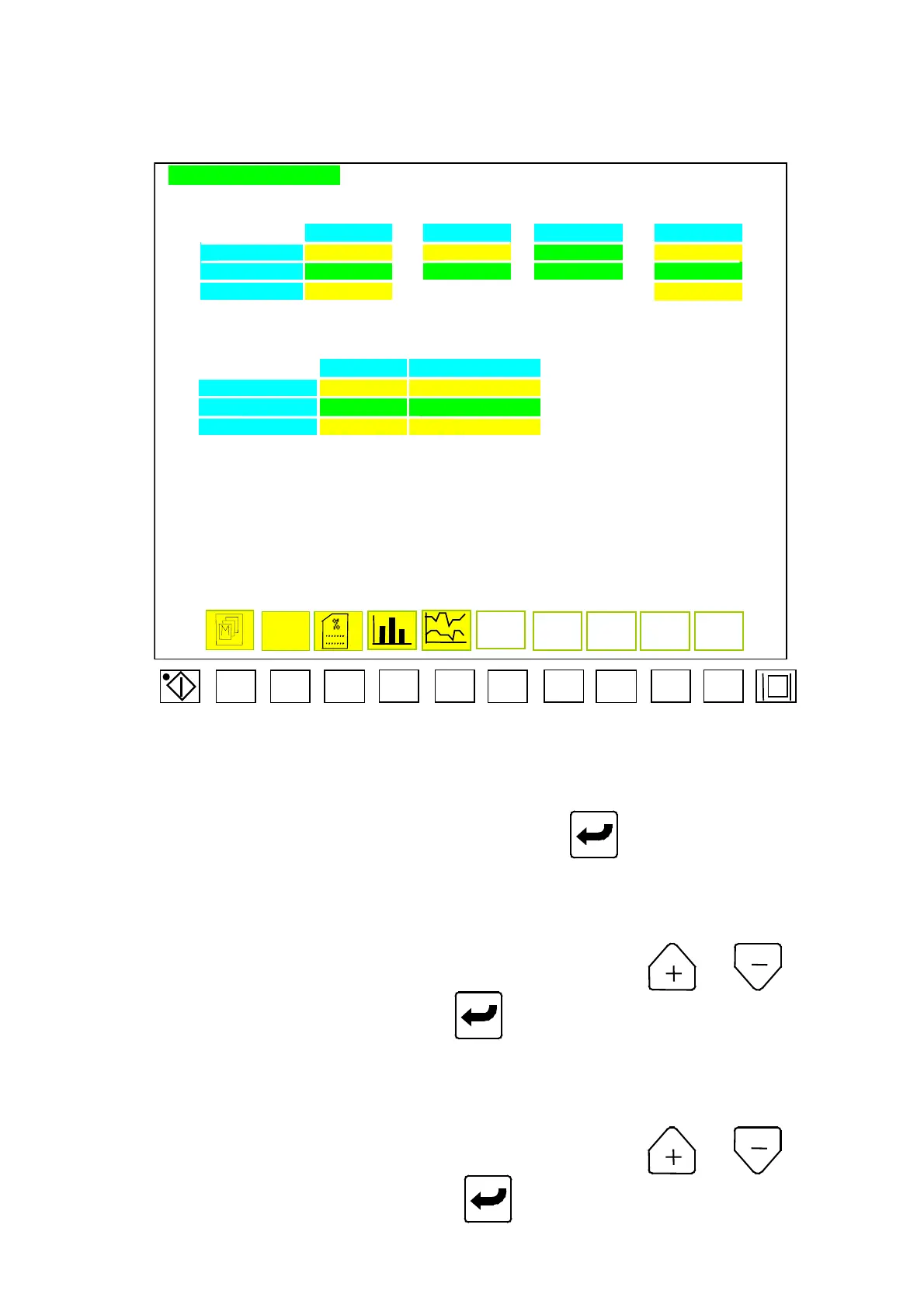
PRODUCT COUNTR PAGE
GOOD NO. DEFECT NO. PRODUCT NO. DEFECT %
SET NO. AAAAA + BBBBB = CC.C%
TOTAL NO. FFFFF GGGGG HHHHHH II.I%
SELECT LLLLLLLL MMMMMMMM
BATCH NO. NO OF DEFECTS.
SET NO. DDDDD EEEEE
TOTAL NO. JJJJJ KKKKK
SELECT NNNNNNNN OOOOOOOO
WORKING HOUR : PPPPP HR QQ MIN
AUTO. RUNNING HOUT : RRRRR HR SS MIN
F1 F2 F3 F4 F5 F6 F7 F8 F9 F10
Menu 43
Move cursor to set parameter in desired numbers, and then press
to complete a correction. Code
description in Menu (43) are shown as below:
A) AAAAA: In auto mode, set the good product no. for program counter
“
CNT 02
”
.
B) FFFFF: Display the good product no. reached.
C) LLLLLLLL: Function selection of good product no. Press
or to select
“
discount
”
or
“
count
”
, then press
to complete a correction.
D) BBBBB: In auto mode, set alarm for over-number of bad product, the program counter
is
“
CNT 3
”
.
E) GGGGG: Display the bad product no.
F) MMMMMMMM: Function selection for bad product no., press or to select
“
discount
”
or
“
count
”
, then press
to complete a correction.
04/08/13
93



 To Next Page