1 Operational Manual
C.c) Switch menu (09) to menu (01); press to have molds sit tight. The
molds should be in a closed state. Use mold clamps to stabilize molds on the
machine and remove mold hangers.
C.d) Mold has no clamping force.
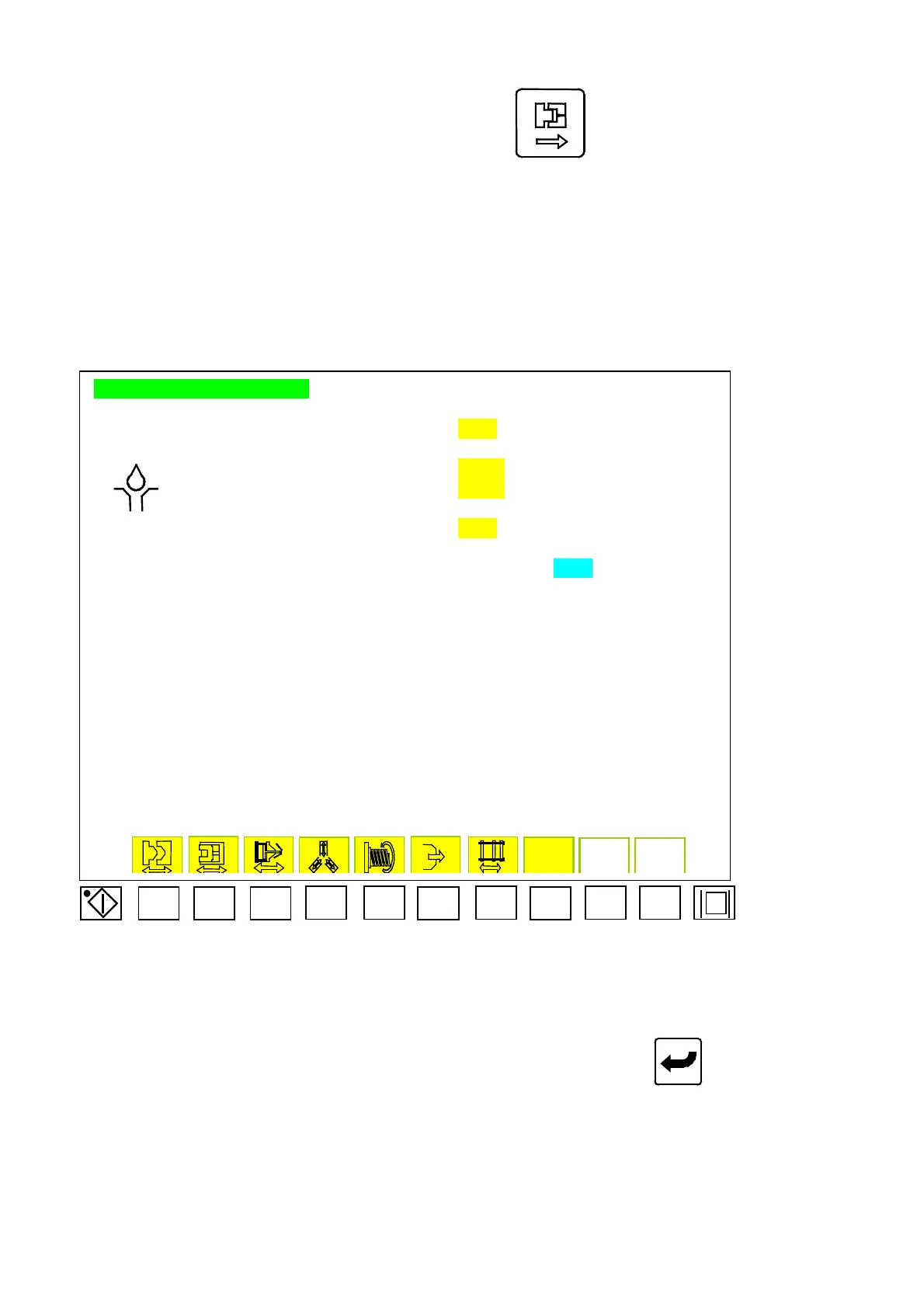
2.12 Lubrication Setup
LUBRICATION SETTING
TOGGLE SYSTEM LUBRICATION AT EVERY GGGGG CYCLES
NEXT LUBRICATION AT KKKKK CYCLE LATER
LUBRICATIN TIME
HHHH.H SEC
LUBRICATIN MONITORING TIME
IIII.I SEC
GREASE LUBRICATION AT EVERY
JJJJJ CYCLES (BY MANUAL)
NEXT LUBRICATION AT LLLLL CYCLE LATER
GREASE LUBRICATION ATALARM RESET
RESET
Menu 10
F1 F2 F3
F4 F5
F6
F7
F8
F9 F10
Move cursor to the parameter of lubrication. Key in desired digits and press
to complete a
correction. Code descriptions for Menu (10) are as follows:
A)
“
GGGGG
”
: mold counts before every toggle lubrication. Computer program counter
code
“
Cnt 18
”
.
B)
“
HHHH.H
”
: Time for toggle lubrication. Computer program timer code
“
Tim 28
”
.
C)
“
IIII.I
”
: Time of monitoring. Computer program timer code
“
Tim 29
”
.
04/08/13
58



 To Next Page