1 Operational Manual
2.40 Function Selection Setup
2.40.1 Function Selection Setup for Toggle Clamping
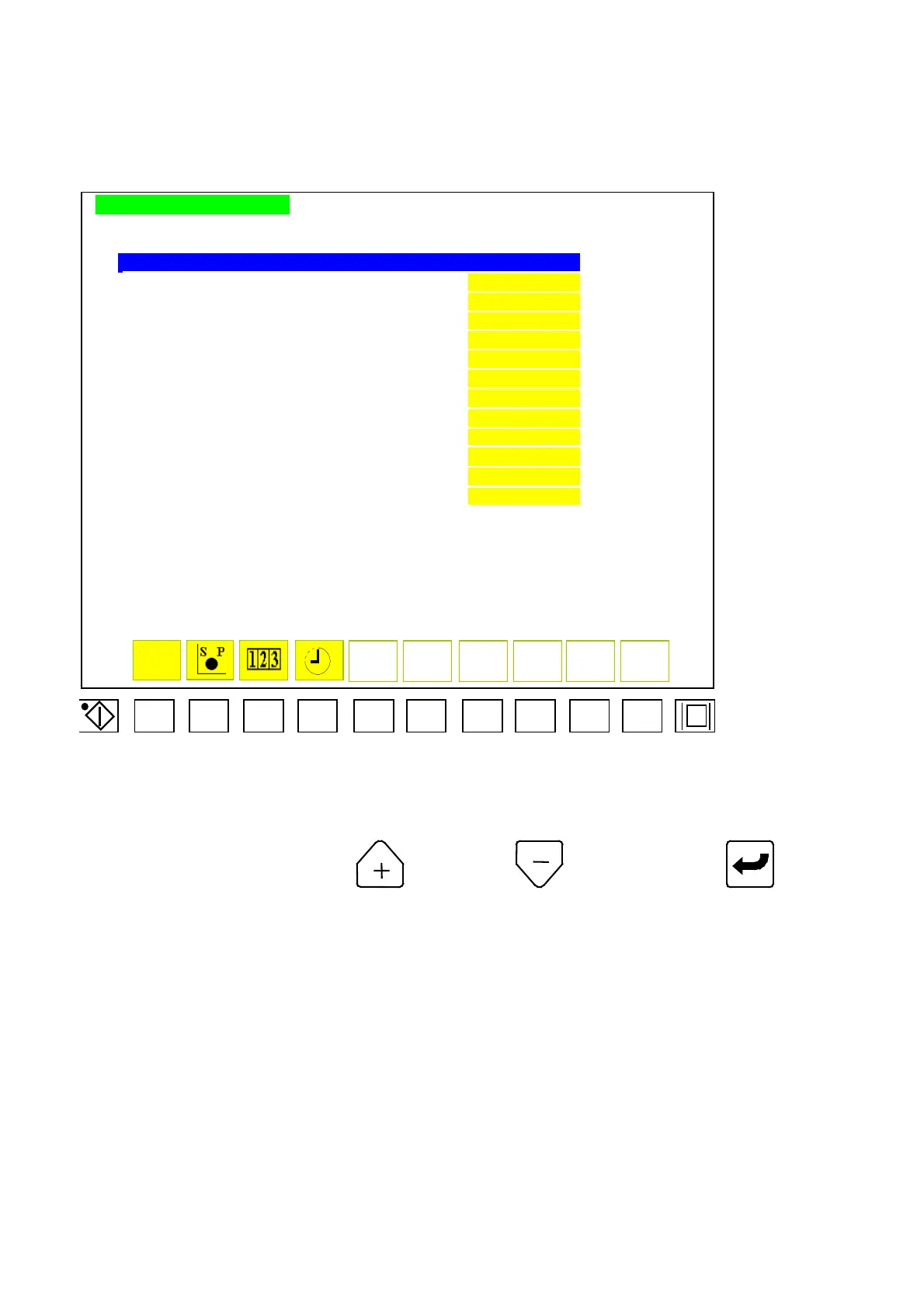
FUNCTION SETTING MODE
FUNCTION SETTING SELECT
PHOTO CELL FUNCTION••••••••••••••
BBB
ACCUMLATOR INJECTION •••••••••••••
CCC
HYDRAULIC MOLD CLAMPER ••••••••••••
DDD
THERMOSET MOLD HIGH-PRESSURE DEGAS ••••••
EEE
THERMOSET MOLD OPEN DEGAS•••••••••••
FFF
AUTO. MOLD EXCHANGE••••••••••••••
GGG
MULTI MOLD OPENING FUNCTION •••••••••
HHH
EXTRUSION•••••••••••••••••••
III
SPARE 2 •••••••••••••••••••
JJJ
SPARE 3 •••••••••••••••••••
KKK
SPARE 4 •••••••••••••••••••
LLL
AUTOMATIC SHUT-OFF FUNCTION••••••••••
AAAAAAAAAAAAA
F1 F2 F3
F4 F5
F6
F7
F8
F9 F10
Menu 32
Move cursor to set parameter. Press to “open” or to “clear” and push to complete
a correction. Code descriptions for menu 32 is as follows:
D) BBB: Photo-cell function
E) CCC: Spare
F) DDD: Spare
G) EEE: Spare
H) FFF: Spare
I) GGG: Spare
J) HHH: Spare
K) III: Spare
L) JJJ: Spare
M) KKK: Spare
N) LLL: Accessories selecting for auto cleaning barrel.
04/08/13
129



 To Next Page