EasyManua.ls Logo

Chen Hsong CDC-2000 - Page 9

Default Icon
208 pages
Print Icon
To Next Page IconTo Next Page
To Previous Page IconTo Previous Page
Loading...
CDC-2000
操作手冊
Operational Manual
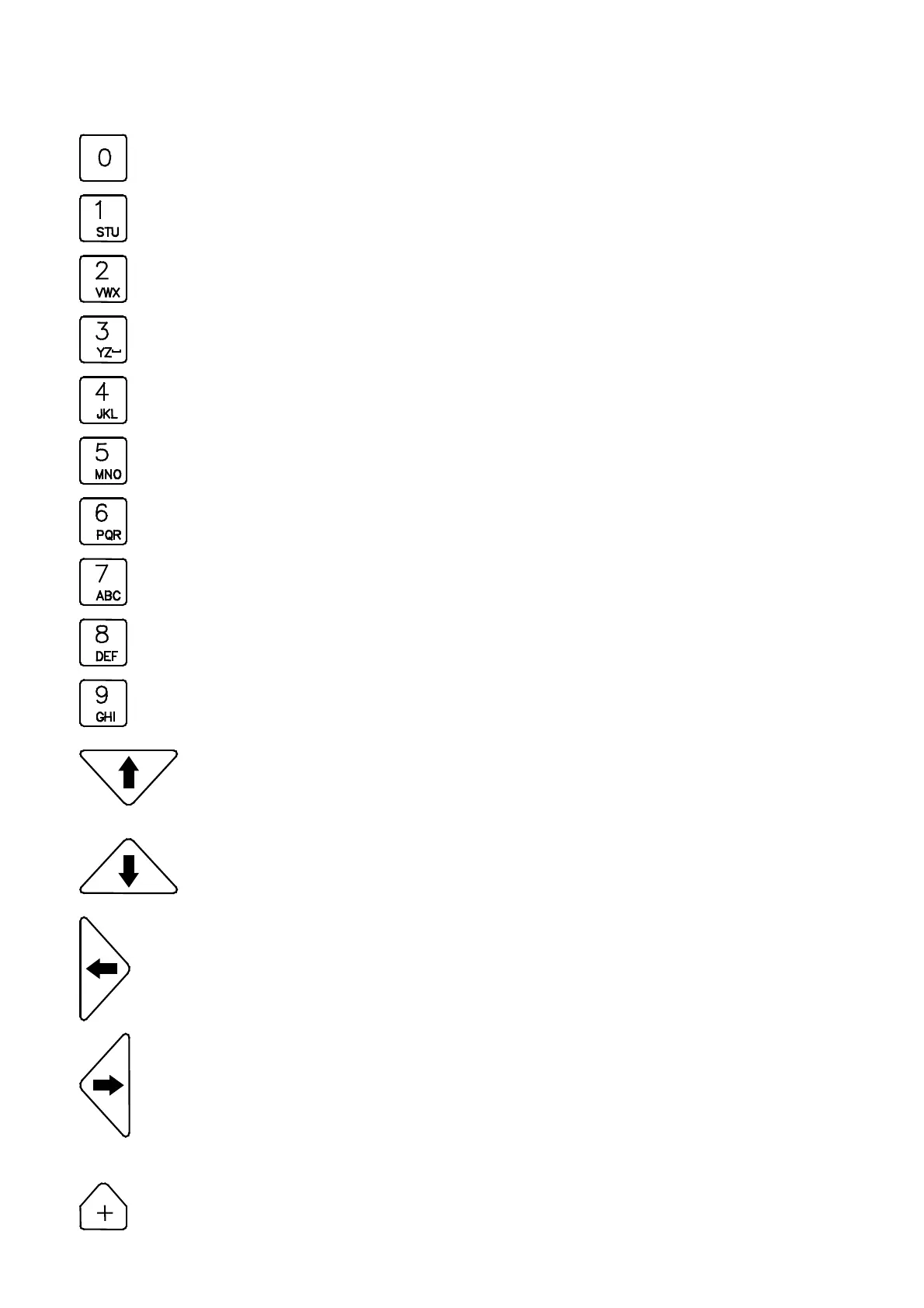
Operational functions are shown below:
: Number
0
or blank space.
: Number
1
or alphabets
S
,
T
,
U
.
: Number
2
or alphabets
V
,
W
,
X
.
: Number
3
or alphabets
Y
,
Z
,
_
.
: Number
4
or alphabets
J
,
K
,
L
.
: Number
5
or alphabets
M
,
N
,
O
.
: Number
6
or alphabets
P
,
Q
,
R
.
: Number
7
or alphabets
A
,
B
,
C
.
: Number
8
or alphabets
D
,
E
,
F
.
: Number
9
or alphabets
G
,
H
,
I
.
: Cursor upward.
: Cursor downward.
: Cursor to left.
: Cursor to right.
The parametric setting value can be changed if the bottom is yellow.
: Function selection,
open
or
close
or increased by
+1
.
04/08/13
5

Table of Contents

Related product manuals