Descriptions of Panel
4-3
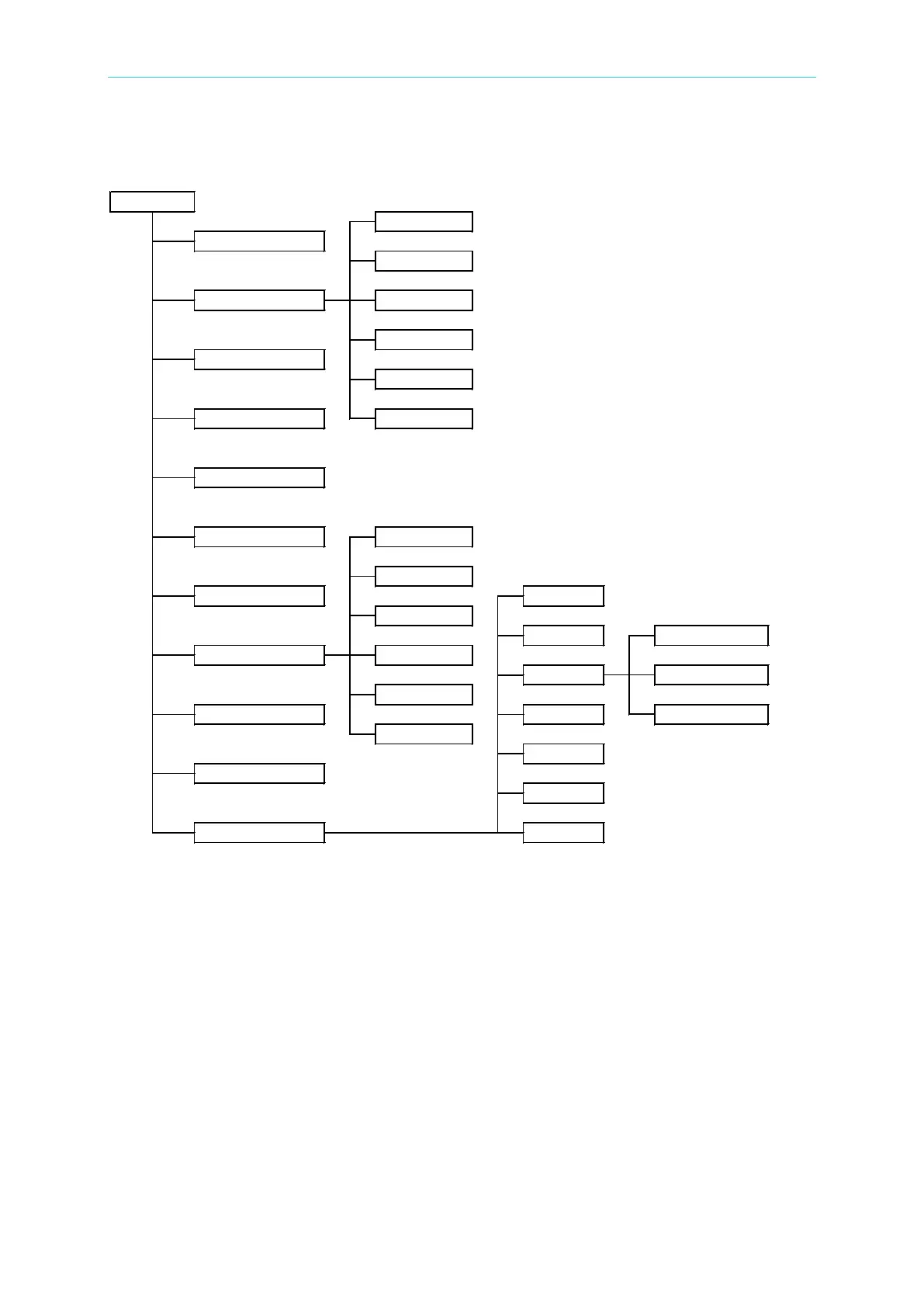
Simplified Function Flow Chart
Key Area
(1) Power Switch: This switch turns on AC power to the analyzer. Before starting, read
Chapter 3 “Safety Precautions”.
(2) STOP Key: Stops the test in progress.
(3) START Key: Starts a test and applies high voltage to the Test Terminals.
(4) Cursor Keys: [], [] keys to move highlighted cursors.
(5) MENU Key: Under each main display mode, press this key to return to “MAIN
MENU” mode.
(6) PRINT Key: This key is disabled.
(7) LOCAL Key: In REMOTE status, pressing [LOCAL] returns the analyzer to LOCAL
mode.



 To Next Page