Descriptions of Panel
4-19
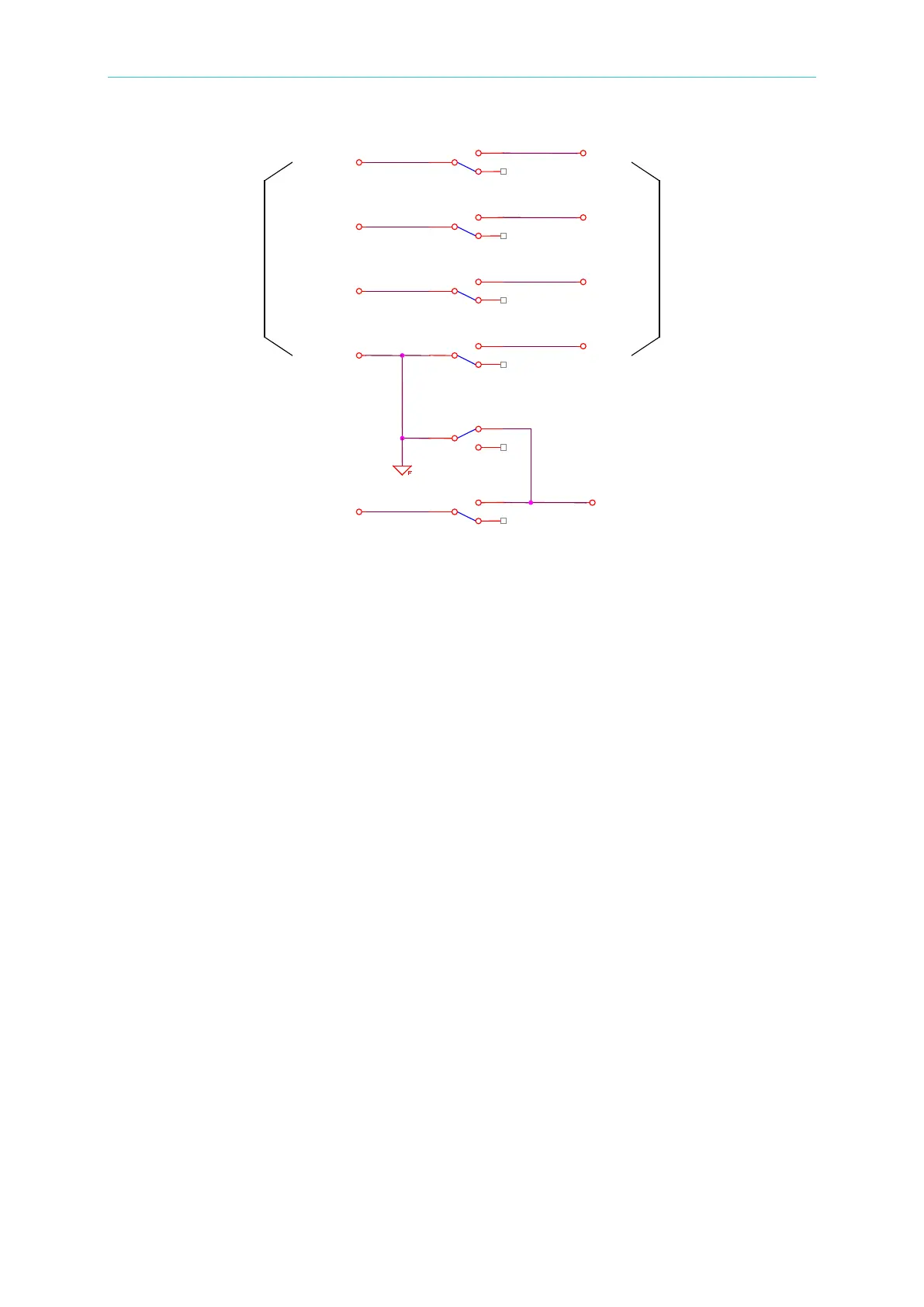
(b) End test: The HV OUTPUT terminal on rear panel and the DRIVE-
terminal on front panel are connected. When the [STOP] key
is pressed, the HV OUT on the rear panel and the DRIVE-
terminal on the front panel are disconnected. The DRIVE and
SENSE terminals on the front panel are connected to the DRIVE
and SENSE terminals on the rear panel.
(3) When CHANNEL 3 is set as X (disable):
(a) The HV OUTPUT terminals on the rear and front panels are
disconnected.
(b) The DRIVE and SENSE terminals on the front panel are
connected to the DRIVE and SENSE terminals on the rear panel.



 To Next Page