Electrical Safety Analyzer 19032 User’s Manual
4-34
After the parameter settings have been completed, press the [EXIT] and [MENU] keys to
return to the MAIN MENU and then press the [TEST] Function Key to enter the TEST menu
as shown in Figure 4-22.
Figure 4-22
Press the [STOP] then [START] Function Keys to the start test.
c. Withstanding test__DC Mode / Insulation resistance test __ IR Mode
Setting methods are the same as b. Withstanding test __ AC Mode.
d. Open/Short circuit detection test __ OSC Mode
After entering the STEP SETTING menu, press the [ ] key to move to TEST MODE to
select OSC MODE. Step through the menu and enter all of the parameter values as shown in
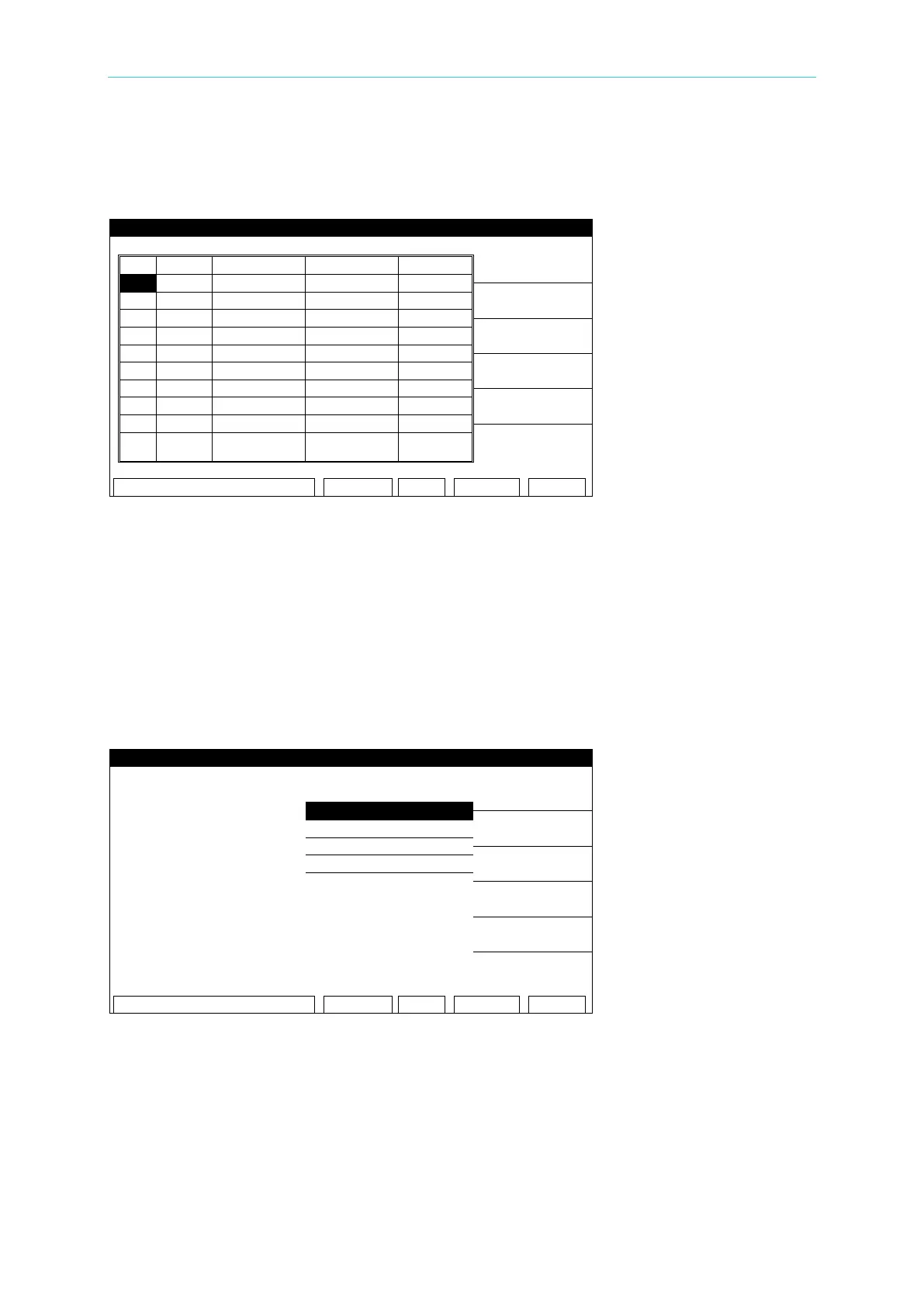
Figure 4-23.
Figure 4-23
Set the following parameters as required by the test:
01. TEST STEP: Select the number of the test step to set the parameters for.
02. TEST MODE: Select the (OSC) test mode
03. OPEN CHK: Set the pass/fail test result to open condition (compare the test reading with
the standard capacitance value [Cs]).
04. SHORT CHK: Set the pass/fail test result to short condition (compare the test reading



 To Next Page