BLOWER CONTROL
Blower Control is used to regulate the
amount of air forced through the Climate
Control system. There are seven blower
speeds available. Adjusting the blower
causes automatic mode to switch to manual operation.
The speeds can be selected using the buttons on the
touchscreen.
PANEL MODE
Press this button on the touchscreen to
change the air distribution mode to Panel
Mode. In Panel Mode, air comes from the
outlets in the headliner. Each of these out-
lets can be individually adjusted to direct the flow of air.
Moving the air vanes of the outlets to one side will shut
off the airflow.
BI-LEVEL MODE
Press this button on the touchscreen to
change the air distribution mode to Bi-Level
Mode. In Bi-Level Mode, air comes from both
the headliner outlets and the floor outlets.
NOTE:
Bi-Level mode is designed under comfort conditions to
provide cooler air out of the panel outlets and warmer
air from the floor outlets.
FLOOR MODE
Press this button on the touchscreen to
change the air distribution mode to Floor
Mode. In Floor Mode, air comes from the
floor outlets.
REAR PASSENGER CLIMATE CONTROL OFF
BUTTON
Press and release the OFF button to turn the
Rear Climate Controls off.
Rear Automatic Temperature Control
(ATC) — If Equipped
The rear Automatic Temperature Control (ATC) system
has floor air outlets underneath the passengers’ seats,
and overhead outlets at each outboard rear seating
position. The system provides heated air through the
floor outlets or cool, dehumidified air through the head-
liner outlets.
Rear second row occupants can only adjust the rear
ATC control when the Rear Temperature Lock button is
turned off.
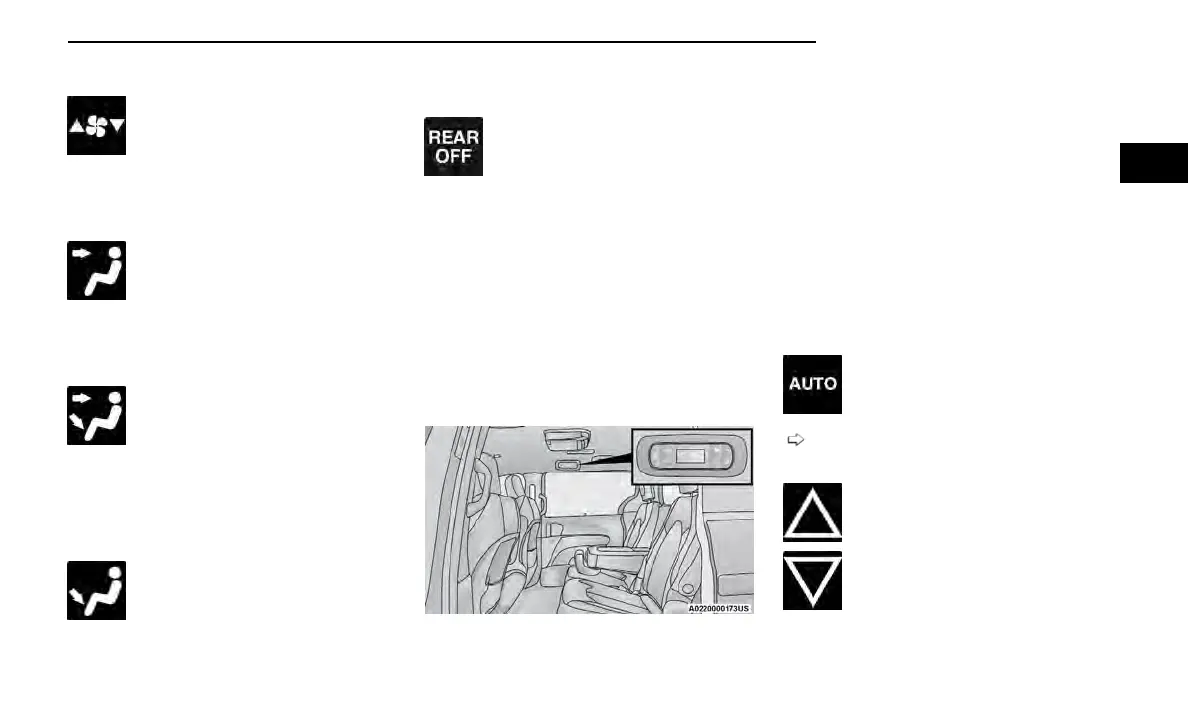
The rear ATC system is located in the headliner, on the
passenger side of the vehicle.
1. Adjust the rear blower, rear temperature and the
rear modes to suit your comfort needs.
2. ATC is selected by pushing the AUTO button.
Once the desired temperature is displayed, the ATC Sys-
tem will automatically achieve and maintain that com-
fort level. When the system is set up for your comfort
level, it is not necessary to change the settings. You will
experience the greatest efficiency by simply allowing
the system to function automatically.
NOTE:
It is not necessary to move the temperature settings.
The system automatically adjusts the temperature,
mode and fan speed to provide comfort as quickly as
possible.
AUTO BUTTON
The AUTO button automatically controls the
interior cabin temperature by adjusting dis-
tribution and amount of airflow. Performing
this function will cause the system to switch
between manual mode and automatic modes
page 76.
REAR TEMPERATURE CONTROL
To change the temperature in the rear of the
vehicle, push temperature control up button
to raise the temperature. The rear tempera-
ture settings are displayed in control head.
To change the temperature in the rear of the
vehicle, push temperature control down but-
ton to lower the temperature. The rear tem-
perature settings are displayed in control
head.
Rear Automatic Climate Controls
GETTING TO KNOW YOUR VEHICLE 71
2















 To Next Page