PANEL MODE
Press this button on the touchscreen to
change the air distribution mode to Panel
Mode. In Panel Mode, air comes from the
outlets in the headliner. Each of these out-
lets can be individually adjusted to direct the flow of air.
Moving the air vanes of the outlets to one side will shut
off the airflow.
BI-LEVEL MODE
Press this button on the touchscreen to
change the air distribution mode to Bi-Level
Mode. In Bi-Level Mode, air comes from the
headliner and floor outlets.
NOTE:
Bi-Level Mode is designed under comfort conditions to
provide cooler air out of the panel outlets and warmer
air from the floor outlets.
FLOOR MODE
Press this button on the touchscreen to
change the air distribution mode to Floor
Mode. In Floor Mode, air comes from the
floor outlets.
REAR PASSENGER CLIMATE CONTROL OFF
BUTTON
Press and release this button to turn the
Rear Climate Controls off.
Rear Manual Temperature Control (MTC)
The rear Manual Temperature Control (MTC) system has
floor air outlets at the rear right side of the third row
seats and overhead outlets at each outboard rear seat-
ing position. The system provides heated air through
the floor outlets or cool, dehumidified air through the
headliner outlets.
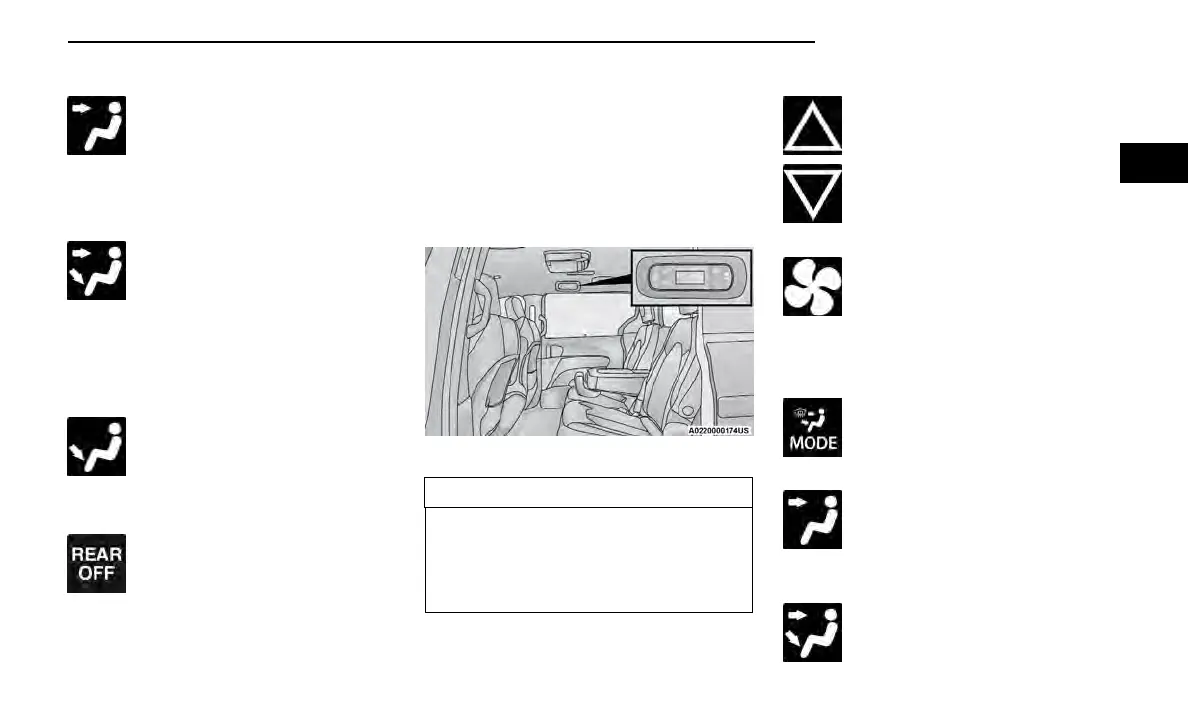
The rear system temperature control buttons are
located on the headliner on the passenger side of the
vehicle.
CAUTION!
Interior air enters the Rear Automatic Temperature
Control system through an intake grille, located in the
floor under the passengers’ seats. Do not block or
place objects directly in front of the inlet grille or
heater outlets. The electrical system could overload
causing damage to the blower motor.
REAR TEMPERATURE CONTROL
To change the temperature in the rear of the
vehicle, push temperature control up button
to raise the temperature. The rear tempera-
ture settings are displayed in control head.
To change the temperature in the rear of the
vehicle, push temperature control down button
to lower the temperature. The rear tempera-
ture settings are displayed in control head.
REAR BLOWER CONTROL
The rear blower control can be manually set
to off, or any fixed blower speed by pushing
the blower control buttons. This allows the
rear seat occupants to control the volume of
air circulated in the rear of the vehicle. The larger of the
two icons increases blower speed, whereas the smaller
of the two icons decreases the blower speed.
REAR MODE CONTROL
Push this button on the Rear Climate Con-
trols to change the air distribution mode for
the rear passengers.
PANEL MODE
Air comes from the outlets in the headliner.
Each of these outlets can be individually
adjusted to direct the flow of air. Moving the
air vanes of the outlets to one side will shut
off the airflow.
BI-LEVEL MODE
Air comes from both the headliner outlets
and the floor outlets.
Rear Manual Climate Controls
GETTING TO KNOW YOUR VEHICLE 75
2















 To Next Page