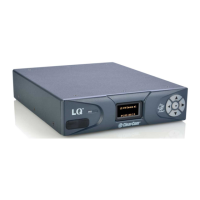
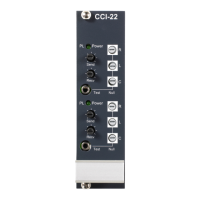
11.1.2 Connecting ports
1) Ensure that the ports are connected to the rear of the LQ unit.
2) From the Core Configuration Manager, navigate to Assignments.
3) Select the Channel tab on the Assignments page.
4) Click on the channel you want to assign a port to.
5) Navigate to Devices in the left hand margin of the screen.
6) Assign the required port to the channel by clicking ‘+’.
7) You will see the interface port appear inside the channel.
Click ‘+’ to
assign port to a
channel


 To Next Page